Making Your Phone Battery Last All Day
- Why batteries drain faster than you expect
- Screen settings that save real power
- Taming background apps and notifications
- Network, GPS, and travel-day tactics
- Charging habits that protect long-term health
- A practical one-day battery checklist
Why batteries drain faster than you expect
Most people blame “old batteries,” but daily drain is usually caused by a mix of screen time, background activity, and network conditions. The display is often the largest power consumer, especially at high brightness, high refresh rates, and when using always-on features. Background processes also add up: apps refreshing feeds, syncing photos, checking location, and maintaining Bluetooth connections. Network quality matters more than many realize. In weak coverage, the phone boosts radio power and repeatedly searches for a stable signal, which can drain the battery quickly even when you are not actively using the device. Heat is another hidden factor. Warm phones become less efficient, and charging while gaming or using navigation can raise temperature and accelerate drain. Understanding these drivers helps you focus on changes that actually move the needle rather than chasing random “battery saver” myths.
Screen settings that save real power
Start with brightness. Auto-brightness is usually more efficient than keeping the slider high all day, but it helps to set a reasonable baseline indoors. If your phone supports adaptive refresh rate, enable it so the display can drop to lower rates when you are reading or viewing static content. On devices that let you choose, 60 Hz typically extends battery life compared with 90/120 Hz, especially on long days away from a charger. Reduce screen timeout to 30–60 seconds so the display does not stay on while you are distracted. Dark mode can help on OLED screens because black pixels use less power, but the benefit depends on the apps you use and how bright the screen is. Finally, review always-on display and wake features. If you do not rely on them, turning them off can cut constant background draw. These changes are simple, reversible, and often deliver noticeable gains without affecting core phone functions.
Taming background apps and notifications
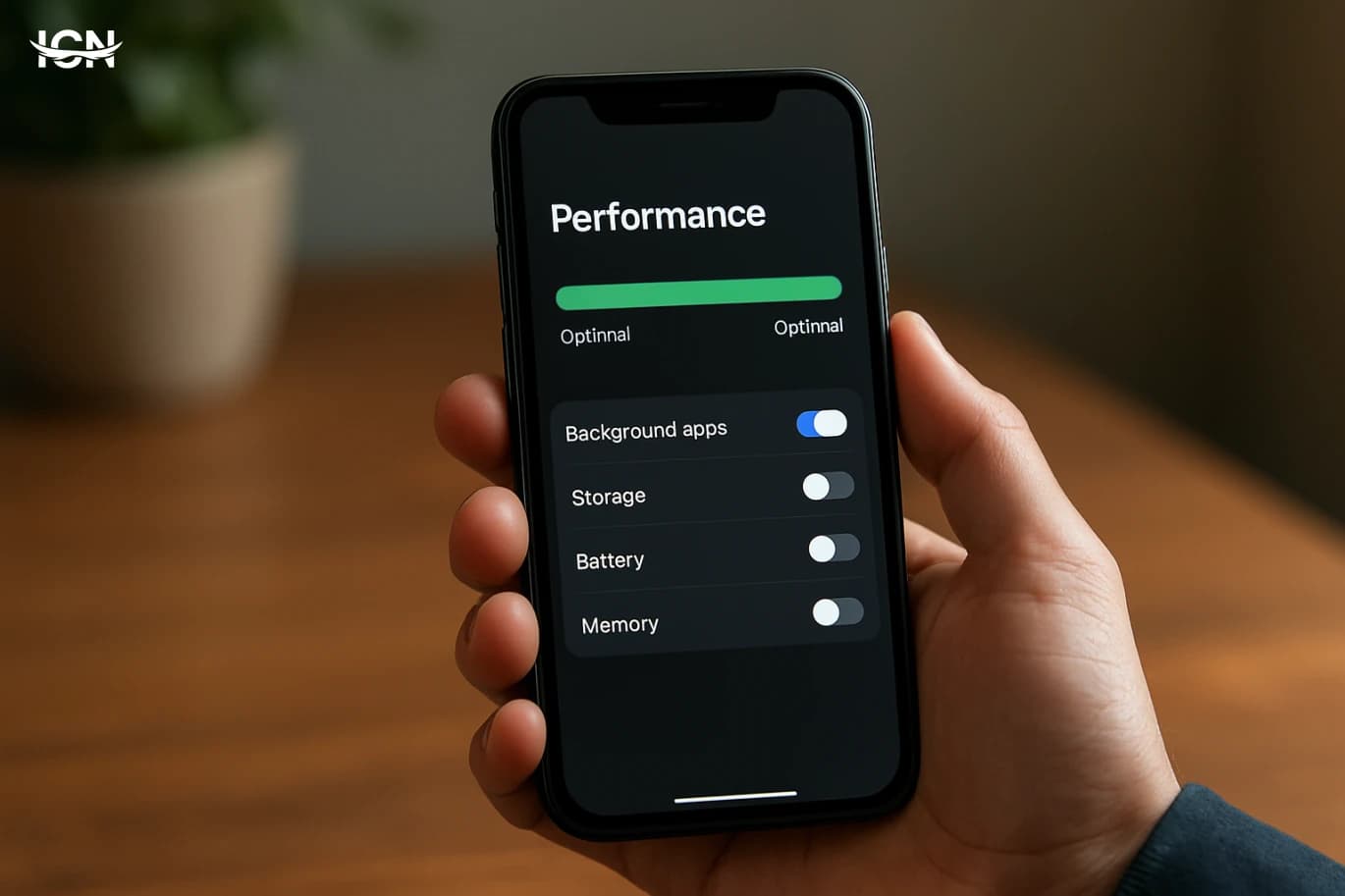
Background activity is the silent battery killer. Check your battery usage screen and identify apps that consume power when you are not actively using them. Social apps, video platforms, and shopping apps can run frequent refresh cycles. Use built-in tools such as “Background App Refresh” controls, battery optimization settings, or per-app restrictions to limit what can run in the background. Notifications also have a cost: each alert can wake the screen, trigger vibration, and prompt network activity. Audit your notification list and keep only what you truly need, such as banking alerts, calendar reminders, and messaging from key contacts. Location access is another major drain. Set location permissions to “While using the app” for most services, and reserve “Always” for essential tools like safety or navigation apps. If you use widgets, keep only the ones you check daily, because some widgets refresh frequently. The goal is not to cripple your phone, but to stop unnecessary activity that provides little value while consuming energy all day.
Network, GPS, and travel-day tactics
Connectivity choices can extend battery life dramatically on busy days. When coverage is poor, consider switching to airplane mode temporarily if you do not need calls or data, or use Wi‑Fi where available because it can be more efficient than cellular in many environments. If you are in a strong 5G area, 5G can be efficient, but in mixed coverage it may cause extra searching; in that case, locking to LTE for the day can reduce drain. Turn off Bluetooth when you are not using earbuds, a watch, or a car system. For navigation, download offline maps before you leave and reduce screen brightness; GPS plus a bright screen is a common reason batteries collapse during travel. If you are commuting, use low-power audio options and avoid streaming video on cellular for long periods. Also watch for roaming and dual-SIM setups, which can increase radio activity. A few connectivity adjustments tailored to your day often outperform aggressive “battery saver” modes that limit performance across the board.
Charging habits that protect long-term health
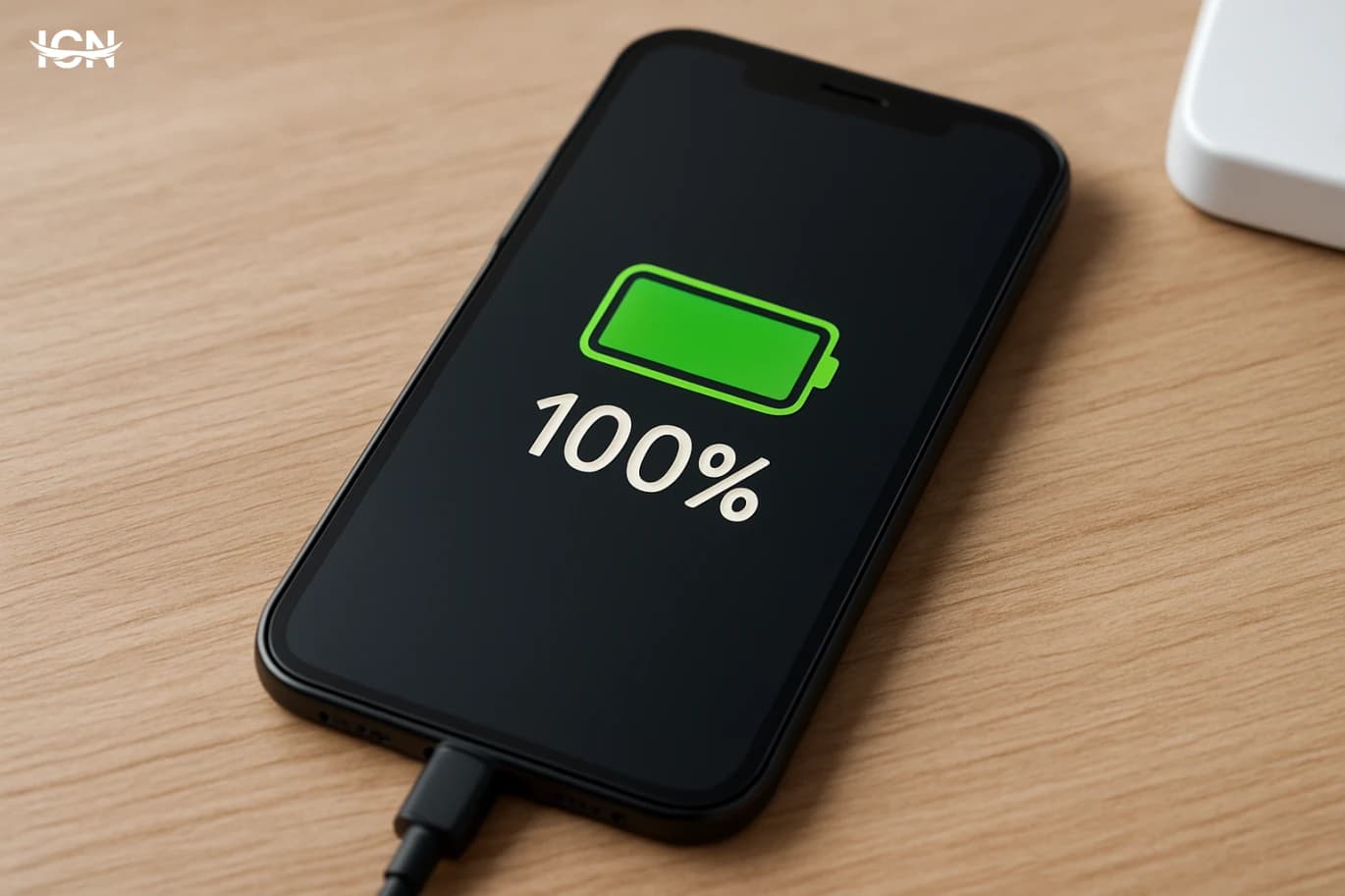
Battery longevity depends on heat, charge cycles, and how long the phone sits at very high or very low charge. Many modern phones offer optimized charging that learns your routine and slows charging near 100% until you need it; enable it if available. For everyday use, keeping the battery roughly between 20% and 80% can reduce wear, but practicality matters more than perfection. Avoid leaving the phone in hot places, and try not to fast-charge repeatedly when the device is already warm. Use reputable chargers and cables that match your phone’s standards to avoid inefficient charging and excess heat. Wireless charging is convenient but can run warmer than wired charging; if you notice heat buildup, switch to wired or remove thick cases while charging. If you store a phone for weeks, leave it around half charge and power it down. These habits will not just help you last a day; they can keep your battery capacity higher over the life of the device.
A practical one-day battery checklist
If you want a repeatable routine, use a short checklist. Before leaving home, charge to a level that matches your schedule and pack a small power bank if you expect heavy use. Set brightness to auto, reduce refresh rate if your phone allows it, and shorten screen timeout. Disable always-on display if you do not need it. Review the top three battery-draining apps and restrict background activity for any that do not need constant updates. Turn off Bluetooth and Wi‑Fi scanning features you are not using. For travel days, download maps and playlists over Wi‑Fi and consider LTE-only if 5G coverage is inconsistent. During the day, avoid letting the phone overheat in direct sun or on a car dashboard. In the evening, check battery stats again; if one app stands out, adjust its permissions or uninstall it. This approach turns battery life from guesswork into a manageable set of decisions you can refine over time.