How eSIM Is Changing Mobile Plans
- Why eSIM matters now
- How eSIM activation really works
- Travel and dual-line use cases
- Security, privacy, and account recovery
- What to check before switching
- What comes next for mobile plans
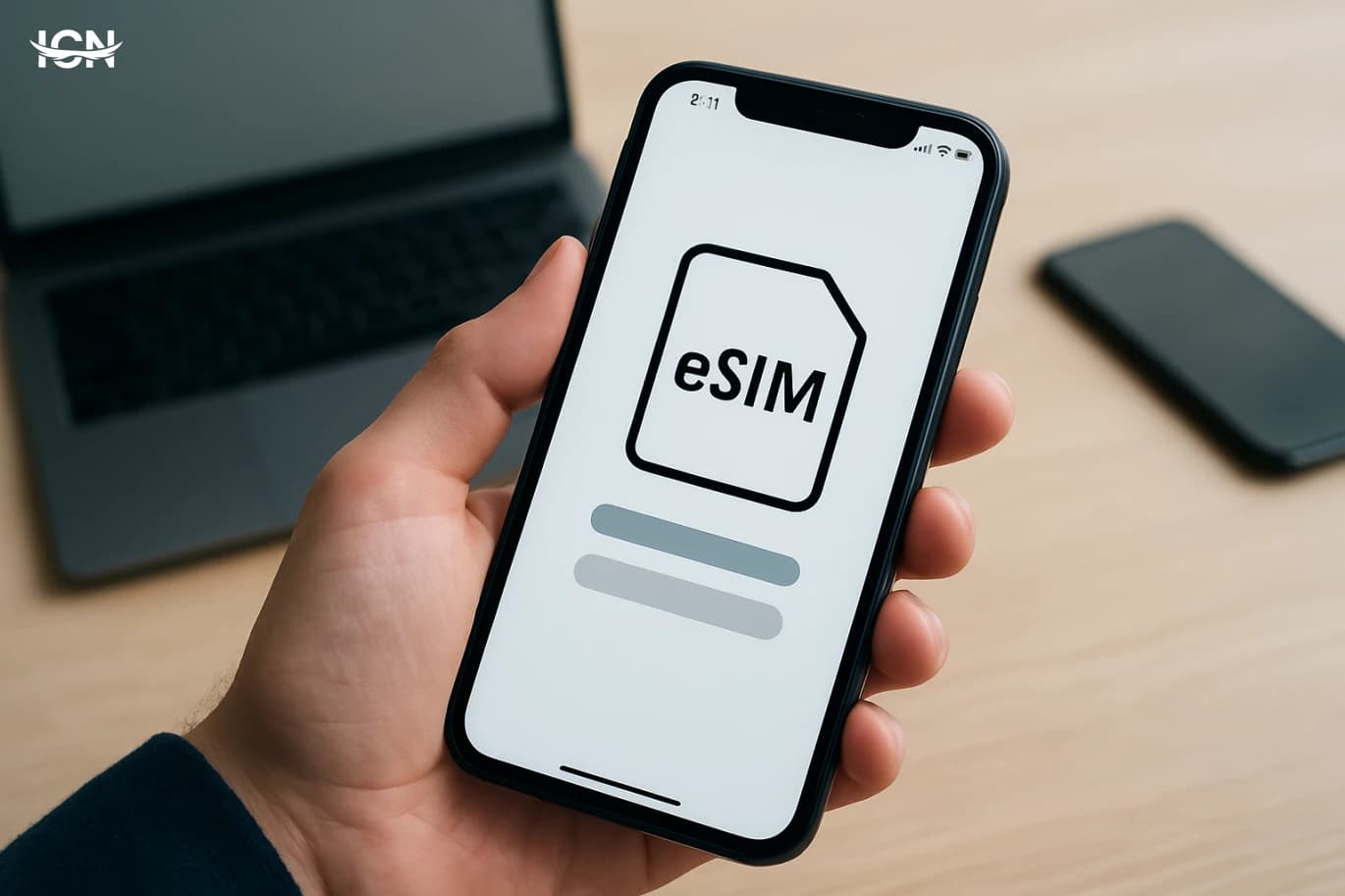
Why eSIM matters now
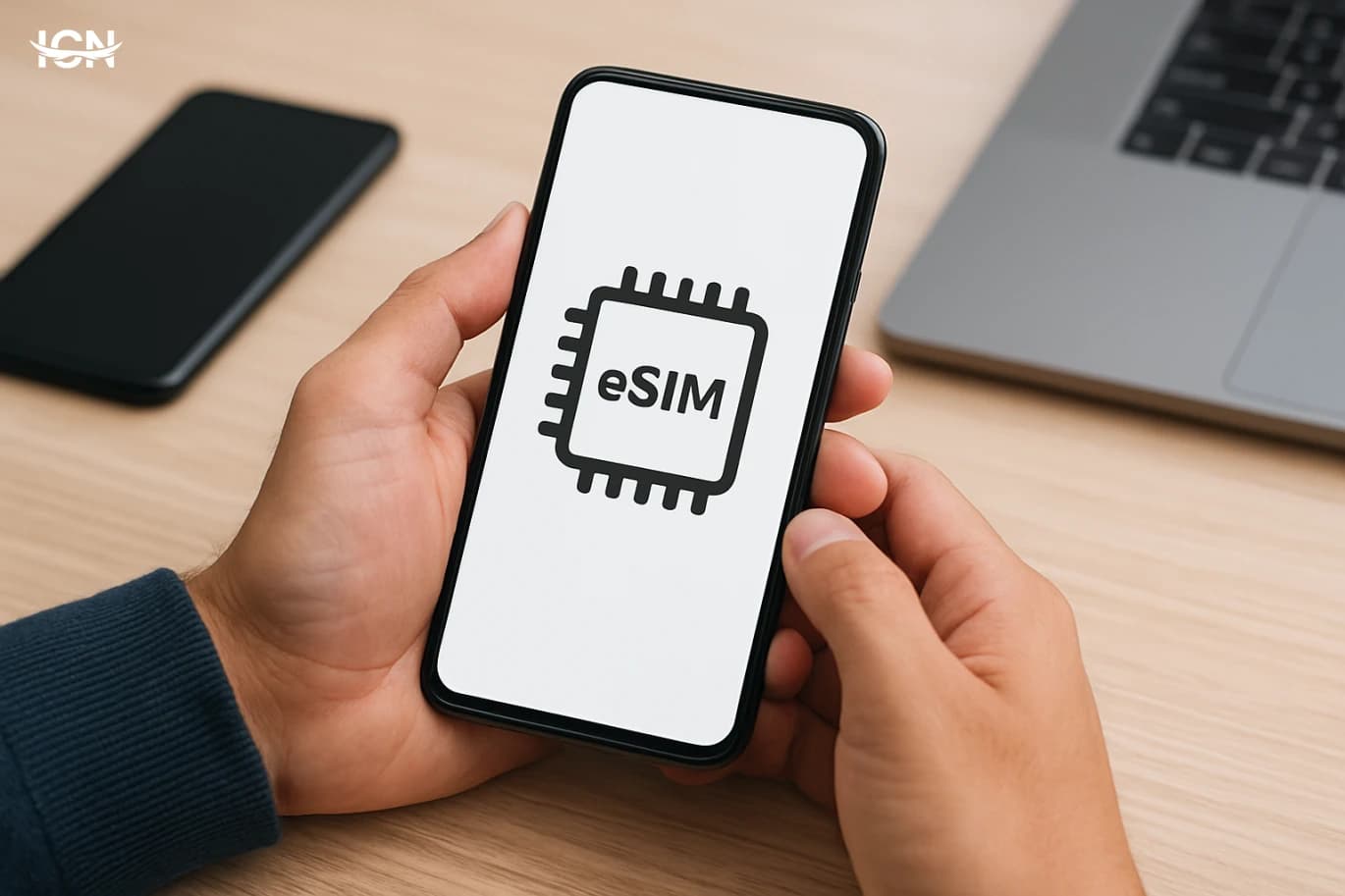
eSIM is no longer a niche feature limited to a few premium phones. It is now supported across many recent iPhone and Android models, tablets, and even some laptops, and carriers in dozens of markets have rolled out consumer eSIM activation. The practical shift is that your “SIM card” becomes a profile that can be downloaded, stored, and switched without visiting a store or waiting for a plastic card to arrive. This matters because mobile usage patterns have changed. People keep phones longer, use multiple numbers for work and personal life, travel more frequently, and rely on mobile data for banking, authentication, and remote work. eSIM addresses these realities by making it easier to add a second line, keep a local number while traveling, or move service to a replacement device quickly after loss or damage. For carriers, eSIM reduces logistics costs and can speed up onboarding, but it also increases competition because switching providers can be simpler. The result is a mobile market where the friction is shifting from hardware to policy: activation rules, device compatibility, and plan terms become the real differentiators. Understanding how eSIM works in practice helps consumers avoid surprises and choose plans that fit their actual usage.
How eSIM activation really works
In most consumer setups, eSIM activation happens in one of three ways. The first is scanning a QR code provided by the carrier, often after purchasing a plan online or in-store. The second is carrier app activation, where the provider’s app verifies your identity and downloads the profile automatically. The third is “carrier provisioning” built into the phone, where supported carriers appear in the device settings and you can add a plan without a separate QR code. Behind the scenes, the eSIM profile contains the credentials that let your device authenticate on the carrier network. Once installed, the profile can usually be labeled (for example “Work” and “Personal”) and set as the default for calls, messages, and data. Many phones allow multiple eSIM profiles to be stored, but only a limited number can be active at the same time. The exact limits depend on the device model and software version. The details that trip people up are not technical, but procedural. Some carriers require an in-person identity check for the first activation, especially for postpaid plans. Others restrict how many times you can reissue an eSIM in a given period, which matters if you switch phones frequently. There can also be differences in whether you can transfer an eSIM from one phone to another directly, or whether you must request a new QR code each time. Before relying on eSIM for a primary number, it is worth checking the carrier’s transfer policy and support channels.
Travel and dual-line use cases
One of the clearest consumer benefits of eSIM is travel flexibility. Instead of buying a physical prepaid SIM at the airport, many travelers now purchase a data plan from an eSIM provider before departure and activate it on arrival. This can reduce time spent searching for a store, and it can help avoid roaming charges if your home carrier’s roaming packages are expensive. Dual-line setups are another major driver. A common pattern is keeping a primary number for calls and authentication while using a secondary eSIM for data. For example, a consultant might keep a home carrier line active for voice and SMS, then add a local data plan during a multi-week project abroad. At home, people often use a second line for work, or to separate personal messaging from business contacts. However, the best experience depends on device features and carrier support. Not all carriers support Wi‑Fi calling on secondary lines, and some restrict tethering on certain prepaid eSIM plans. Travelers should also check whether the eSIM plan includes local phone numbers or is data-only, because that affects ride-hailing apps, restaurant bookings, and any service that expects a local number. Finally, it is important to understand how your phone chooses the data line when signal quality changes, and to verify that your primary line is not accidentally using roaming data in the background.
Security, privacy, and account recovery
eSIM changes the threat model around SIM-related fraud, but it does not eliminate it. Traditional SIM swap attacks often involve convincing a carrier to move a victim’s number to a new physical SIM. With eSIM, the “swap” can still happen if an attacker gains access to your carrier account, passes identity checks, or exploits weak customer support processes. The difference is that the attacker may not need a physical card, which can speed up the attack. For consumers, the most important protections are account-level. Use a strong carrier account password, enable any available account PIN or port-out lock, and keep your email account secured with multi-factor authentication. If your carrier offers notifications for SIM changes or number transfers, turn them on. Also review how your bank and key services handle number changes; some institutions allow additional verification steps that reduce reliance on SMS. Account recovery is another practical issue. If your phone is lost and your primary number is on eSIM, you may need to visit a store or complete an identity verification process to reissue the eSIM. That can be inconvenient when traveling. A sensible approach is to keep copies of purchase receipts, know your carrier’s recovery steps, and ensure you have alternative authentication methods for critical accounts, such as authenticator apps or hardware keys. eSIM is convenient, but convenience should not replace a recovery plan.
What to check before switching
Before moving your primary line to eSIM, start with device compatibility. Some phones support eSIM but only on certain regional variants, and some carrier features (like 5G, VoLTE, or Wi‑Fi calling) may depend on certification lists. Check both the phone manufacturer’s specifications and the carrier’s supported device page. Next, review plan rules. Ask whether your plan supports eSIM at no extra cost, whether there are fees for reissuing profiles, and whether you can keep a physical SIM as a backup. If you use corporate or family plans, confirm who has permission to issue or transfer eSIM profiles, because the account holder controls critical actions. Finally, plan the timing. Do the switch when you have stable internet access, time to troubleshoot, and access to your identity documents if required. If you rely on SMS for work logins or banking, schedule the change outside of critical hours. A smooth eSIM transition is usually quick, but the rare failures are disruptive precisely because your phone number is tied to so many services.
What comes next for mobile plans
As eSIM becomes standard, mobile plans are likely to become more modular and more competitive. Consumers can already compare short-term data packages for travel, add temporary lines for events or seasonal work, and switch providers with fewer physical constraints. This pushes carriers to differentiate through network quality, customer support, and transparent pricing rather than relying on the inertia of a physical SIM. We are also seeing early signs of faster digital onboarding: identity verification in apps, instant number provisioning, and more self-service controls for line management. At the same time, regulators in many markets are paying closer attention to number portability, consumer rights, and fraud prevention, because easier switching can be good for competition but can also increase abuse if safeguards are weak. For readers, the practical takeaway is to treat eSIM as a tool, not a goal. If you travel, manage multiple roles, or want flexibility, eSIM can simplify your setup. If you rarely change devices and prefer a straightforward process, a physical SIM may still be fine. The best choice depends on your carrier’s policies, your device, and how much you value quick switching versus predictable recovery when something goes wrong.