App Logo

Download Our App

Shop your way

logologo
Image

General Mobile Topic: Practical Ways to Get More From Your Phone Every Day
01/27/2026By: ICN Writer
General Mobile Topic: Practical Ways to Get More From Your Phone Every Day

The Phone as a Daily Tool, Not Just a Device

A modern phone is less a gadget and more a pocket-sized workspace, camera, wallet, map, and social hub. That sounds obvious, yet many people still use their phone in a narrow way: a few apps, constant scrolling, and a battery that somehow dies at the worst time. Treating the phone as a daily tool starts with intent. What do you want it to do for you on a typical weekday? If the answer is “help me stay organized, communicate clearly, and capture moments,” then your setup should reflect that. Begin by identifying your “core actions.” For many users, those are messaging, calendar, notes, navigation, photos, and a browser. Put these in easy reach on the first screen, and move entertainment and shopping to later screens so they are still available but less automatic. This is not about strict self-control; it is about reducing friction for the things you value and adding friction for the things that drain time. Also consider the physical side of daily use. A comfortable case, a reliable charger where you actually sit, and a pair of earbuds that connect quickly can change your experience more than a flashy new app. Small improvements compound: fewer missed calls, faster replies, fewer moments of “where did I save that?” When you see the phone as a tool, you start optimizing it like one.

Battery, Performance, and Storage: The Quiet Foundations

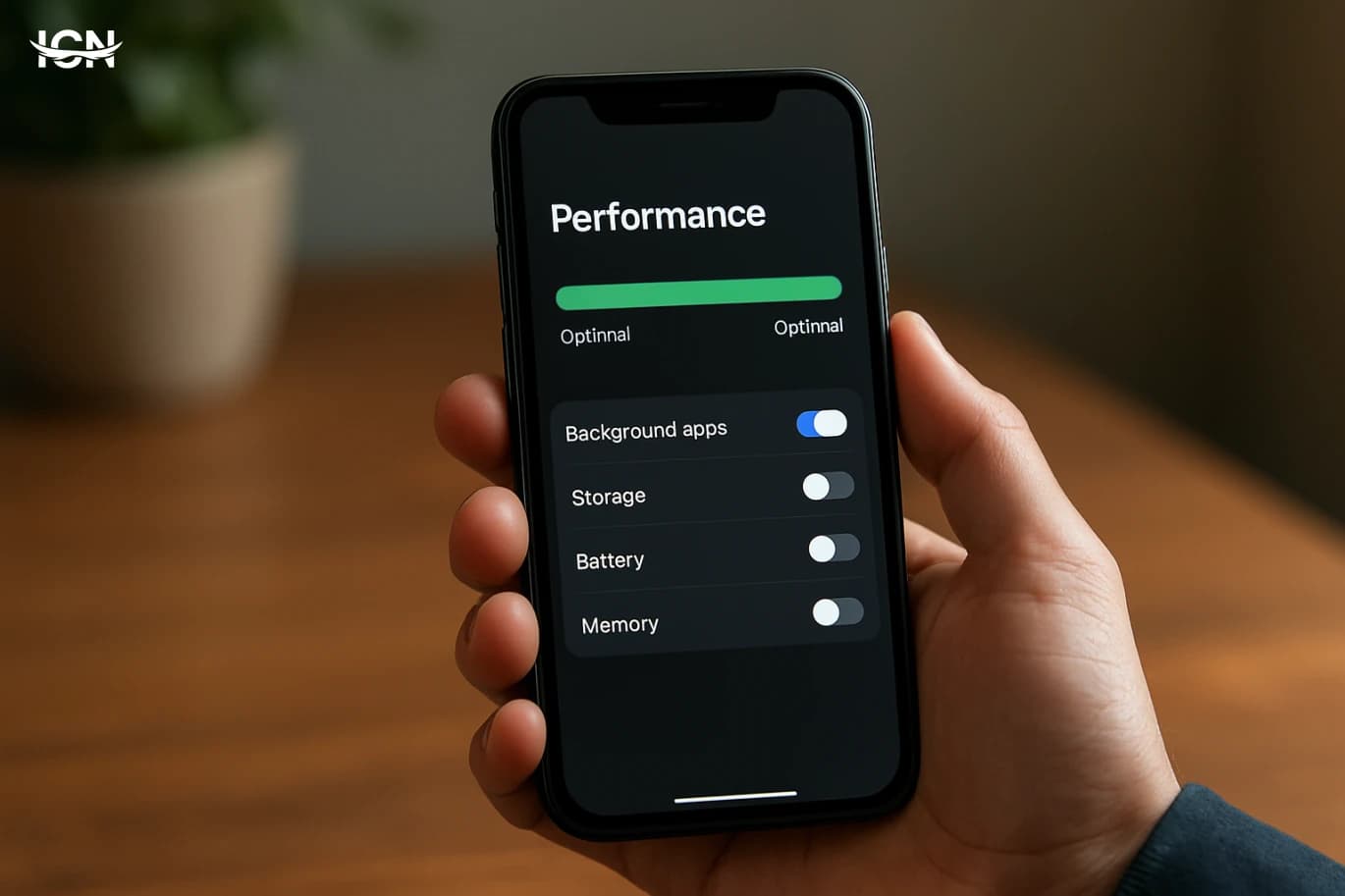
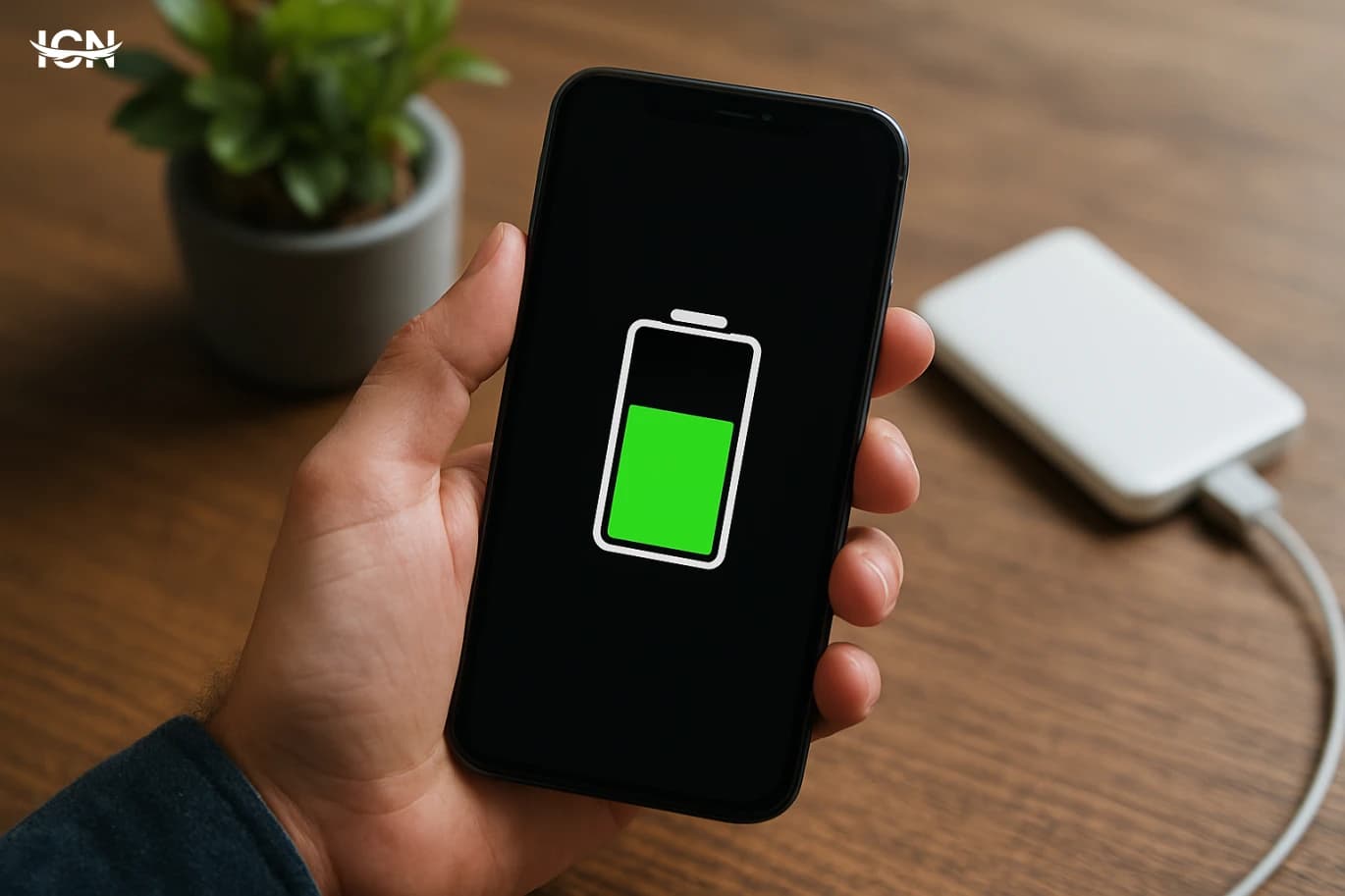
Most mobile frustrations trace back to three foundations: battery life, performance, and storage. You can have the best camera and the fastest connection, but if the phone is always hot, slow, or full, the experience feels unreliable. Improving these areas is usually less dramatic than buying a new phone, yet often more effective. For battery health, focus on habits that reduce stress: avoid leaving the phone baking in a car, remove thick cases when charging if it gets warm, and use reputable chargers. Many phones now offer optimized charging that slows the last part of the charge overnight; enable it if available. If you regularly end the day at 10%, the solution might be a simple routine: top up for 15 minutes while you shower, or keep a compact power bank in a bag you already carry. Performance is often about housekeeping. Restarting the phone occasionally clears stuck processes. Updating the operating system and key apps can fix memory leaks and improve efficiency. If your phone feels slow, check which apps run in the background, and disable background refresh where it does not matter. Also watch for storage pressure: when free space is low, the system has less room for caching and temporary files, and everything can feel sluggish. Storage management does not have to be painful. Start with the biggest culprits: duplicate photos, long videos, offline downloads, and chat attachments. Use built-in tools to review large files and remove what you do not need. If you rely on cloud backups, confirm they are actually working before deleting anything. A phone that has breathing room—battery that lasts, storage that is not cramped, and performance that stays steady—feels trustworthy, and trust is what makes you reach for it with confidence.

Privacy and Security in Everyday Mobile Life

Phones carry the most personal mix of data most people own: messages, photos, location history, payment methods, and access to work accounts. Security is not only for experts; it is a set of small choices that reduce risk. Start with the lock screen. A strong passcode is still one of the best protections. Biometrics are convenient, but they work best paired with a real passcode rather than a simple pattern. Next, review app permissions. Many apps ask for location, contacts, microphone, and photo access even when it is not essential. Grant the minimum needed for the feature you actually use. If an app only needs location while you are navigating, set it to “only while using.” If a flashlight app wants your contacts, that is a signal to uninstall it. Account security matters too. Turn on two-factor authentication for your primary email, because email is often the key to resetting everything else. Use a password manager if you can, or at least avoid reusing the same password across banking, social media, and shopping. Keep your operating system updated; security patches are not optional extras. Finally, think about your data in transit. Public Wi‑Fi can be useful, but it is not always trustworthy. Avoid logging into sensitive accounts on unknown networks, and consider a reputable VPN if you frequently work from cafes or travel. None of these steps require paranoia. They are practical habits that let you enjoy the convenience of mobile life without handing over your privacy by default.

Communication, Focus, and Notification Hygiene

The most powerful feature of a phone is also the most disruptive: it can reach you anytime. Without boundaries, communication turns into constant interruption, and the day becomes a series of reactions. Notification hygiene is the art of keeping what helps and removing what distracts. Start by deciding which apps deserve immediate attention. For many people, that list is small: calls, messages from close contacts, calendar reminders, and perhaps a work chat during office hours. Everything else can be delivered quietly, grouped, or checked on your schedule. Use focus modes to separate contexts: work, personal time, sleep. Even a simple rule—no social notifications after 9 p.m.—can improve rest. Communication quality matters as much as quantity. If you often misread tone in text, use voice notes for sensitive topics or switch to a quick call. If group chats drain you, mute them and check once or twice a day. Pin the conversations that matter most so you do not hunt for them under a pile of updates. Also pay attention to the “open loops” your phone creates: unread badges, half-finished drafts, saved links you never revisit. A weekly cleanup helps. Archive old chats, clear downloads, and review your home screen. The goal is not a sterile phone; it is a phone that supports your relationships and your focus rather than competing with them.

Photos, Files, and the Mobile Workflow

Phones have become the default computer for many tasks: scanning documents, editing images, signing forms, and sharing files. The difference between a smooth mobile workflow and a frustrating one is usually organization. If you take photos daily, you need a system that prevents your gallery from becoming a junk drawer. Create lightweight habits. When you capture something important—an ID, a receipt, a whiteboard—rename it or move it into a dedicated folder the same day. Use a scanning app or the built-in document scanner so text is readable and pages are cropped. For files, pick one “home” location: a cloud drive, a notes app, or a files app with clear folders. The problem is not that you have too many tools; it is that you spread one project across five places. For photos, decide what deserves long-term storage. Not every screenshot needs to live forever. Set a monthly reminder to review screenshots and duplicates, and keep a small set of “albums that matter”: family, travel, work references, documents. If you edit photos, save in a way that preserves originals, and confirm your backup strategy. Losing a year of photos because sync was off is a painful lesson. A good mobile workflow also respects time. Templates help: a note template for meeting minutes, a checklist for travel packing, a folder for invoices. Once you build a few repeatable patterns, the phone stops feeling like a chaotic feed and starts functioning like a reliable assistant.

Choosing and Maintaining a Phone for the Long Term

The mobile market encourages frequent upgrades, but long-term satisfaction often comes from choosing wisely and maintaining well. When selecting a phone, focus on the parts that age the slowest: a strong processor, enough RAM for multitasking, and a battery that can be replaced or at least supported by good service. Software support matters more than a tiny camera upgrade; years of security updates can keep a phone safe and smooth. Think about your real usage. If you mostly message, browse, and take casual photos, you may not need the highest-end model. Spend instead on durability: a quality case, a screen protector, and a charger you trust. If you rely on your phone for work, prioritize reliability, storage, and a backup plan over flashy features. Maintenance is simple but consistent. Keep the phone clean, especially the charging port and speakers. Back up regularly and verify that backups can be restored. Review subscriptions and auto-renewing services so your phone does not become a silent drain on your budget. If you sell or hand down the device, wipe it properly and remove accounts. A phone that lasts is not only cheaper; it is calmer. You learn its shortcuts, your workflow becomes stable, and you stop spending mental energy on constant change. In a world where mobile technology moves fast, the most practical goal is not to chase every new feature, but to build a setup that serves your life well, year after year.
* All articles published on this blog are sourced from various websites and are provided for informational purposes only. They should not be considered as confirmed studies or accurate information. Please verify the information independently before relying on it.

Similar ARTICLES

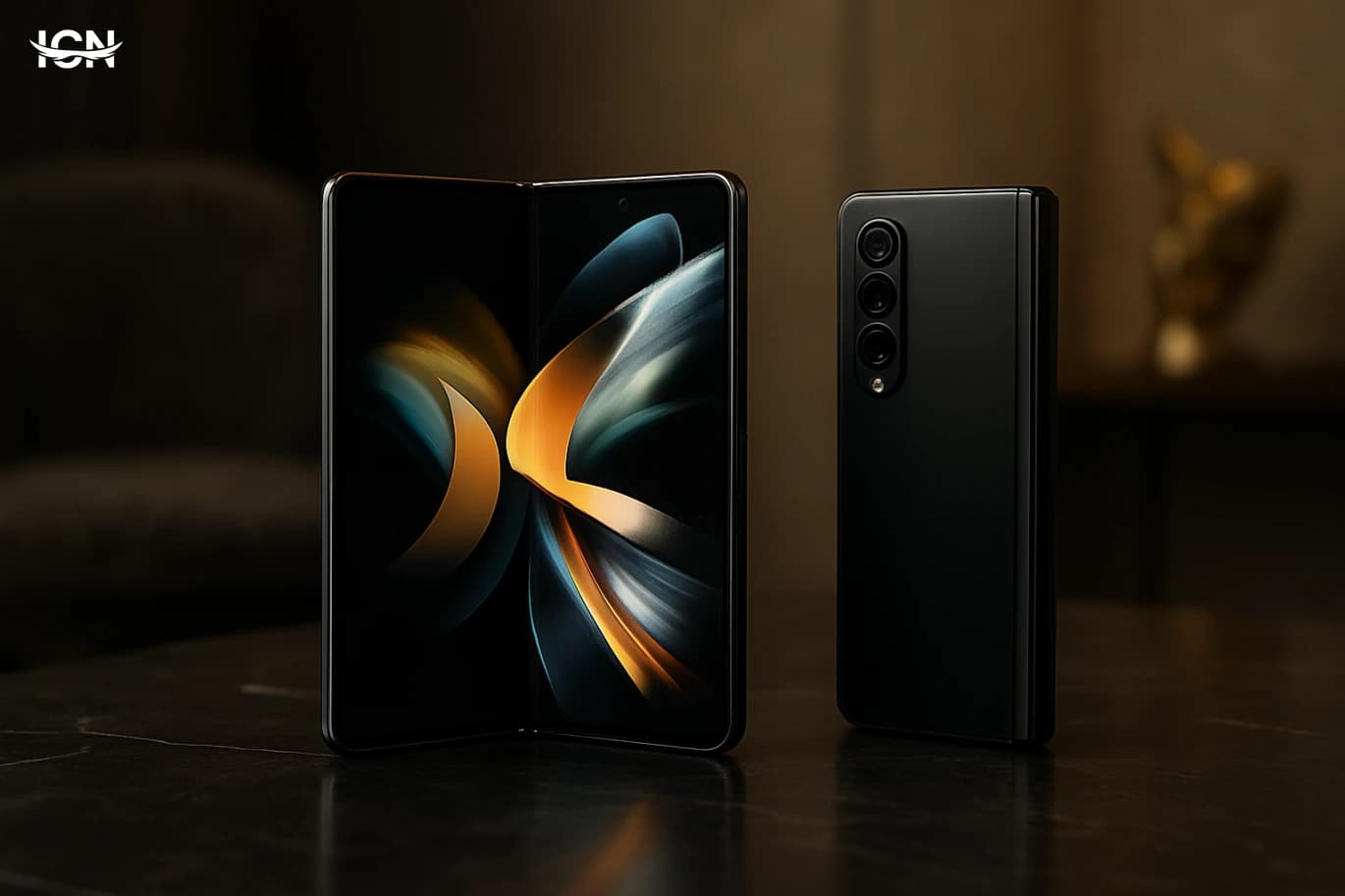
Samsung Foldables and Digital Luxury
For years, premium smartphones were defined by predictable cues: glass backs, polished metal frames, and incremental camera upgrades. Samsung’s foldable phones changed the conversation by making the form factor itself the luxury signal. A device that opens into a larger display or folds into a compact shape communicates exclusivity before any spec sheet is read. In retail, the first interaction is physical: the hinge, the snap of the fold, and the transformation from phone to mini tablet. That tactile experience functions like a premium material in traditional luxury goods. This shift matters because digital luxury is increasingly about how technology fits into daily routines without compromise. Foldables offer a practical kind of prestige: they are not only expensive, they are visibly different and behavior-changing. The user is not just buying a faster processor; they are buying a new way to read, watch, work, and carry a device. Samsung positioned foldables as a category where design ambition is the headline, and that design ambition became a shorthand for high-end identity in the mobile market.
Battery Health Habits That Actually Work
Many people feel their phone battery “ages” faster than it used to, but the change is often a mix of usage patterns and modern phone features. Larger screens run at higher brightness and refresh rates, background syncing is constant, and apps now rely on location, Bluetooth, and push notifications more aggressively. Even when you are not actively using the phone, services like cloud photo backup, messaging, and security scanning can keep the system awake. Battery health is also easy to misunderstand. A phone can show 100% charge yet still deliver fewer hours because the battery’s usable capacity has declined. Heat, deep discharges, and long periods at very high charge levels gradually reduce capacity in lithium-ion batteries. The goal is not to “fix” a battery with tricks, but to slow down the wear so the phone stays reliable for longer, especially if you plan to keep it for two to three years.
How to Keep Your Phone Fast for Years
Most slowdowns are not caused by a single “bad update” but by a gradual buildup of small issues. Storage fills up with photos, videos, app caches, offline downloads, and duplicate files, leaving less free space for the system to work efficiently. Many apps also keep background services running for sync, location checks, notifications, and analytics, which can add up and compete for memory and processing time. Another common factor is battery aging: as batteries wear, the phone may reduce peak performance to avoid unexpected shutdowns, which users experience as lag. Finally, older devices can struggle when apps become heavier and websites more complex, especially if the phone is running multiple apps at once. Understanding these causes helps you choose fixes that actually last instead of temporary “cleaner” tricks.
Making Your Phone Battery Last All Day
Most people blame “old batteries,” but daily drain is usually caused by a mix of screen time, background activity, and network conditions. The display is often the largest power consumer, especially at high brightness, high refresh rates, and when using always-on features. Background processes also add up: apps refreshing feeds, syncing photos, checking location, and maintaining Bluetooth connections. Network quality matters more than many realize. In weak coverage, the phone boosts radio power and repeatedly searches for a stable signal, which can drain the battery quickly even when you are not actively using the device. Heat is another hidden factor. Warm phones become less efficient, and charging while gaming or using navigation can raise temperature and accelerate drain. Understanding these drivers helps you focus on changes that actually move the needle rather than chasing random “battery saver” myths.
Apple’s 2027 Device Roadmap Signals New Form Factors
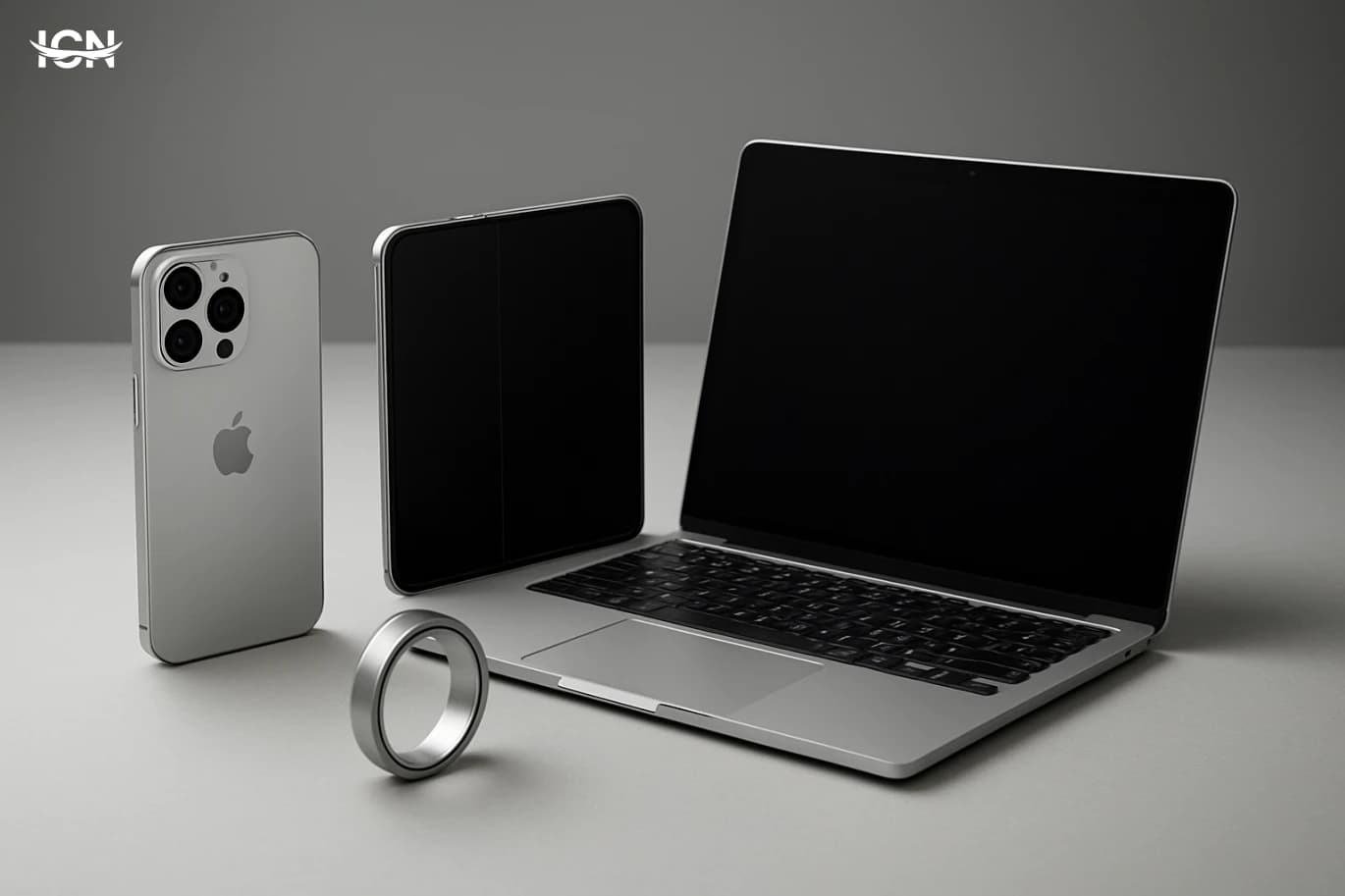
Talk around Apple’s 2027 plans has been building because it points to two ideas that would reshape the iPhone-era product mix: earbuds that incorporate smart cameras, and an iPhone that folds. Neither concept is brand-new in the wider industry, but Apple’s approach tends to be less about being first and more about making a category feel mainstream through integration, supply-chain scale, and software polish. It is important to frame these reports as forward-looking planning rather than confirmed launches. Apple’s public roadmap is typically limited to near-term products, while multi-year programs can shift based on component readiness, manufacturing yield, regulatory constraints, and internal priorities. Still, the consistency of discussion around 2027 suggests that Apple is exploring how to extend its ecosystem beyond the current slab-phone model and beyond audio accessories that are primarily microphones and speakers. For consumers, the headline is not just “new gadgets.” It is a potential change in how Apple devices sense the world, how they share context across devices, and how the iPhone might evolve as screens get larger, apps become more visual, and portability remains non-negotiable. For developers and accessory makers, the bigger story is the possibility of new input types, new privacy expectations, and new design constraints that ripple through the platform.
A Practical Guide to eSIM on Mobile
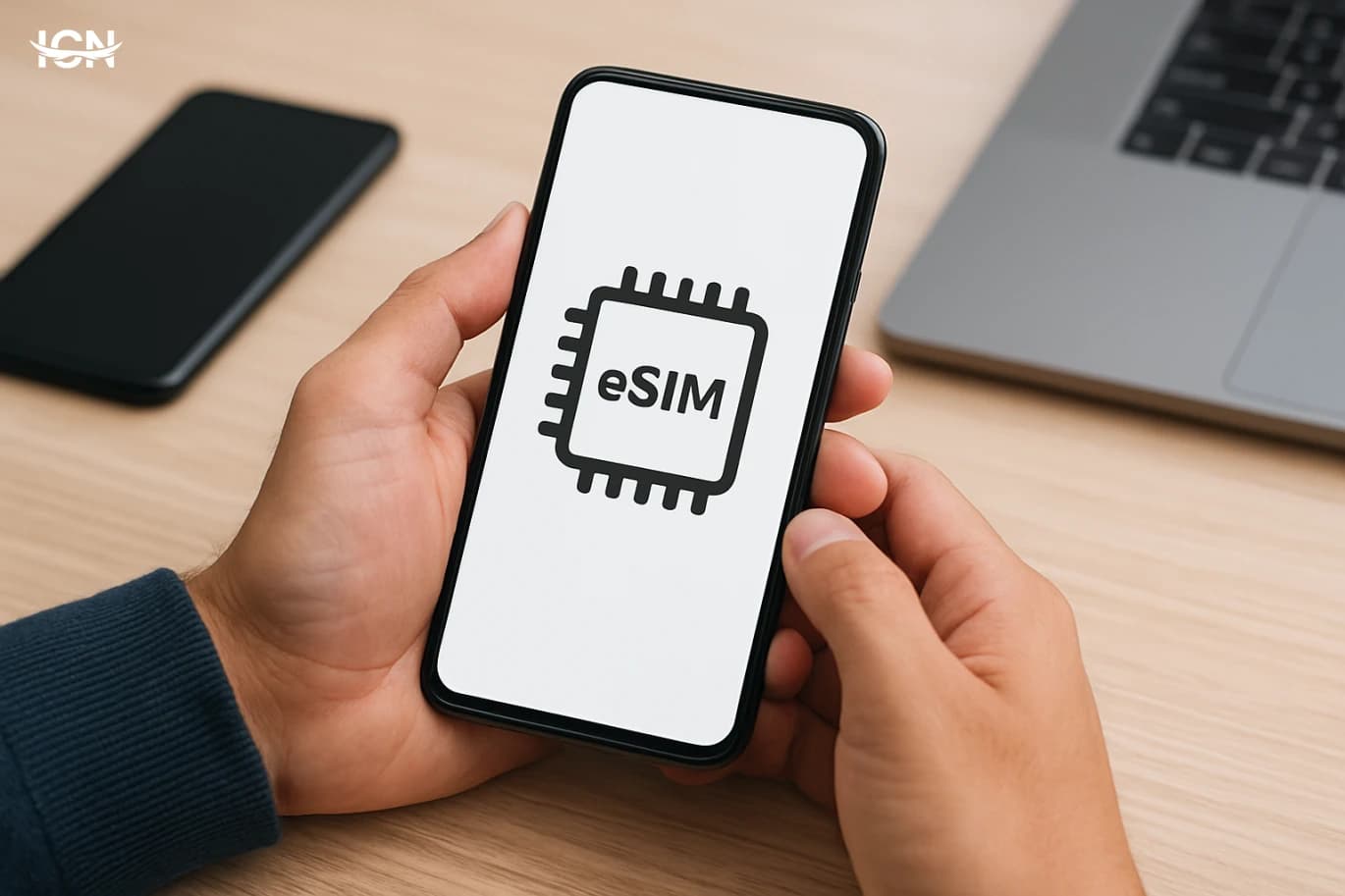
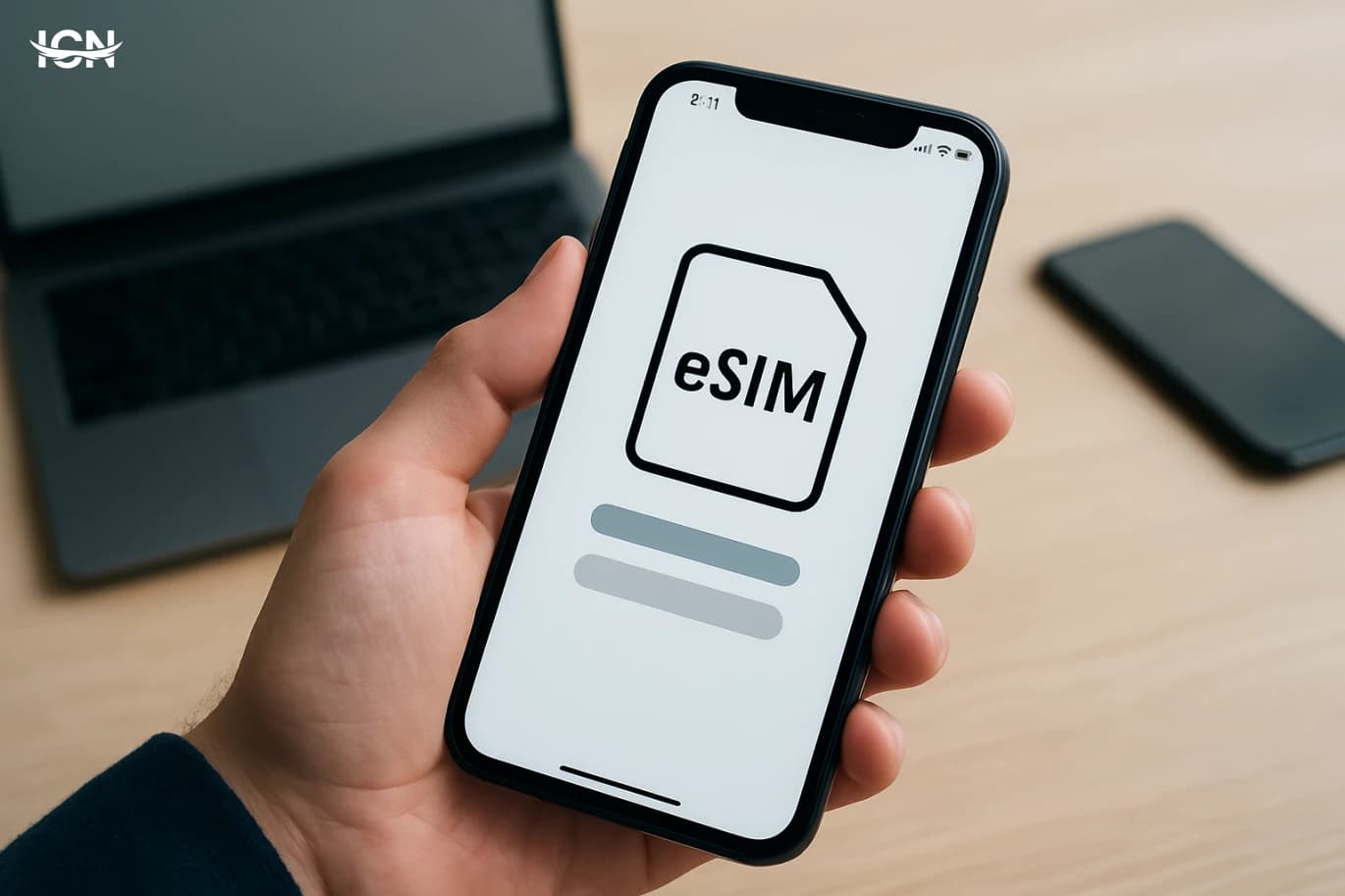
eSIM is no longer a niche feature reserved for a few premium phones. It is now offered across many mid-range devices and supported by a growing list of carriers, making it a realistic option for everyday users. Unlike a physical SIM card, an eSIM is built into the phone and activated by downloading a carrier profile, usually through a QR code or an app. That shift changes how people start service, switch plans, and manage multiple numbers. The mainstream appeal is practical. Travelers can add a local data plan without hunting for a store. People who keep a work line and a personal line can manage both on one device without swapping cards. Carriers also benefit because onboarding can be faster and less dependent on retail logistics. At the same time, eSIM introduces new questions: which phones support it, how transfers work when you upgrade, and what to do if your device is lost. Understanding these details helps you avoid surprises and use the feature confidently.
Making Your Phone Battery Last All Day
Many people blame “old batteries,” but day-to-day battery life is often shaped by how phones are used and how apps behave in the background. Modern screens are brighter, refresh rates are higher, and mobile data is used more heavily for video calls, streaming, and constant syncing. Even when you are not actively using the phone, background activity such as location checks, push notifications, and cloud photo uploads can keep the processor awake and prevent deep sleep states. Battery health also changes gradually. Heat is the biggest enemy: leaving a phone in a hot car, charging under a pillow, or using heavy navigation while charging can raise temperatures and accelerate capacity loss. Another factor is signal quality. In weak coverage areas, the phone boosts radio power and searches for towers more aggressively, which can drain a surprising amount of energy. Understanding these real drivers helps you focus on changes that produce measurable gains rather than chasing myths.
How to Make Your Phone Battery Last Longer
Most people notice battery life dropping after a few months, even if they haven’t changed phones. That decline is usually a mix of normal battery aging and heavier daily workloads. Lithium-ion batteries slowly lose capacity with every charge cycle, and the loss accelerates when the phone spends long periods at high heat or at extreme charge levels. At the same time, modern apps run more background tasks, push more notifications, and use more location checks than they did a few years ago. A phone that once lasted from morning to night can start needing a top-up by late afternoon. It also matters how you measure “battery life.” Screen time, mobile data use, and camera usage are among the biggest drains, but small choices add up: high brightness, constant Bluetooth scanning, and always-on widgets. Understanding what is normal aging versus avoidable drain helps you focus on changes that actually move the needle, rather than chasing myths like fully draining the battery every time. The goal is not perfection; it is building habits that reduce stress on the battery while keeping the phone practical for daily use.
Making Your Phone Battery Last All Day
Modern smartphones do far more in the background than older models, and that hidden activity is often the real reason people feel their battery “suddenly got worse.” Always-on connections keep the phone checking for messages, syncing photos, updating apps, and refreshing location data. High-refresh-rate screens, brighter displays, and heavier apps also raise the baseline power draw even when you are not actively doing much. Battery health adds another layer. Lithium-ion batteries lose capacity over time, so a phone that used to deliver 7–8 hours of screen time might drop to 5–6 hours after a year of daily charging. Heat accelerates that aging, and many common habits—gaming while charging, leaving the phone in a hot car, or using thick cases in warm environments—push temperatures higher. Understanding these causes helps you choose fixes that actually work instead of randomly turning off features you need.
Battery Health Habits That Actually Work
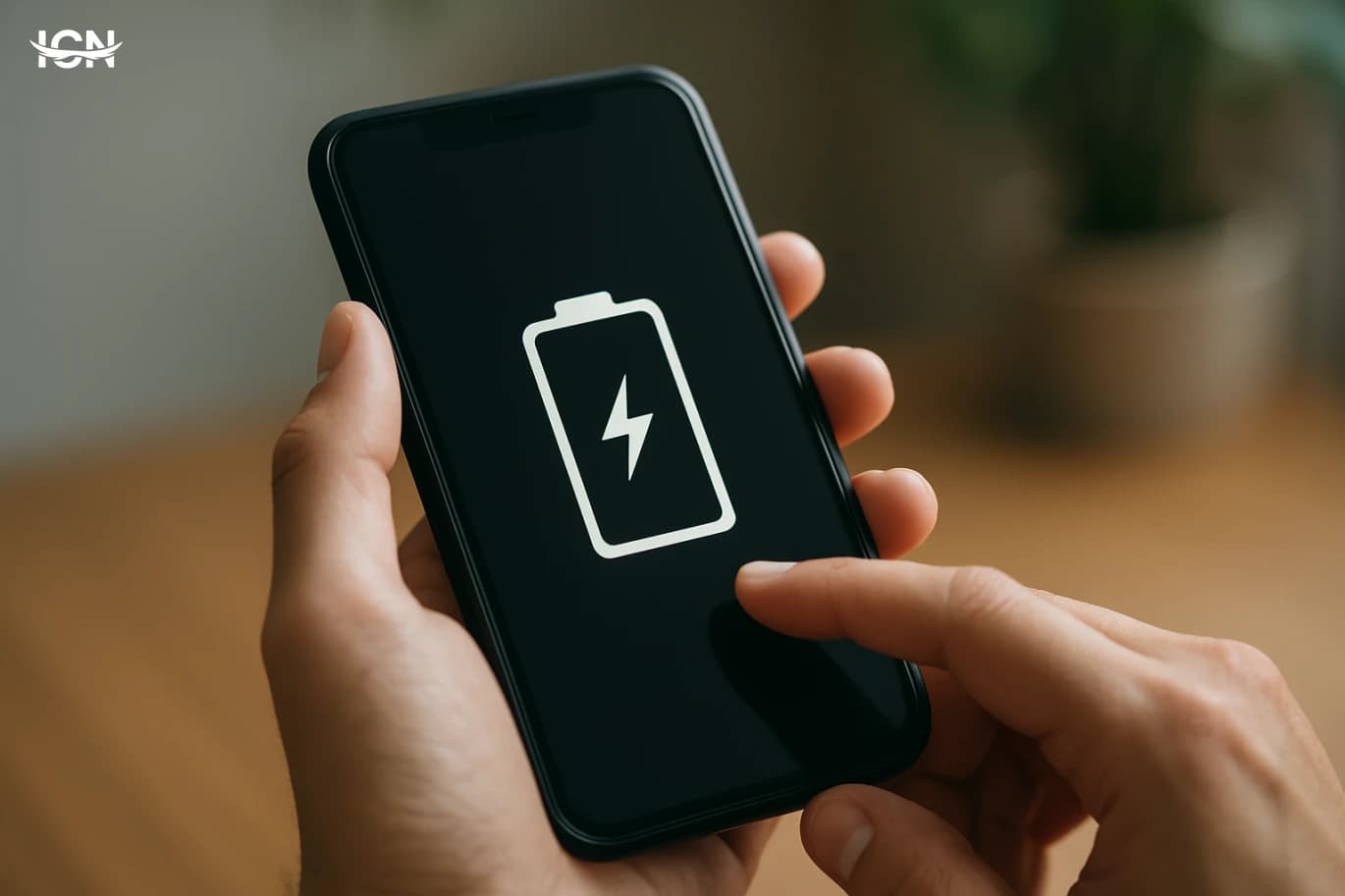
Smartphones have become the primary device for work chats, navigation, payments, and two-factor logins, so battery reliability is no longer a convenience issue. A battery that has aged poorly can cause sudden shutdowns at 20–30%, slower performance under load, and noticeably shorter screen-on time. Replacement is possible, but it costs money, time, and sometimes reduces water resistance if the repair is not done carefully. Battery “health” is mainly about how much capacity remains compared with when the phone was new, and how well it can deliver power during peaks. Heat, high charge levels for long periods, and repeated deep discharges accelerate chemical wear. The good news is that most people can extend usable battery life with a few consistent habits, without obsessing over every percentage point.
Practical Steps to Extend Phone Battery Life
Most people notice the same pattern: a new phone easily lasts a full day, then months later it needs a top-up by mid‑afternoon. That change is usually a mix of normal battery aging and shifting usage. Lithium‑ion batteries slowly lose capacity as they complete charge cycles, and they also become less efficient when they spend long periods at very high or very low charge levels. Heat accelerates this process, which is why a phone that often runs hot during navigation, gaming, or fast charging can feel like it “ages” faster. At the same time, the phone itself changes. Apps add features, background services grow, and operating system updates can introduce new processes. Even small habits matter: brighter screens, more time on 5G, and heavier camera use all raise daily consumption. The goal is not to chase a perfect number, but to reduce the biggest drains and avoid the conditions that speed up wear. With a few targeted adjustments, many users can regain hours of runtime without buying accessories or replacing the battery.
How eSIM Is Changing Mobile Plans
eSIM is no longer a niche feature limited to a few premium phones. It is now supported across many recent iPhone and Android models, tablets, and even some laptops, and carriers in dozens of markets have rolled out consumer eSIM activation. The practical shift is that your “SIM card” becomes a profile that can be downloaded, stored, and switched without visiting a store or waiting for a plastic card to arrive. This matters because mobile usage patterns have changed. People keep phones longer, use multiple numbers for work and personal life, travel more frequently, and rely on mobile data for banking, authentication, and remote work. eSIM addresses these realities by making it easier to add a second line, keep a local number while traveling, or move service to a replacement device quickly after loss or damage. For carriers, eSIM reduces logistics costs and can speed up onboarding, but it also increases competition because switching providers can be simpler. The result is a mobile market where the friction is shifting from hardware to policy: activation rules, device compatibility, and plan terms become the real differentiators. Understanding how eSIM works in practice helps consumers avoid surprises and choose plans that fit their actual usage.
Galaxy S25 vs S25 Ultra Buying Guide
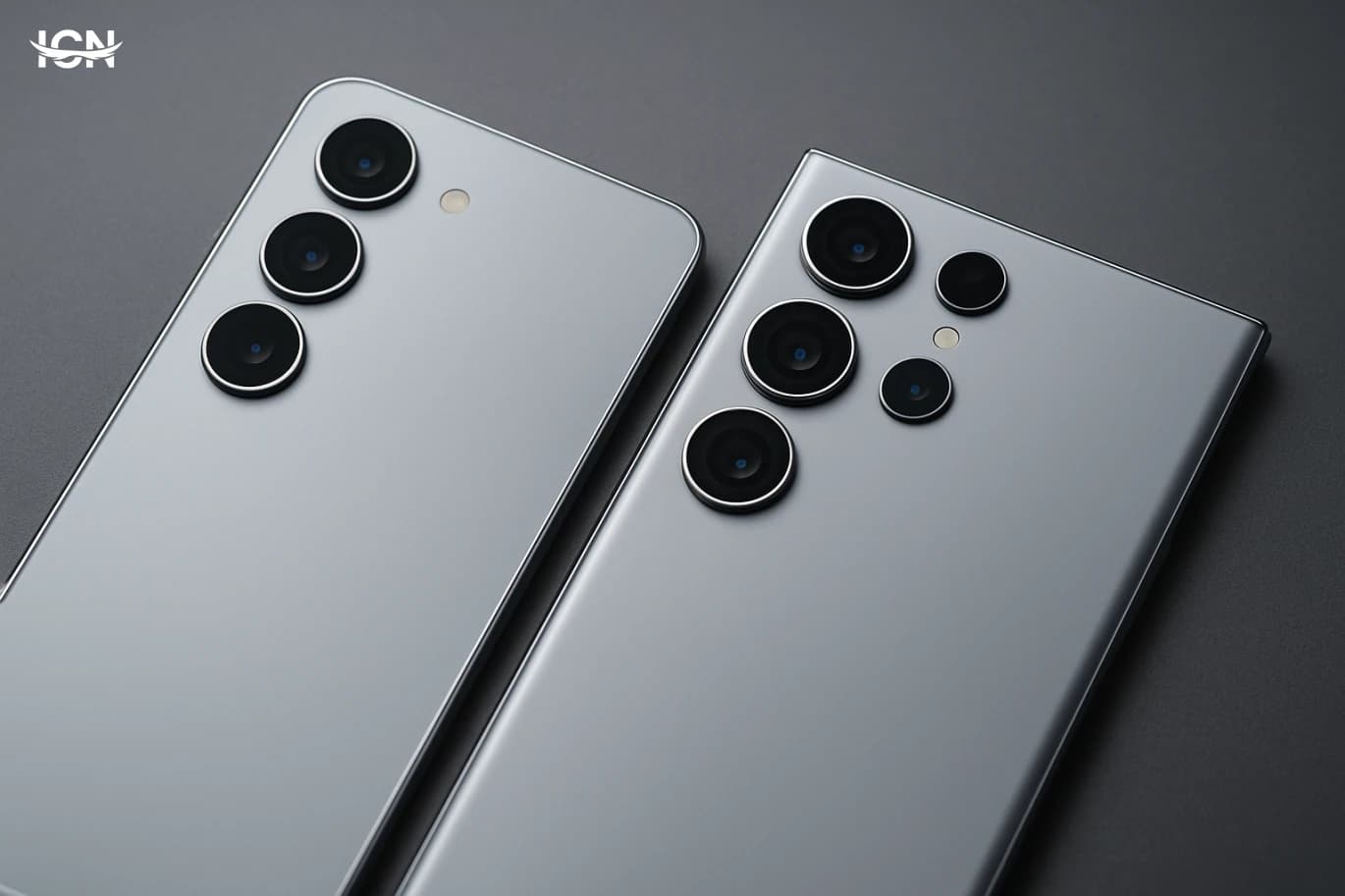
Samsung typically positions the Galaxy S25 as the mainstream flagship and the S25 Ultra as the no-compromise option. In practice, that usually means the Ultra gets the largest display, the most advanced camera hardware, the biggest battery, and extra productivity features, while the standard model focuses on a more compact size and a lower price. If you care about one-handed use, pocketability, and a lighter phone for daily commuting, the S25 class is usually the easier device to live with. If you want the most screen space for work, gaming, and video, the Ultra is designed to dominate that category. Another separation is how Samsung allocates “headline” features. The Ultra line is where Samsung tends to introduce the most ambitious zoom camera, the highest-tier display options, and premium materials. The standard S25 often shares the same core performance platform and software experience, but with fewer hardware extras. For many buyers, the decision is less about speed and more about whether the Ultra’s camera reach, larger battery, and productivity tools justify the added cost and size.
By clicking the SUBSCRIBE button, you are agreeing to our Privacy & Cookie Policy If you want to unsubsribe the marketing email, please proceed to our privacy center.
© 2005-2026 ICN. All Rights Reserved.