A Practical Guide to eSIM on Mobile
- Why eSIM is becoming mainstream
- Check compatibility before you commit
- How activation typically works
- Switching phones and avoiding downtime
- Travel and dual-line setups that actually work
- Security, privacy, and everyday best practices
Why eSIM is becoming mainstream
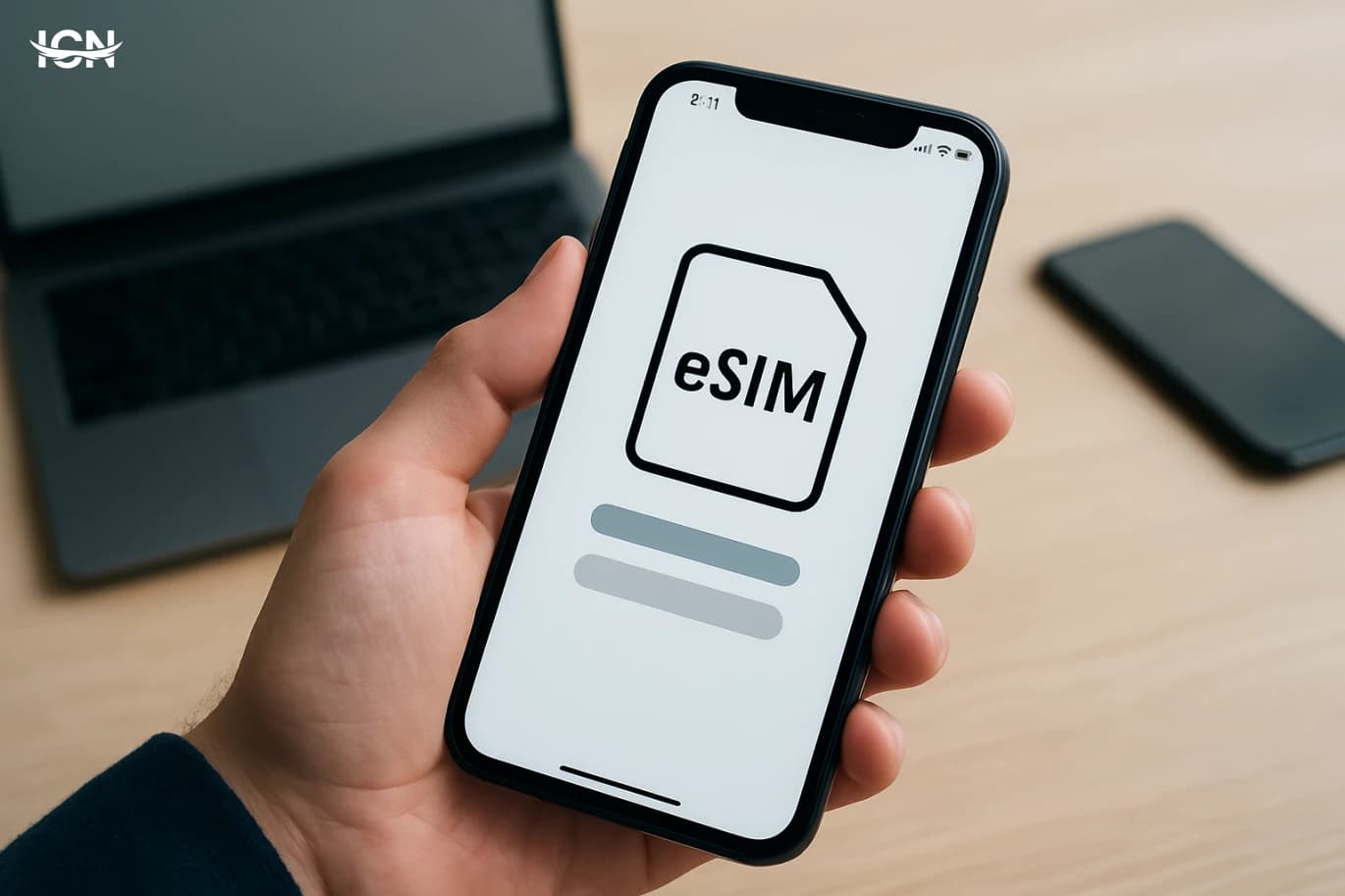
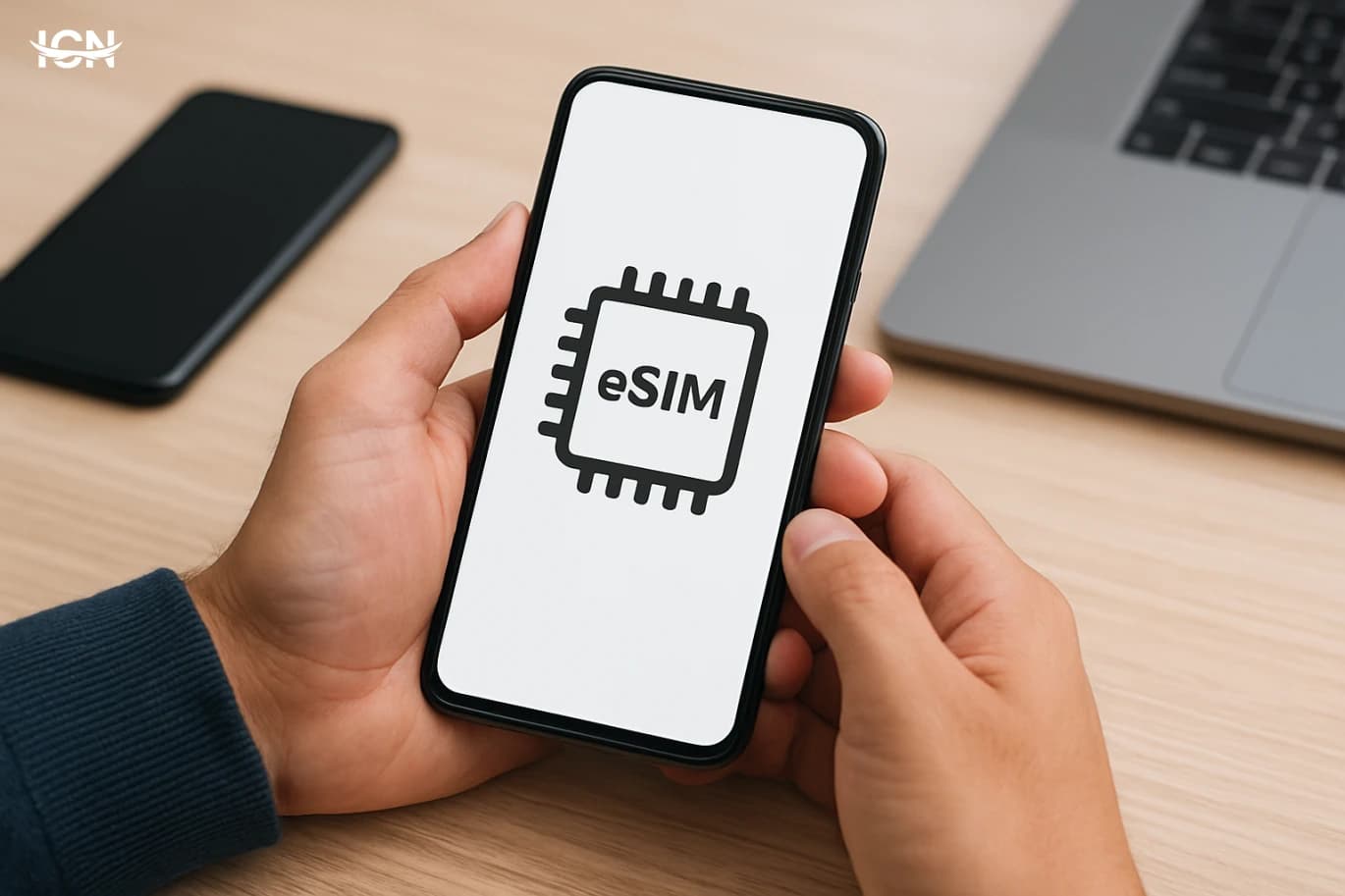
eSIM is no longer a niche feature reserved for a few premium phones. It is now offered across many mid-range devices and supported by a growing list of carriers, making it a realistic option for everyday users. Unlike a physical SIM card, an eSIM is built into the phone and activated by downloading a carrier profile, usually through a QR code or an app. That shift changes how people start service, switch plans, and manage multiple numbers. The mainstream appeal is practical. Travelers can add a local data plan without hunting for a store. People who keep a work line and a personal line can manage both on one device without swapping cards. Carriers also benefit because onboarding can be faster and less dependent on retail logistics. At the same time, eSIM introduces new questions: which phones support it, how transfers work when you upgrade, and what to do if your device is lost. Understanding these details helps you avoid surprises and use the feature confidently.
Check compatibility before you commit
Before switching, confirm two things: your phone’s eSIM capability and your carrier’s support for your specific model. Many devices support eSIM in some regions but not others, and some carriers restrict eSIM activation to certain plans. The fastest check is in your phone settings. On iPhone, look for options such as “Add eSIM” or “Add Cellular Plan.” On Android, the wording varies, but you may see “SIMs,” “Mobile network,” or “SIM manager,” with an option to add an eSIM. Carrier support matters just as much as device support. Some carriers allow instant activation through their app, while others require a store visit or identity verification steps that can take time. Ask whether they support eSIM transfers when you upgrade phones, whether they allow multiple eSIM profiles, and whether they support dual SIM with one physical SIM plus one eSIM. If you rely on features like Wi‑Fi calling, 5G, or visual voicemail, confirm that these work on eSIM for your plan. Doing this homework prevents a common frustration: having a compatible phone but a carrier process that is slow or limited.
How activation typically works
Most eSIM activations follow one of three paths. The first is QR-based activation: your carrier provides a QR code, you scan it in your phone’s cellular settings, and the profile downloads. The second is app-based activation: you log into the carrier app, confirm your identity, and the app pushes the eSIM profile to your device. The third is in-store activation where staff complete verification and trigger the download. To reduce errors, prepare a stable internet connection, ideally Wi‑Fi, because the eSIM profile must be downloaded. Keep your account credentials and any required identification ready, especially if your carrier uses two-factor authentication. After activation, test the basics immediately: place a call, send a text, and confirm mobile data works. If you are using dual SIM, label each line clearly in settings (for example, “Work” and “Personal”) and set defaults for calls, messages, and data. This small step avoids confusion later when apps request a default number or when you roam. One practical tip: do not delete an eSIM profile unless you are sure you will not need it again. Some carriers require a new QR code or a support call to reissue the profile, which can be inconvenient if you are away from home.
Switching phones and avoiding downtime
The moment many users struggle with eSIM is when they buy a new phone. With a physical SIM, you move the card. With eSIM, the transfer depends on your device ecosystem and carrier rules. Some platforms support a guided transfer that moves the eSIM during setup, while others require you to request a new profile. Carriers may also limit how often you can reissue an eSIM in a short period as a security measure. To avoid downtime, plan the transfer before you wipe or trade in your old phone. Check whether your carrier supports self-service eSIM transfer in its app or website. If not, ask how long it takes to issue a new QR code and whether support is available outside business hours. Keep your old phone active until the new phone is fully working, including calls, texts, and data. If you use authentication apps or receive one-time codes by SMS, make sure you can still receive them during the transition. Also consider what happens if the phone is lost or damaged. With eSIM, you cannot simply remove a card, so you should know your carrier’s process for suspending service quickly and reactivating on a replacement device. Saving support numbers and account recovery options in advance is a small step that can prevent a long outage.
Travel and dual-line setups that actually work
One of the strongest reasons to use eSIM is travel. Many users keep their home number active for calls and texts while adding a short-term data plan from a local carrier or a travel eSIM provider. The practical goal is to control costs and keep connectivity stable without changing your primary number. In a dual-line setup, you can set your home line as the default for calls and messages, and the travel eSIM as the default for mobile data. To make this work smoothly, confirm that your phone is unlocked before you leave. A locked phone may block adding a different carrier’s eSIM. Also review roaming settings: you may want to disable data roaming on your home line to avoid unexpected charges, while keeping it enabled on the travel eSIM if required. Monitor which line is used for data, because some apps consume background data heavily. For frequent travelers, it is useful to understand that many phones can store multiple eSIM profiles but only keep one or two active at a time. That means you can keep profiles for different countries and switch as needed, but you should label them clearly and remove old profiles only when you are sure you will not return to that plan. This approach turns eSIM into a practical travel tool rather than a one-time experiment.
Security, privacy, and everyday best practices
eSIM can be secure, but it changes the risk profile in a few ways. Because there is no physical card to remove, a stolen phone may keep its cellular identity active until you suspend service. That makes fast account recovery and carrier contact procedures more important. Use a strong device passcode, enable biometric unlock, and keep “Find my device” features turned on so you can locate, lock, or erase the phone if needed. Account security matters as much as device security. Protect your carrier account with a strong password and two-factor authentication where available. Be cautious with QR codes: only scan codes provided directly by your carrier or a reputable provider, and avoid sharing screenshots of activation codes. If your carrier offers a transfer PIN or additional port-out protection, enable it to reduce the chance of unauthorized number transfers. Finally, treat eSIM as part of your mobile maintenance routine. Keep a note of which line is assigned to which purpose, review your plan settings after major OS updates, and test calling and data after any profile changes. These habits are simple, but they are what turn eSIM from a confusing feature into a reliable daily tool.