Battery Health Habits That Actually Work
- Why battery health feels worse lately
- The charging range that reduces wear
- Heat is the real battery killer
- Settings that save battery without ruining the phone
- Myths that waste time and money
- A realistic weekly routine
Why battery health feels worse lately
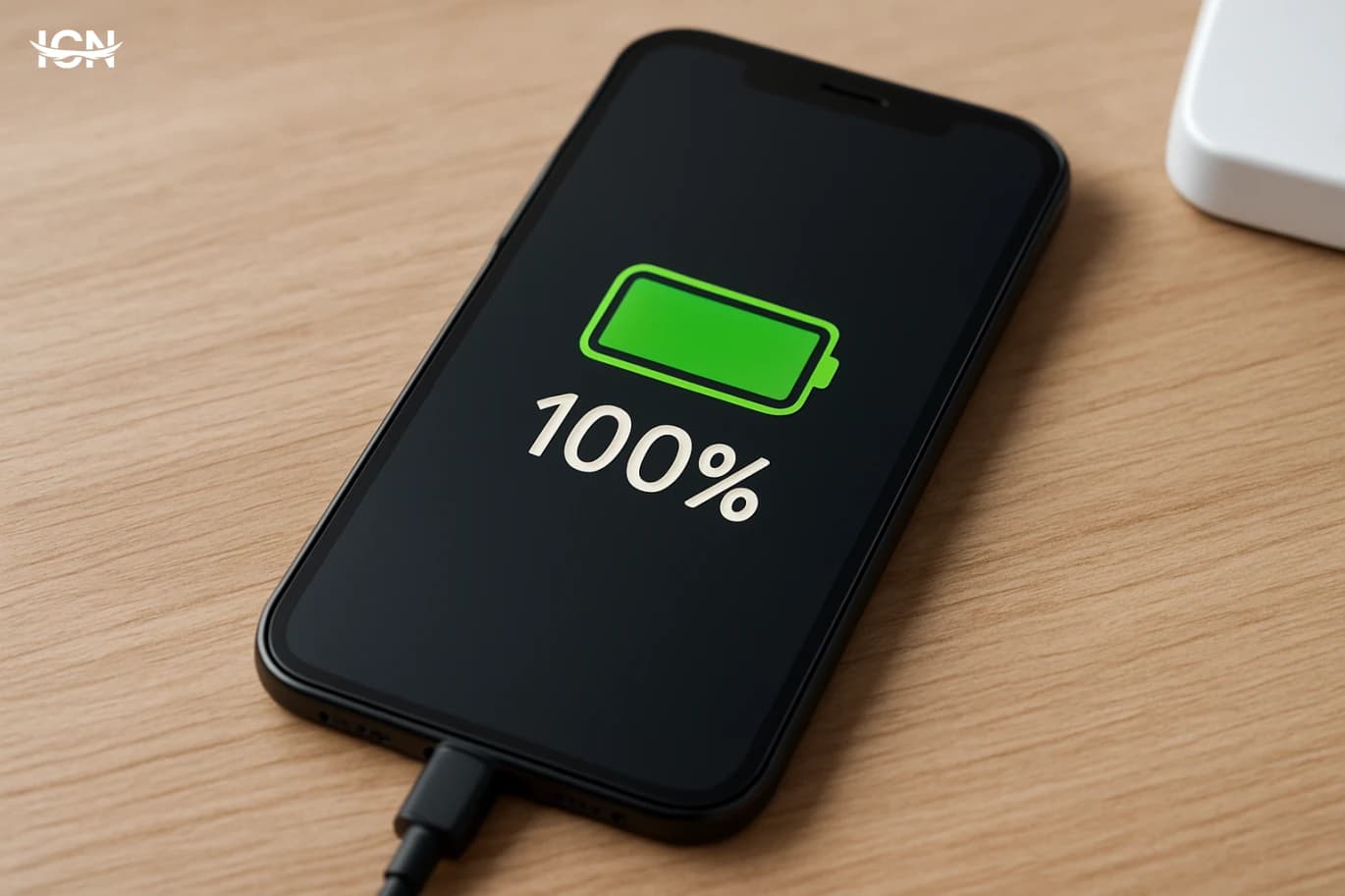
Many people feel their phone battery “ages” faster than it used to, but the change is often a mix of usage patterns and modern phone features. Larger screens run at higher brightness and refresh rates, background syncing is constant, and apps now rely on location, Bluetooth, and push notifications more aggressively. Even when you are not actively using the phone, services like cloud photo backup, messaging, and security scanning can keep the system awake. Battery health is also easy to misunderstand. A phone can show 100% charge yet still deliver fewer hours because the battery’s usable capacity has declined. Heat, deep discharges, and long periods at very high charge levels gradually reduce capacity in lithium-ion batteries. The goal is not to “fix” a battery with tricks, but to slow down the wear so the phone stays reliable for longer, especially if you plan to keep it for two to three years.
The charging range that reduces wear
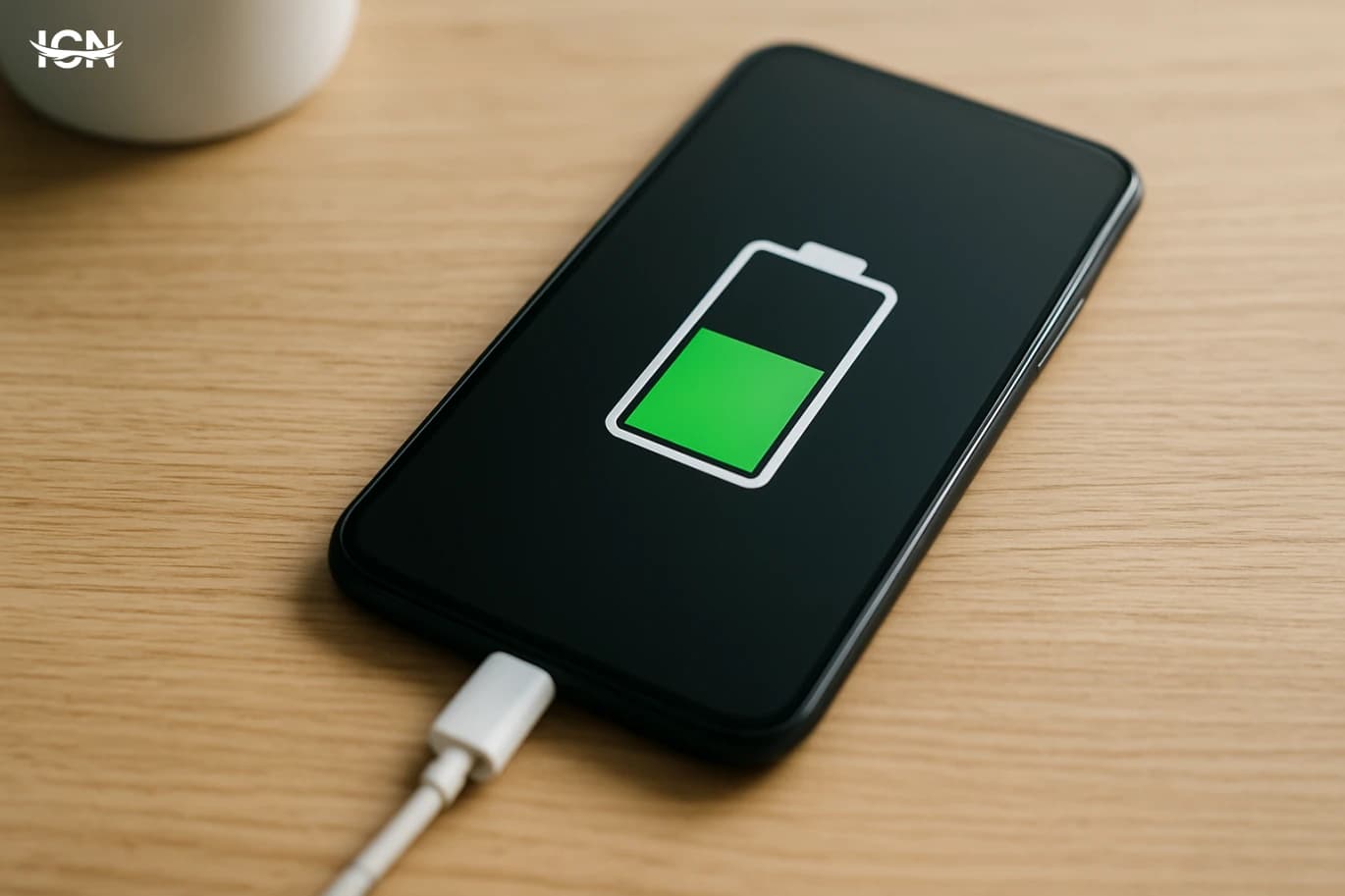
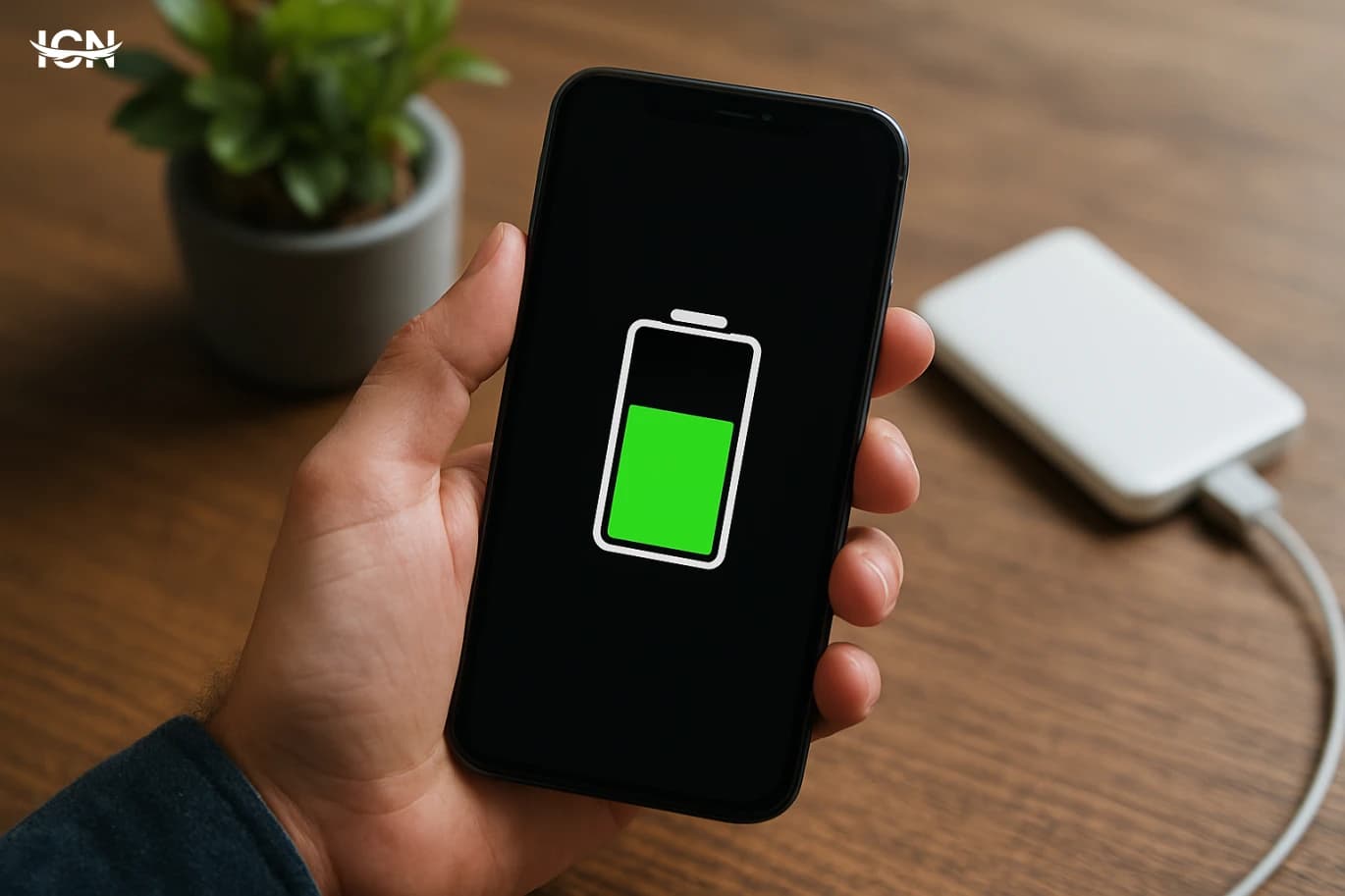
For most lithium-ion batteries, the most stressful states are near empty and near full, especially when combined with heat. A practical habit is to keep daily charging within a middle range. Many users aim for roughly 20% to 80% for routine days, topping up briefly rather than doing long sessions from very low to 100%. This does not need to be obsessive; it is about shifting your typical pattern away from extremes. If you need a full charge for travel or a long day, charging to 100% is fine. The key is what happens afterward. Leaving the phone at 100% for hours—such as keeping it plugged in all morning—adds time at a high-voltage state that accelerates wear. If your phone offers an “optimized charging” feature, enable it. These systems learn your schedule and hold the charge around 80% until shortly before you usually unplug, reducing the time spent at full charge without sacrificing convenience.
Heat is the real battery killer
If there is one factor that consistently shortens battery lifespan, it is heat. High temperatures speed up chemical aging inside the battery. Common heat traps include charging under a pillow, using thick cases while fast charging, leaving the phone in a car on a warm day, or gaming while plugged in. Fast charging itself is not automatically harmful, but it can raise temperature, especially with poor ventilation. Simple steps help: charge on a hard surface, remove the case if the phone gets noticeably warm, and avoid direct sunlight while charging. If you use navigation in the car, mount the phone where air from the vent can cool it, and consider lowering screen brightness. For heavy tasks like video recording or long gaming sessions, try to start with a moderate charge and avoid charging at the same time. Keeping the phone cooler often improves not only long-term health but also day-to-day performance, because many phones throttle speed when hot.
Settings that save battery without ruining the phone
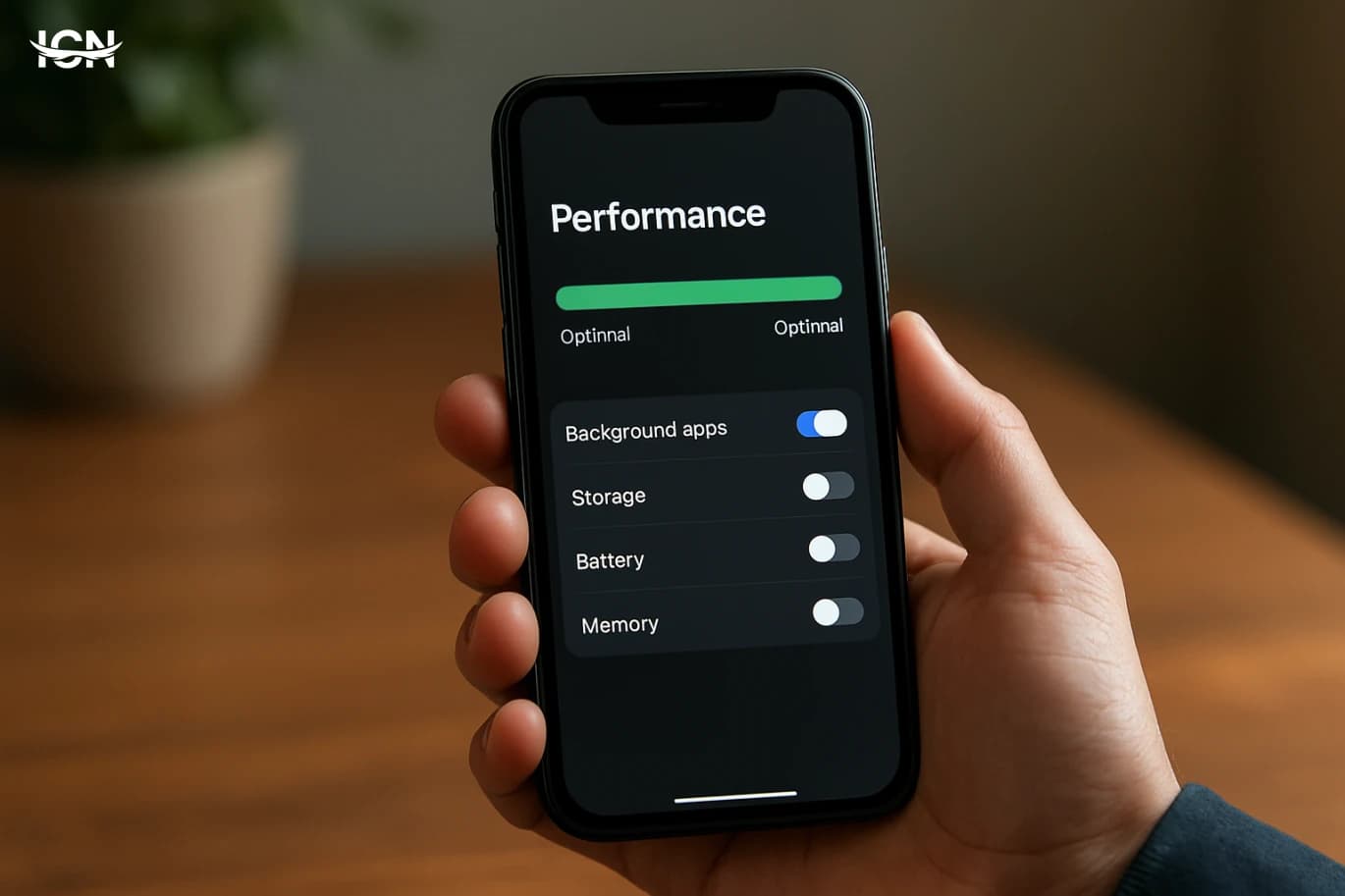
Battery saving does not have to mean turning your smartphone into a basic phone. Start with the biggest drains that most people can adjust quickly. Screen brightness is usually the top factor; using auto-brightness and lowering the maximum brightness indoors can add meaningful time. If your phone has a high refresh rate option, consider using adaptive refresh or dropping it during workdays. Next, review background activity. Many apps do not need to refresh constantly. On both iOS and Android, you can limit background refresh for social apps, shopping apps, and games without affecting core functions. Notifications also matter: each alert wakes the screen and radios. Keep essential alerts, but mute promotional and low-value notifications. Connectivity settings can help too. If you rarely use Bluetooth or personal hotspot, turn them off when not needed. For location, choose “while using the app” for most services instead of always-on access. These changes reduce background power draw and, indirectly, reduce heat, which supports battery health over time.
Myths that waste time and money
Several popular battery tips are outdated. You do not need to fully drain a modern phone battery to “calibrate” it regularly; deep discharges add stress. Calibration is only useful occasionally if the percentage reading becomes inaccurate, and even then it is about the meter, not improving capacity. Another myth is that using the phone while charging always damages the battery. The real issue is heat: light use is fine, but heavy gaming or video work while fast charging can raise temperature. Similarly, “only use the original charger” is too simplistic. Quality matters more than branding. Use reputable chargers and cables that support your phone’s standards and avoid very cheap, uncertified accessories. Finally, closing apps constantly is often counterproductive. Modern systems manage memory efficiently, and repeatedly force-closing and reopening apps can use more energy. Focus instead on limiting background permissions and notifications for apps that misbehave.
A realistic weekly routine
A sustainable routine is more effective than strict rules. On most weeks, keep your phone between about 20% and 80% for daily use, and use optimized charging overnight if available. Once a week, take five minutes to check which apps used the most battery and whether any app shows unusual background activity. If one app is consistently high, reduce its background access or notifications, or update it. Plan for high-demand days. If you know you will be outdoors using the camera and maps, start with a full charge, but try not to leave the phone at 100% for long before you leave. Carry a small power bank for top-ups rather than pushing the phone to 0%. Also, keep an eye on heat: if the phone feels hot, pause charging, move it to a cooler place, and reduce heavy tasks. Over months, these habits typically preserve capacity better than chasing extreme battery-saving modes. The result is a phone that lasts longer each day and stays dependable across years of ownership.