Practical Home Archiving for Everyday Documents

- Why Home Archiving Matters Now
- Build a Simple Document Map
- Digitize Without Creating Chaos
- Retention Rules and a Monthly Routine
- Backup, Privacy, and Access for the Household
Why Home Archiving Matters Now
Home archiving is no longer a niche habit for collectors; it is a practical way to reduce daily friction. Most households handle a steady flow of documents: utility bills, school notices, medical receipts, warranties, insurance papers, tax-related forms, and identity records. When these items are scattered across drawers, email inboxes, and messaging apps, the cost shows up as wasted time, missed deadlines, and duplicate purchases because a receipt or warranty cannot be found. A simple archiving system also improves decision-making. Knowing where your key documents are makes it easier to compare service plans, track household spending, and respond quickly to requests from schools, landlords, or service providers. It can also reduce stress during routine tasks like renewing a subscription, filing a claim, or returning a product. The goal is not to store everything forever; it is to keep what you need, for as long as you need it, in a format you can retrieve in minutes. This article focuses on a realistic approach for busy households: a small set of categories, consistent naming, and a clear retention plan. It avoids expensive equipment and assumes you will use tools you already have, such as a smartphone, a basic scanner app, and common cloud storage or a local drive.
Build a Simple Document Map
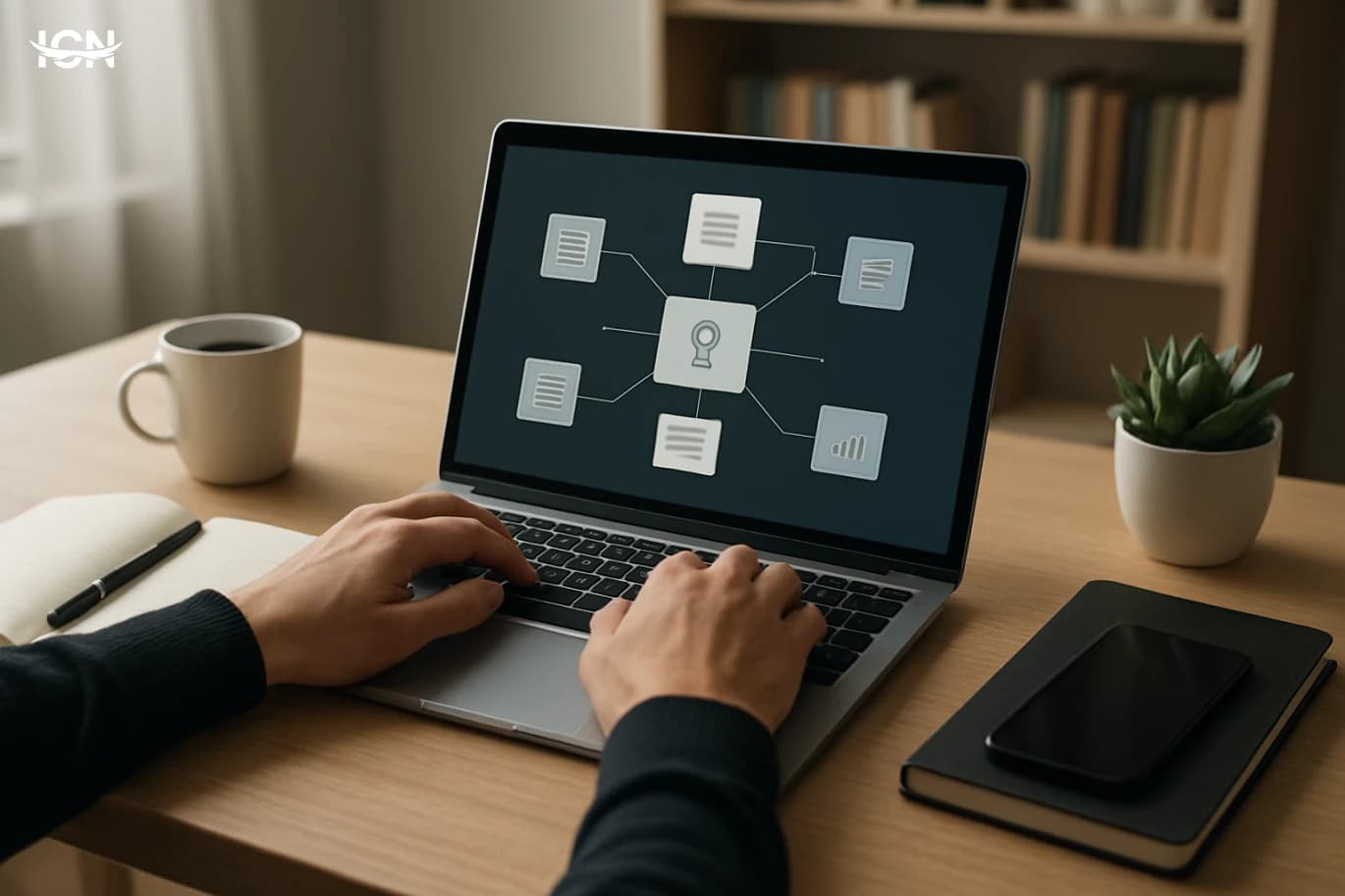
A document map is a short list of folders that matches how your household actually operates. The most common mistake is creating too many categories, which makes filing slower than leaving papers on the counter. Start with five to seven top-level folders and refine only after a month of use. A practical map for most homes includes: Identity and Legal (passports, IDs, residency papers, contracts), Home and Utilities (lease, property papers, utility accounts, service agreements), Health (vaccination cards, test results, insurance cards, major invoices), Education (school letters, report cards, enrollment forms), Finance and Taxes (bank statements you keep, tax forms, salary letters), Purchases and Warranties (receipts for big items, warranty PDFs, manuals), and Vehicles and Travel (registration, insurance, tickets, itineraries). Within each folder, keep subfolders minimal. For example, in Purchases and Warranties, create subfolders by year, then store each item as a single PDF named with date, merchant, and item. In Health, you can separate by person if your household is large, but avoid splitting into too many medical categories. The point is retrieval: if you can guess where something is without thinking, the map is working. Write the map down in a short note and share it with anyone who files documents. Consistency matters more than perfection. If a document could fit in two places, choose one and stick to it; cross-references can be handled by adding a keyword in the filename rather than duplicating files.
Digitize Without Creating Chaos
Digitization is useful only if it produces readable files that are easy to search. You do not need a dedicated scanner for most household needs. A smartphone scanning app that can crop, straighten, and export to PDF is enough. The key is to scan at the moment you receive or finalize a document, not in a once-a-year marathon that turns into an unfinished project. Set a minimum quality standard: scan in good light, ensure the full page is visible, and check that names and numbers are legible. For multi-page documents, combine pages into a single PDF. If you receive documents by email, save the original attachment rather than taking screenshots. For documents that arrive via messaging apps, download the file and store it in the correct folder immediately. Naming is where most systems succeed or fail. Use a consistent pattern such as YYYY-MM-DD_Category_Source_Description. Examples: 2026-02-10_Utilities_Electricity_Bill.pdf or 2025-11-03_Purchases_StoreName_WashingMachine_Warranty.pdf. This makes sorting and searching predictable across devices. Avoid duplicate versions. If you update a document, replace the old file or add a version tag like v2, but do not keep five near-identical copies. For paper originals, decide whether you will keep them. Many households keep originals for identity documents, major contracts, and property papers, while relying on digital copies for routine bills and receipts. If you keep paper, store it in a labeled folder that matches your digital map so both systems align.
Retention Rules and a Monthly Routine
Archiving works when it includes deletion. Without retention rules, storage fills up and searching becomes slower. Create a simple retention table that fits your local requirements and your household’s risk tolerance. A practical starting point: keep warranties and manuals for the life of the product; keep major medical records long-term; keep insurance policies and claims documents for several years after the policy ends; keep tax-related documents according to the period commonly required in your jurisdiction; keep routine utility bills for a shorter window unless they support a dispute or a claim. For receipts, separate “big-ticket” purchases from everyday spending. Keep receipts for appliances, electronics, furniture, and home repairs for warranty and resale purposes. For groceries and small daily purchases, keep only what you need for returns or expense tracking, then delete or shred. A monthly routine prevents backlog. Pick one fixed date, such as the first weekend of each month. The routine can be 30–45 minutes: scan any remaining paper, rename and file downloads, reconcile duplicates, and empty a temporary “Inbox” folder. If you have a shared household, assign roles: one person handles scanning, another checks naming and folder placement. For paper, use a simple physical setup: one “To File” tray, one “To Shred” envelope, and a small set of labeled folders for originals. The goal is to avoid piles. If a document stays in the tray for more than a month, it is a signal that your categories are unclear or your routine is too ambitious.
Backup, Privacy, and Access for the Household
A home archive is valuable only if it survives device loss and remains private. Use a basic “3-2-1” mindset: keep three copies of important files, on two different types of storage, with one copy off-site. In practice for households, that can mean: primary files in a cloud drive, a second copy on an external drive updated monthly, and a third copy for the most critical documents in a separate secure location. Privacy is equally important. Limit who can access Identity and Legal folders. Use strong passwords and enable multi-factor authentication on cloud accounts. If you share a folder with a partner or family member, share only what they need rather than the entire archive. For children’s school documents, consider a separate folder with restricted access. Plan for access during routine situations. Keep a small “Quick Access” folder with items you may need on short notice: insurance cards, vehicle registration, key account numbers, and emergency contacts. Avoid storing sensitive numbers in plain text notes; keep them in a reputable password manager if you use one. Finally, test your system. Once every quarter, try to retrieve three documents within five minutes: a recent bill, a warranty, and a medical invoice. If you fail, adjust the folder map or naming rules. A system that works in real life is better than an elaborate structure that looks organized but slows you down.