Typing Chinese on a Keyboard
- The core problem
- Pinyin input and predictive selection
- Shape-based methods for speed and precision
- Standards, encoding, and the hidden infrastructure
- Mobile keyboards and voice-driven input
- What this means for developers and product teams
The core problem
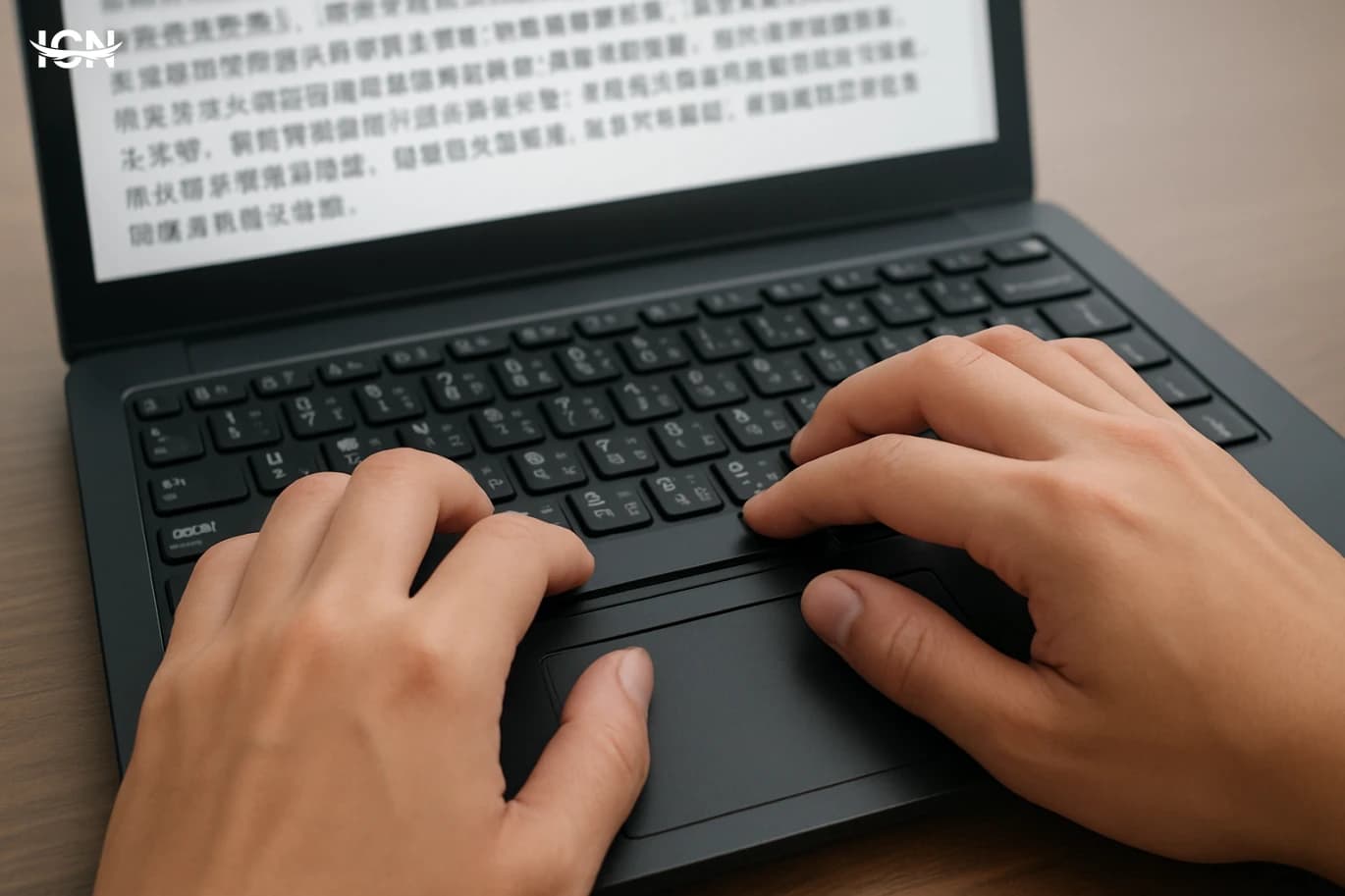
A standard keyboard was designed around alphabets with a few dozen symbols, while written Chinese relies on thousands of characters used in everyday reading and far more in dictionaries. The practical challenge was never about printing characters on physical keys; it was about building an input method that lets people produce the right character quickly, repeatedly, and with low error rates. Modern solutions treat the keyboard as a universal controller: you type a small set of letters, numbers, or strokes, and software converts that sequence into Chinese characters. This shift from “one key equals one symbol” to “keys as signals” shaped everything that followed. It required linguistic analysis, user-interface design, and large-scale standardization so that schools, offices, and device makers could converge on a few workable methods. China’s approach also had to support multiple spoken varieties and writing habits, while keeping the learning curve manageable for new users and efficient for professionals who type all day.
Pinyin input and predictive selection
The most widespread approach today is Pinyin-based input. Pinyin is the standardized romanization system that represents Mandarin pronunciation using Latin letters. On a keyboard, the user types syllables such as “zhongguo,” and the input method editor (IME) proposes candidate characters and words. Because many characters share the same pronunciation, the IME must rank candidates intelligently. It does this by using dictionaries, word frequency statistics, and context from surrounding words. Over time, Pinyin IMEs became less about single characters and more about phrases. Typing longer chunks gives the software more context, which improves accuracy and reduces the need to pick from long candidate lists. Modern IMEs also learn from the user: they remember preferred names, technical terms, and writing style. This is how a limited set of keys can reliably produce a very large writing system—by shifting the burden from hardware to language models and user-adaptive prediction.
Shape-based methods for speed and precision
Alongside Pinyin, China and Chinese-speaking communities developed shape-based input methods that encode how a character looks rather than how it sounds. The best-known example is Wubi, which breaks characters into component strokes and radicals and maps them to keyboard keys. A typist enters a short code, often four keystrokes, representing the character’s structure. Because the mapping is systematic, Wubi can be extremely fast and reduces ambiguity compared with pronunciation-based typing. Shape-based methods are popular among professional typists, editors, and users who want consistent results even when they are unsure of a character’s pronunciation. The trade-off is training: users must learn the decomposition rules and key mappings. In practice, many workplaces supported both approaches, letting people choose between a faster but more demanding system and a more intuitive system that leverages spoken language.
Standards, encoding, and the hidden infrastructure
Typing is only part of the story. For characters to appear consistently across devices, they must be encoded, stored, and rendered using shared standards. China developed national standards for character sets and keyboard input conventions, while the global computing industry moved toward Unicode, which assigns code points to tens of thousands of Chinese characters. This infrastructure ensures that a character typed on one system can be saved in a document, sent over a network, and displayed correctly on another system. Input methods sit on top of this foundation. An IME converts keystrokes into a Unicode character or a sequence of characters, and the operating system and fonts handle display. The result is that the “thousands of symbols” are not physically on the keyboard; they live in standardized code tables and font libraries. Without these standards, the same keystrokes could produce incompatible results across software, undermining communication and archiving.
Mobile keyboards and voice-driven input
Smartphones changed Chinese input again by adding touch interfaces, gesture typing, and always-on connectivity. Pinyin remains dominant, but the candidate selection experience improved with larger language models and cloud dictionaries that update quickly with new names and slang. Many mobile keyboards also support handwriting input: users draw a character with a finger or stylus, and recognition software matches the strokes to likely characters. Voice input has become a major complement. For messaging and quick notes, dictation can bypass the ambiguity of homophones by using sentence-level context and personalization. However, it still depends on good recognition quality and quiet environments, so keyboards remain essential. The broader trend is hybrid input: users mix Pinyin, handwriting, emoji-like symbols, and voice, while the system learns preferences and reduces friction over time.
What this means for developers and product teams
For software teams, Chinese keyboard support is not a single feature but an ecosystem: IME compatibility, Unicode correctness, font coverage, and UI design for candidate lists. Applications should handle composition events properly, because IMEs often build text in a pre-commit state before finalizing characters. Search, validation, and text analytics must also respect that users may input simplified or traditional characters, mixed Latin text, and full-width punctuation. Product decisions matter as well. If an app relies on usernames, addresses, or specialized terminology, it should avoid forcing users into narrow input constraints. Good localization includes testing with popular IMEs, ensuring fields accept expected characters, and providing clear error messages. The success of Chinese typing is a reminder that “keyboard” is a software problem as much as a hardware one, solved through standards, linguistic engineering, and continuous iteration based on real user behavior.