App Logo

Download Our App

Shop your way

logologo
Image

Discord

01/16/2025By: ICN
Discord

introduction

Discord Definition Discord is a social networking platform designed specifically for gamers, allowing them to communicate via voice and text while gaming. It offers both voice and text chat services, making it a preferred choice for many communities. History of Discord Discord was founded in 2015 by Jason Citron and Stan Vishnevskiy. It started as a small project to facilitate communication between gamers, but quickly grew into a platform dedicated to a wide range of users. Today, over 250 million people use Discord to form communities and build friendships, making it a staple in gaming and communication experiences.

How to use Discord

Create an Account To start using Discord, a user needs to create an account. This can be done by visiting the official website or Discord app. Signing up requires entering an email and password, making it easy for users to access the chat platform. Create a Server After creating an account, any user can create a new server. This allows users to organize conversations and communicate with friends or the community. The server can be customized to include voice and text channels, providing an ideal environment for interaction. The process is easy, making it accessible to everyone.

Key Features of Discord

Voice Chat Voice chat is one of the most prominent features of Discord, where users can communicate directly and seamlessly. Voice chats provide an interactive environment that allows users to talk to each other in real time, enhancing the communication experience. Text Messaging Text messages allow users to exchange ideas and information quickly and easily. Through text chats, they can share links, images, and files, facilitating collaboration and interaction between individuals or communities.

Discord Management Tools

Roles and Permissions Roles and permissions allow administrators to customize the permissions of members within the servers. Different roles can be assigned to each user, giving them the appropriate access rights. This helps organize the community and ensures that each member has the ability to interact according to their specific role. Channels and Categories Users can create text and voice channels according to their needs, making it easier to organize content and discussions. Categories help group related channels, making it easier for members to navigate and discover topics that interest them.

Add-ons and Integrations

Discord Bots Discord bots are powerful tools to enhance the user experience within the server. These bots can perform multiple tasks such as managing members, providing games, and conducting polls. They also contribute to providing interactive content, making discussions more lively. Integration with other platforms Users can connect Discord with other platforms such as YouTube and Twitch, making it easier to share content and interact with followers. This integration increases the reach of the server and increases engagement among members, as they can receive notifications about new activities directly.


* All articles published on this blog are sourced from various websites and are provided for informational purposes only. They should not be considered as confirmed studies or accurate information. Please verify the information independently before relying on it.

Similar ARTICLES

Google Expands Selfie Video Sign-In
Google is rolling out a security update that adds a selfie video step to certain sign-in and account recovery flows. Instead of relying only on a password, a one-time code, or a static selfie, the user may be asked to record a short video of their face to confirm they are the legitimate account owner. The goal is to raise the difficulty for automated takeovers and for attackers who have obtained passwords through leaks or phishing. This is not a wholesale replacement for existing methods. In practice, the selfie video prompt is expected to appear when Google’s risk systems detect unusual activity, such as a sign-in from a new device, an unfamiliar location, a sudden change in network patterns, or repeated failed attempts. It can also be used during account recovery when a user cannot access their usual second factor. The update fits into Google’s broader shift toward stronger identity checks and away from password-only authentication. For developers and product teams, the key change is that identity verification is becoming more dynamic. Users may see different verification steps depending on risk, device signals, and account history. That means sign-in UX is increasingly conditional, and support documentation needs to reflect that variability, especially for users who are surprised by a video request.
Procedural Languages in Modern Software Work
Procedural languages organize software around a clear sequence of steps: read input, process it, then produce output. The core unit is the procedure (or function), and the program’s flow is typically expressed with familiar control structures such as loops, conditionals, and explicit calls between routines. This approach is often contrasted with styles that center on objects or dataflow, but in day-to-day engineering it is less about ideology and more about how work is structured and reviewed. In practice, procedural code tends to make execution order explicit. That can be valuable when you need predictable performance, straightforward debugging, and a direct mapping between requirements and implementation steps. Many teams also find it easier to reason about side effects when they are localized inside well-named procedures. The trade-off is that large procedural codebases can become difficult to extend if responsibilities are not separated and if shared state spreads across modules. It is also important to note that “procedural language” is not a strict label. C is strongly associated with procedural programming, but modern languages like Python, Go, and even JavaScript can be written in a procedural style. What matters is the design choice: decomposing the system into procedures that transform data in a controlled, readable sequence.
Building Reliable Feature Flags in Production
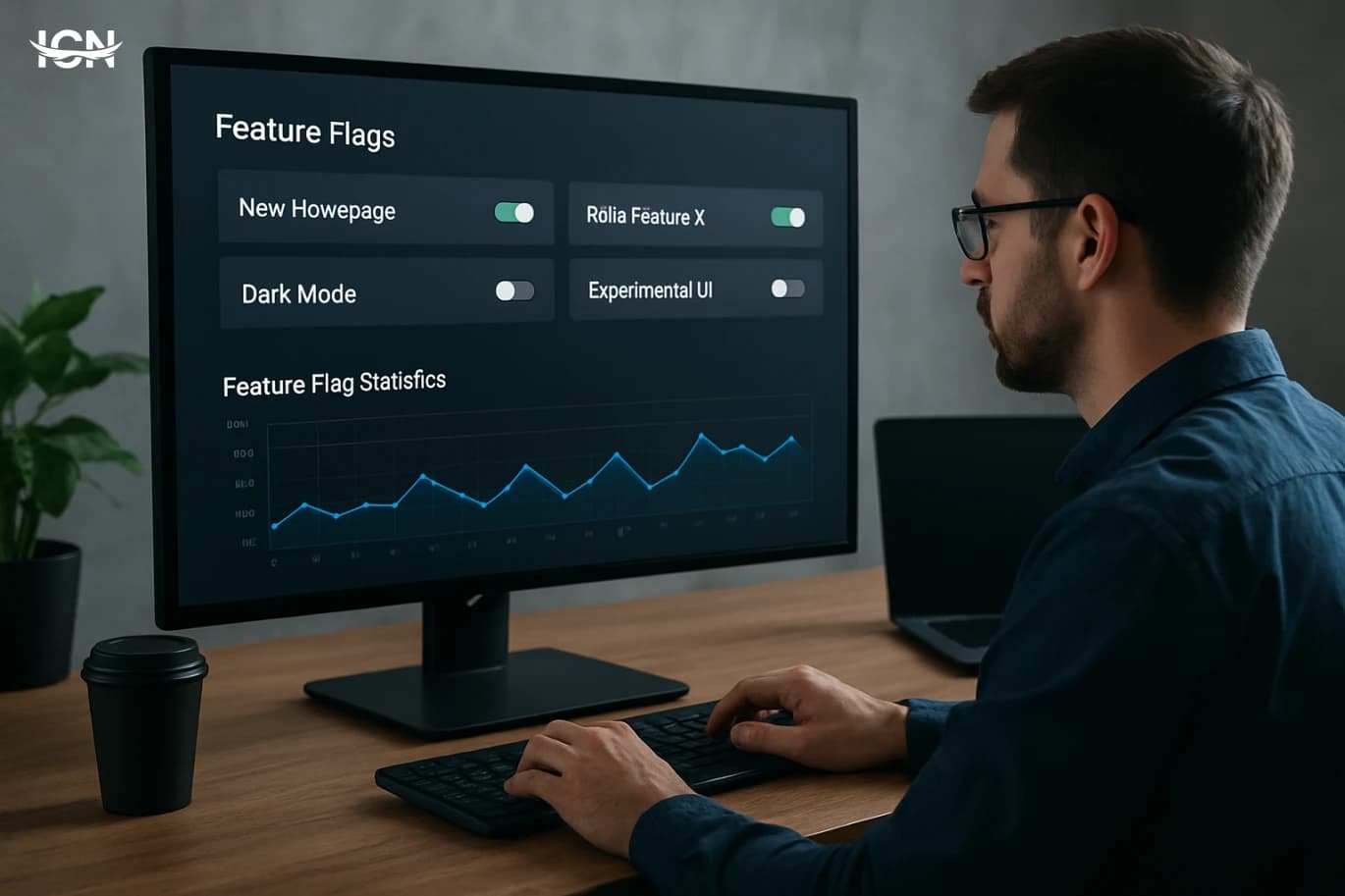
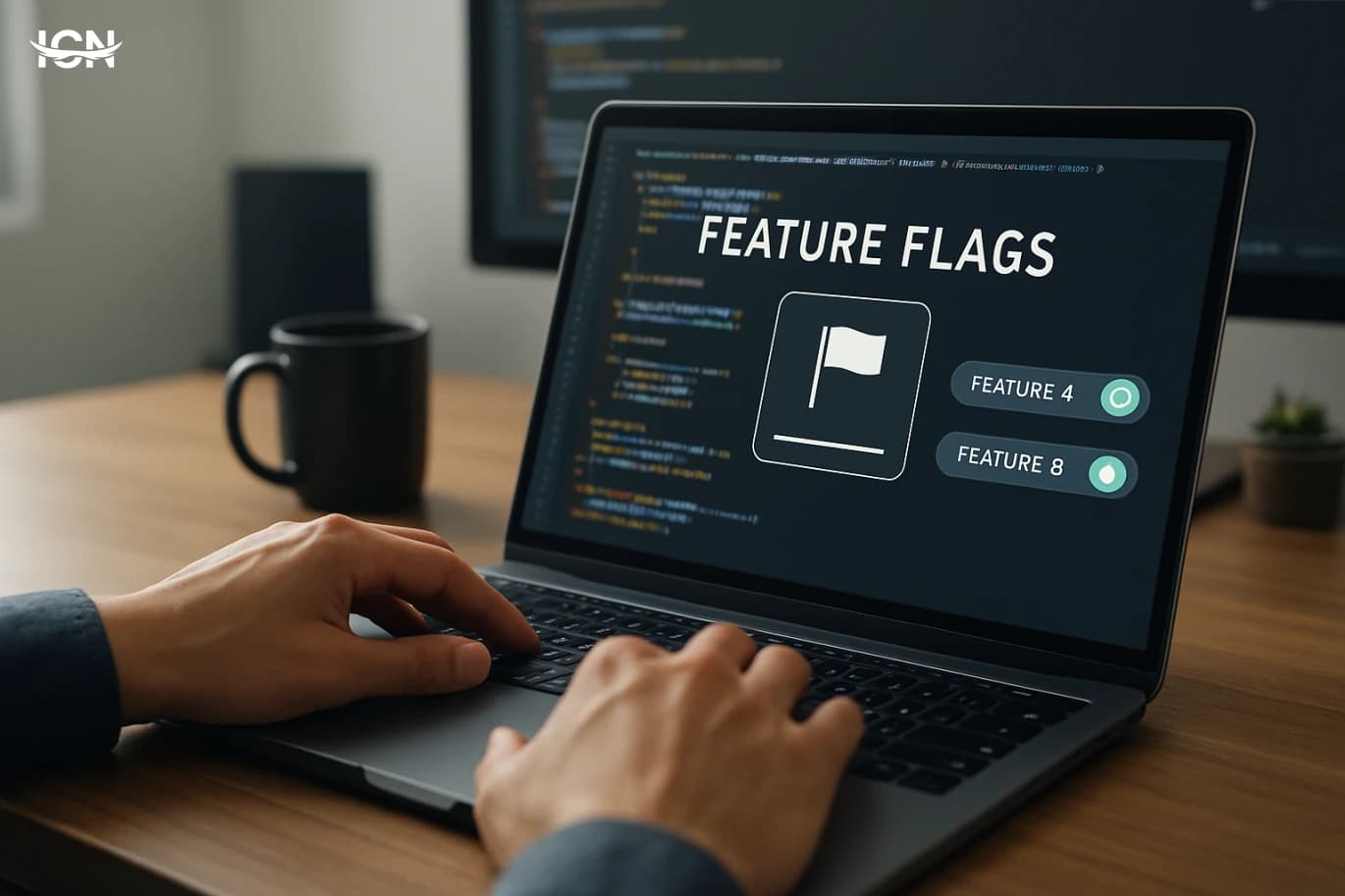
Feature flags have moved from a “nice-to-have” tool to a core part of modern software delivery. Teams use them to ship code continuously while controlling exposure, reducing risk, and learning from real usage. Instead of bundling every change into a big release, flags let you separate deployment from release: code can be deployed safely, then enabled for a small audience, a region, or a specific customer segment. This approach is especially valuable when products have multiple clients, frequent updates, and strict uptime expectations. A flag can turn on a new search algorithm for 5% of traffic, keep the old one as a fallback, and allow quick rollback without redeploying. But feature flags also introduce new failure modes: inconsistent behavior across services, stale flags that never get removed, and performance overhead if every request triggers multiple remote lookups. Building a reliable flag system means treating it as infrastructure, not as a quick configuration trick.
Practical Observability for Modern Microservices
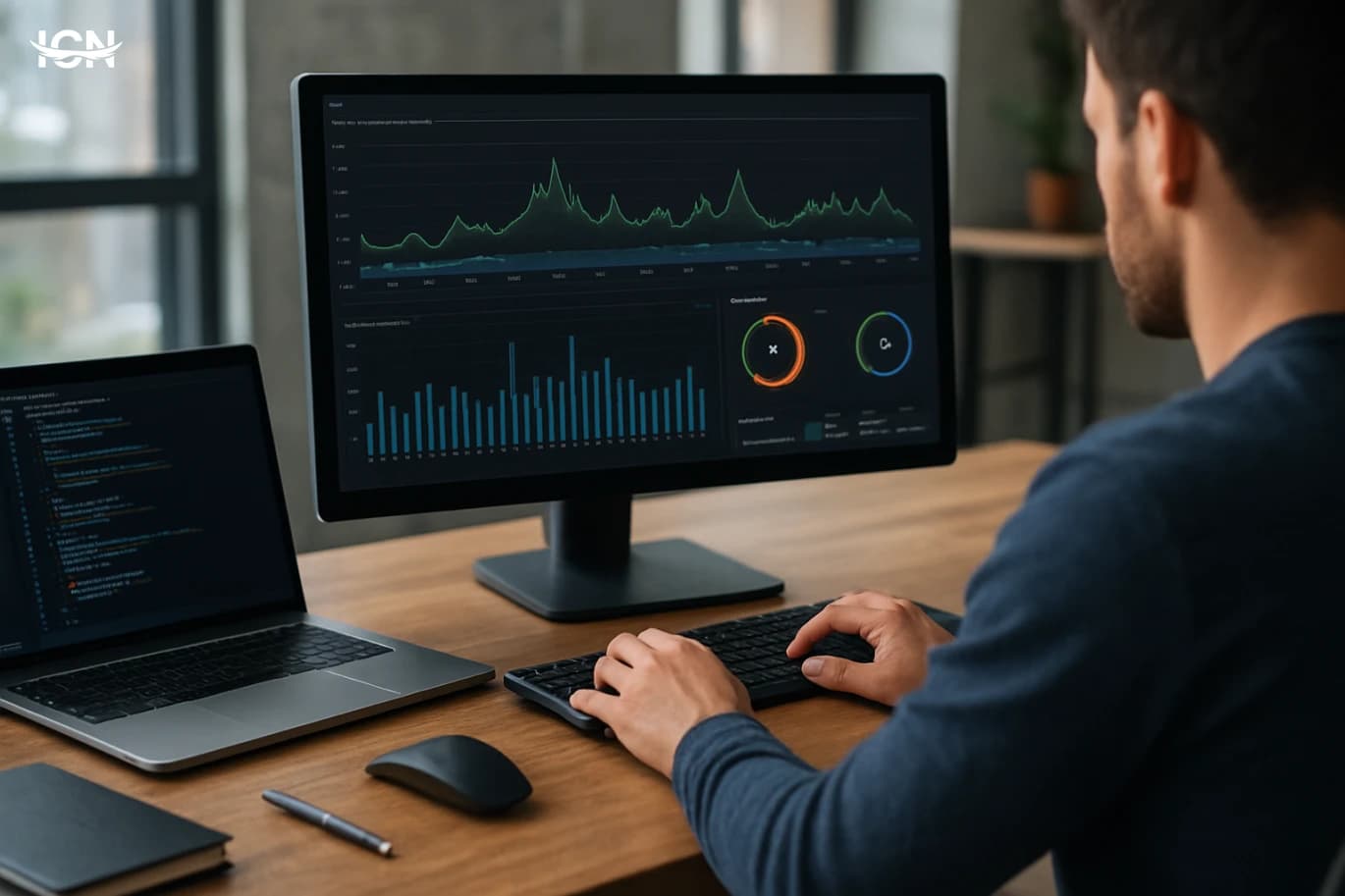
Microservices make it easier to ship features independently, but they also multiply failure modes. A single user request can traverse an API gateway, several services, a message broker, and multiple databases. When latency spikes or errors appear, traditional monitoring that only checks CPU and uptime rarely answers the real questions: which dependency slowed down, where the error started, and how many users were affected. Observability focuses on understanding system behavior from the outside by collecting signals that explain what happened and why. In practice, observability is not a tool you buy; it is a set of engineering habits. Teams that treat it as a first-class feature reduce mean time to detect and mean time to recover because they can connect symptoms to root causes quickly. It also improves product decisions: you can see which endpoints are used, which workflows fail, and where performance budgets are being consumed. For organizations running multiple services and frequent deployments, observability becomes the difference between confident releases and constant firefighting.
Typing Chinese on a Keyboard
A standard keyboard was designed around alphabets with a few dozen symbols, while written Chinese relies on thousands of characters used in everyday reading and far more in dictionaries. The practical challenge was never about printing characters on physical keys; it was about building an input method that lets people produce the right character quickly, repeatedly, and with low error rates. Modern solutions treat the keyboard as a universal controller: you type a small set of letters, numbers, or strokes, and software converts that sequence into Chinese characters. This shift from “one key equals one symbol” to “keys as signals” shaped everything that followed. It required linguistic analysis, user-interface design, and large-scale standardization so that schools, offices, and device makers could converge on a few workable methods. China’s approach also had to support multiple spoken varieties and writing habits, while keeping the learning curve manageable for new users and efficient for professionals who type all day.
Building Reliable Feature Flags at Scale
Feature flags often start as a quick switch to hide unfinished work, but in mature products they become a core production dependency. Teams rely on them to ship smaller changes, reduce release risk, and run controlled rollouts across regions, platforms, or customer tiers. This section frames feature flags as an operational system, not a UI toggle, and explains how they affect deployment frequency, incident response, and the ability to decouple release from deploy. It also clarifies the difference between release flags, experiment flags, and operational flags. Release flags gate new functionality until it is ready; experiment flags support A/B testing and measurement; operational flags enable emergency controls such as disabling a costly background job. Treating all of these as the same type leads to messy naming, unclear ownership, and hard-to-audit behavior. The section sets the expectation that a scalable approach requires explicit flag types, lifecycle rules, and a shared vocabulary across engineering, QA, and product.
Practical LLM Testing for Production Apps
Testing an LLM feature is not the same as testing a deterministic API. The same prompt can produce different outputs across model versions, temperature settings, and even time as providers update infrastructure. That variability breaks many traditional expectations like fixed snapshots and strict string matching. In production, the risk is not only wrong answers; it is inconsistent tone, missing constraints, or unexpected formatting that can cascade into downstream systems. A practical approach starts by defining what “correct” means for your application. For a support assistant, correctness may be “uses only approved sources and includes a ticket ID.” For a code helper, it may be “compiles, follows style rules, and avoids insecure patterns.” These are measurable properties. The goal of LLM testing is to turn fuzzy quality into explicit checks that can run in CI and in monitoring, so releases are based on evidence rather than subjective review.
Building Reliable Event Driven Systems
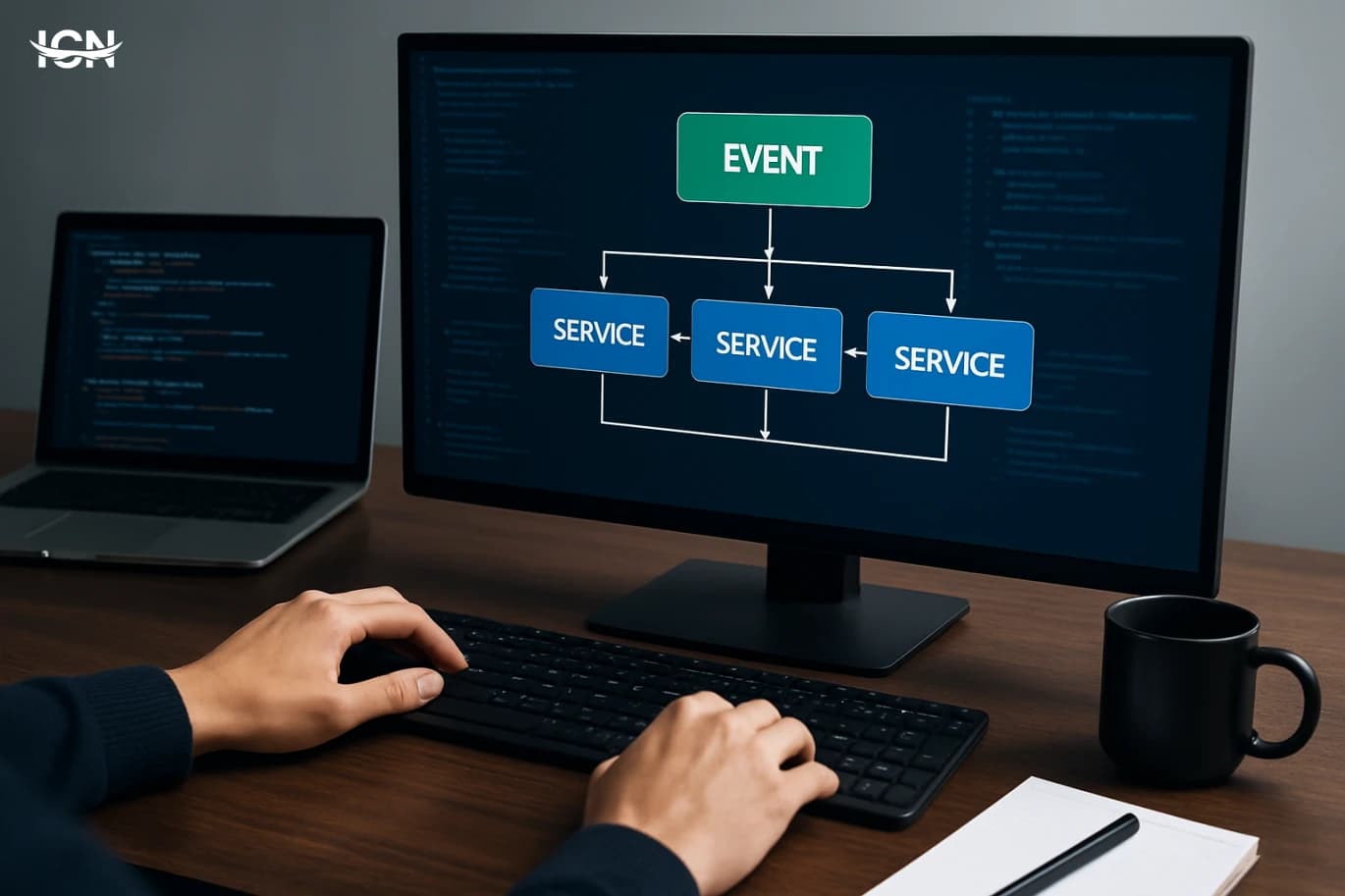
Event driven architecture has moved from niche messaging setups to a default pattern for modern products. Teams adopt it to decouple services, scale specific workloads, and integrate third‑party systems without tight dependencies. Instead of one service calling another synchronously and waiting, producers publish events such as “order placed” or “file uploaded,” and consumers react when they are ready. This improves resilience because a temporary slowdown in one consumer does not necessarily block the producer. The approach also fits how organizations evolve. New features often require new consumers rather than changes to existing producers, which reduces coordination costs. However, the same flexibility can create hidden complexity: event contracts become public APIs, debugging spans multiple services, and data consistency becomes a design choice rather than a default. A practical blog topic is not “what is event driven,” but how to build it so it stays reliable under real traffic, real failures, and real team turnover.
Practical Observability for Modern Microservices
Microservices made delivery faster, but they also multiplied failure modes. A single user request can cross an API gateway, several services, a message broker, and multiple databases. When latency spikes or errors appear, traditional monitoring that only checks “is the server up” is not enough. Observability treats telemetry as a product capability: you can explain what is happening inside the system using signals that are designed, consistent, and queryable. In practice, observability means your team can answer operational questions quickly: Which endpoint is slow, which dependency is responsible, and which release introduced the change? It also means you can do this without guessing, SSH sessions, or ad‑hoc log grepping. For engineering leaders, the payoff is measurable: shorter incident resolution time, fewer rollbacks, and clearer ownership across teams. For developers, it reduces the cost of change by making behavior visible during development, staging, and production.
Shipping Safer Code with Feature Flags
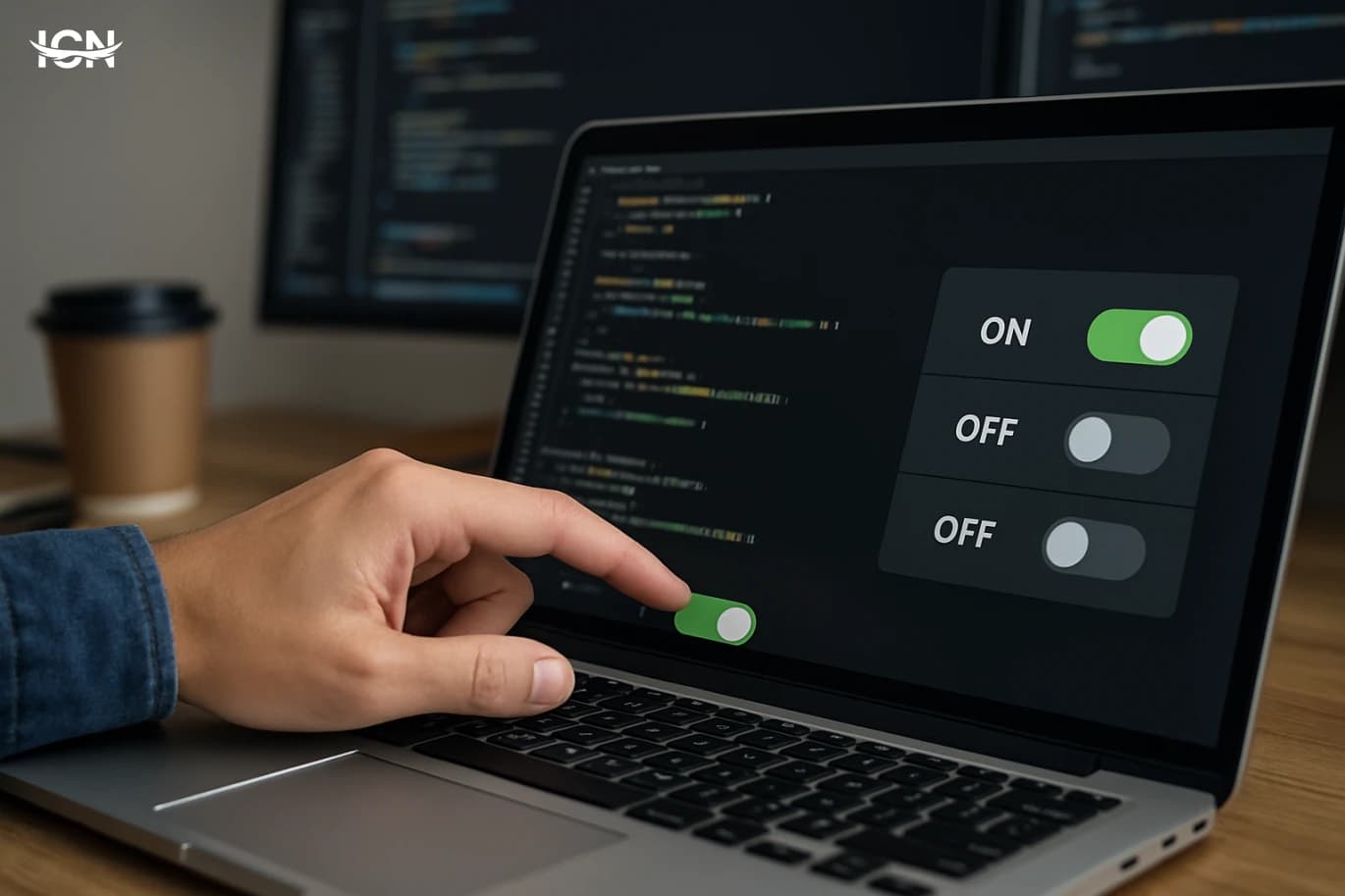
Feature flags moved from niche practice to a default release tool because software teams now ship continuously and cannot afford risky “big bang” deployments. A flag lets you merge code into the main branch while keeping the behavior off for most users, which reduces long-lived branches and the integration conflicts they create. It also supports progressive delivery: you can expose a change to 1% of traffic, watch error rates and latency, then expand gradually. This is especially valuable for mobile and distributed systems where rollback is slow or impossible once a client version is in the wild. Teams also use flags to separate deployment from release, enabling marketing, support, and compliance to coordinate timing without blocking engineering. The result is fewer emergency rollbacks, faster iteration, and clearer control over who sees what and when.
Shipping Faster with Feature Flags
Feature flags have moved from a niche technique to a mainstream delivery practice because software teams are shipping more frequently and to more platforms than ever. A flag lets you merge code into the main branch while keeping the behavior off for most users, which reduces long-lived branches and the painful merge conflicts that come with them. It also changes the risk profile of releases: instead of betting everything on a single deployment window, teams can deploy continuously and control exposure separately. This matters in modern systems where a single change can touch web, mobile, backend services, and data pipelines. When a release goes wrong, the fastest mitigation is often not a rollback but a quick disable. Flags provide that “kill switch” capability without requiring a new build, which is especially valuable for mobile apps where app-store review cycles slow down emergency fixes. Used well, flags support safer experimentation, staged rollouts, and faster incident response.
By clicking the SUBSCRIBE button, you are agreeing to our Privacy & Cookie Policy If you want to unsubsribe the marketing email, please proceed to our privacy center.
© 2005-2026 ICN. All Rights Reserved.