App Logo

Download Our App

Shop your way

logologo
Image

PlayStation 5

09/05/2024By: ICN
PlayStation 5

Introduction: What is PlayStation 5?

Release Date PlayStation 5 was released by Sony in November 2020. The device has gained great popularity among video game enthusiasts around the world thanks to its advanced technologies and exciting games. Technical Specifications PlayStation 5 is characterized by its powerful processing and super speed, which makes the gaming experience more realistic and smooth. The device supports high-resolution graphics and 3D sound technology for complete immersion in the world of games. Its elegant and innovative design attracts players of all ages and makes them enjoy a unique gaming experience.

Playstation 5 design

Device Design With its sleek and innovative design, the PlayStation 5 is one of the most prominent gaming consoles on the market. The device comes with a distinctive and attractive look that combines modernity with high performance, making it an ideal choice for professionals and amateurs alike. The main unit features an innovative design that reflects the advancement of technology and adds a new touch to the gaming experience. DualSense Controller The DualSense controller is a great addition to the gaming experience on PlayStation 5, offering precise and interactive control that enhances the realism of games. Its comfortable and innovative design with features such as haptic feedback technology and the Create button make it an ideal choice for users looking for a unique gaming experience.

Featured PlayStation 5 Games

Launch Titles PlayStation 5 games are among the most distinctive and anticipated games in the gaming world. The device comes with a variety of exciting titles that maintain the passion of players and provide an exceptional experience. Anticipated Exclusive Games Among the amazing exclusive titles that PlayStation 5 includes, we can review a special introduction to games that have been announced and will be available only on this system. These exclusive titles guarantee exciting and innovative gaming experiences to meet the expectations of players.

Playstation 5 experience

Audio Support PlayStation 5 games offer an exceptional audio experience thanks to the support of amazing 3D audio technology. Games can take advantage of this technology to deliver amazing sound effects that enhance the realism of the game and make you live every moment in detail. Graphics and Performance Improvements PlayStation 5 games feature stunning graphics in high resolution and smooth and fast performance. They provide an exceptional visual experience that makes players feel fully immersed in the game worlds thanks to the graphics and performance improvements provided by the device.

Streaming services and content on PlayStation 5

PlayStation Plus PlayStation Plus offers a complete entertainment experience for its users, providing monthly free games, exclusive discounts on games, and online multiplayer service. The service also provides cloud storage to save players' data and other exclusive benefits. PlayStation Store PlayStation Store is the main source for purchasing games and downloading additional content on PlayStation 5, as it provides a wide range of exclusive games and entertainment content to meet the needs of all players. Users can take advantage of special offers and seasonal discounts through this digital store.
* All articles published on this blog are sourced from various websites and are provided for informational purposes only. They should not be considered as confirmed studies or accurate information. Please verify the information independently before relying on it.

Similar ARTICLES

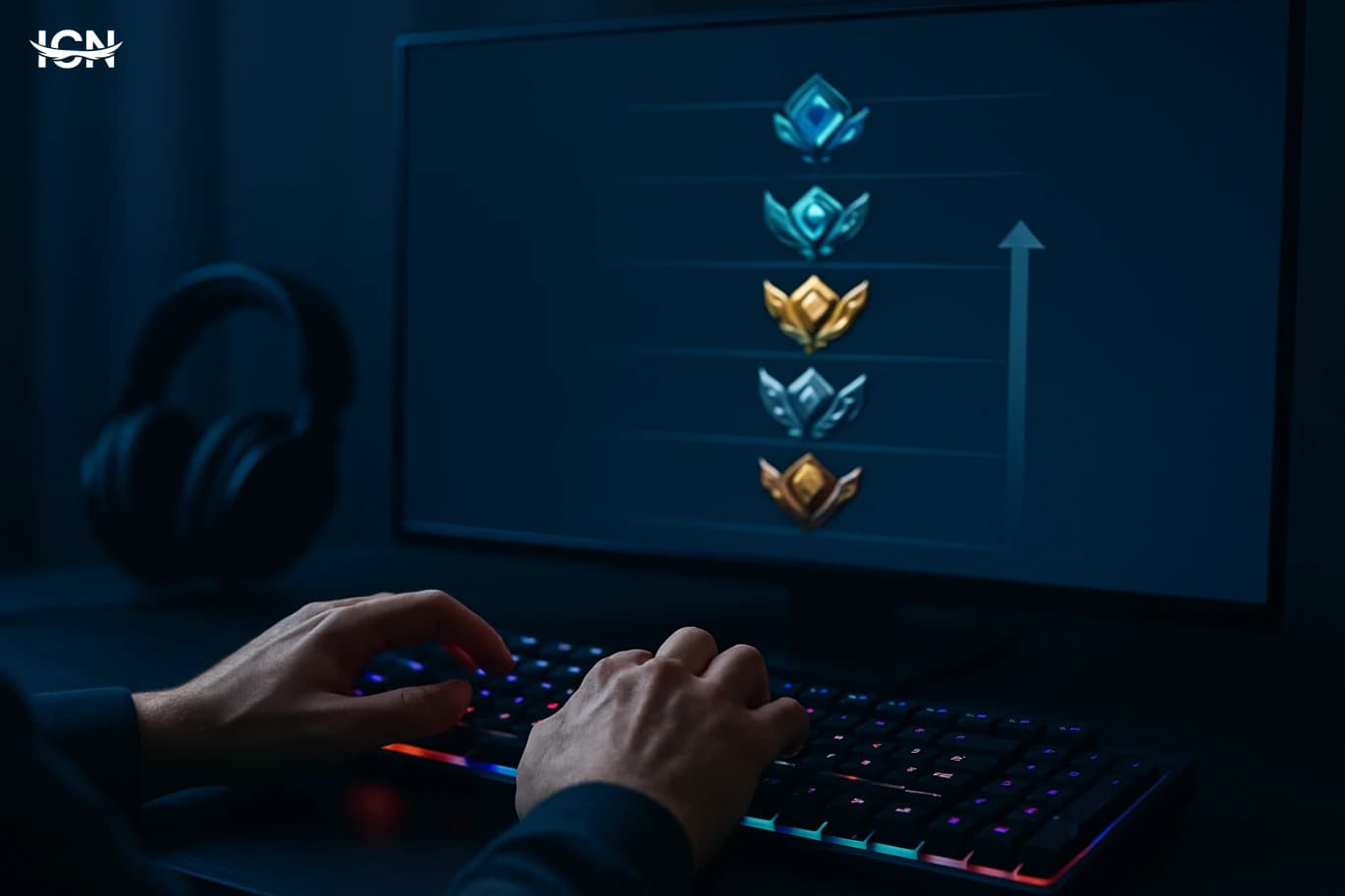
Building a Fair Ranked Ladder in Games
Ranked modes are more than a badge next to a username. They shape how players practice, how teams communicate, and whether a game feels worth returning to after a tough loss. A well-designed ladder gives clear goals, predictable progression, and matches that feel competitive without being exhausting. It also creates a shared language: divisions, tiers, placement matches, and seasonal resets become part of the community’s routine. When ranked systems go wrong, the damage is measurable. Players report “unfair matches” when skill gaps are obvious, and they stop trusting the outcome. Newcomers get discouraged if they are thrown against veterans too early. Experienced players get bored if they can farm wins with little resistance. The result is churn: fewer active players, longer queue times, and even worse matchmaking. A fair ladder is therefore not a luxury feature; it is core infrastructure for any competitive game, from shooters and MOBAs to sports titles and fighting games.
Building a Lag-Free Home Gaming Network
Most players blame “the internet” when a match stutters, but the real cause is often inside the home network. Lag can come from three places: your local Wi‑Fi or Ethernet path, your router’s ability to handle traffic, and the route from your ISP to the game server. Even with a fast plan, a crowded Wi‑Fi channel, a weak signal through walls, or a router struggling under multiple devices can add delay and packet loss. Games are sensitive to consistency more than raw speed; a stable 30–80 Mbps line with low jitter can feel better than a 500 Mbps line that spikes every few seconds. It helps to separate symptoms. High ping is a steady delay, often tied to distance or routing. Jitter is ping that swings up and down, which makes aiming and movement feel “rubbery.” Packet loss is missing data, which can cause teleporting, hit registration issues, or voice chat dropouts. Bufferbloat is a special case: when someone uploads a video or a cloud backup runs, the router queues packets and game traffic waits behind them. Understanding which symptom you have guides the fix and prevents wasting money on upgrades that do not address the bottleneck.
Building a Smooth Gaming Setup on a Budget
A smooth gaming experience is not just “high FPS.” It is the combination of stable frame pacing, low input delay, and consistent performance during heavy scenes. Many players chase a big average frame rate number, but stutter and sudden drops are what make a game feel rough. Frame pacing matters because uneven delivery of frames creates micro-stutter even when the counter looks fine. Input delay matters because it affects aiming, timing, and overall control, especially in competitive shooters, fighting games, and fast action titles. Before buying anything, define your target: 1080p at 60 fps stable, 1080p at 120–144 fps for esports, or 1440p at 60–90 fps for single-player detail. Your target should match the games you actually play and the monitor you will use. A budget setup can feel premium if it hits a realistic target consistently. The goal is to spend money where it reduces stutter and improves responsiveness, not where it only increases peak numbers in benchmarks.
Building a Reliable Gaming Setup on a Budget
A budget gaming setup is not a single price point; it is a set of trade-offs that still delivers stable performance in the games you actually play. In 2026, the baseline expectation for many players is smooth 1080p at 60–120 fps in competitive titles, and consistent frame pacing in story-driven games even if you are not chasing ultra settings. The practical definition of “budget” is therefore tied to outcomes: can you keep input latency low, avoid stutters, and maintain acceptable image quality without overspending on parts that do not move the needle. Start by writing down three things: your top five games, your target resolution (1080p or 1440p), and whether you care more about high refresh rate or visual detail. This prevents the most common budget mistake: buying a component because it is popular rather than because it matches your workload. If you mainly play esports titles, you can prioritize CPU stability and a responsive monitor. If you play large open-world games, you will feel the difference from a stronger GPU and enough RAM to avoid paging. Budget planning also includes “hidden” costs like a quality power supply, a comfortable chair height, and a headset or microphone if you play with friends. Finally, define a spending ceiling and a replacement timeline. A budget build is often upgraded in stages: first the GPU, then storage, then a monitor. Planning for staged upgrades helps you avoid dead-end platforms and lets you buy parts when prices are favorable.
Building a Low Latency Gaming Setup
Many players upgrade hardware expecting instant improvement, but the biggest day-to-day difference often comes from latency, not peak frame rates or download speed. Latency is the delay between your input and what you see or feel in-game, and it stacks across the entire chain: controller or mouse, PC or console processing, display response, and the network path to the game server. In competitive shooters, fighting games, and sports titles, a few milliseconds can change whether an action registers in time. Even in single-player games, high input delay makes aiming, camera movement, and timing-based mechanics feel heavy and inconsistent. It helps to separate three common delays. Input latency is the time from pressing a button to the game reacting on screen. Network latency is the round-trip time to the server, often shown as ping. Frame-time consistency is how evenly your system delivers frames; unstable frame times create stutter that feels like lag even if your average FPS is high. A low-latency setup targets all three, because fixing only one bottleneck rarely delivers the smooth, responsive feel players are chasing.
Building a Lag Free Home Gaming Network
Most players blame the game server when matches feel sluggish, but home networks cause a large share of the problem. Lag is usually a mix of latency, jitter, and packet loss. Latency is the time a packet needs to reach a destination and return; jitter is how much that time varies from moment to moment; packet loss is data that never arrives and must be resent. Even if your internet plan advertises high download speeds, a busy Wi‑Fi channel, an overloaded router, or a device uploading in the background can create spikes that ruin competitive play. Home lag often comes from “bufferbloat,” where a router queues too much traffic during uploads or downloads. A single cloud backup, a console updating in rest mode, or a family video call can fill the upstream link and push game packets to the back of the line. Another common cause is Wi‑Fi interference from neighboring networks, Bluetooth devices, microwaves, and thick walls. Understanding these causes matters because the fixes are different: you cannot solve Wi‑Fi congestion with a faster plan, and you cannot solve bufferbloat by moving the console closer to the router.
Building a Low Latency Gaming Setup
Many players buy faster internet or a new GPU expecting instant improvement, then feel disappointed when online matches still feel “heavy.” The missing piece is latency: the time it takes for your input to reach the game server and for the result to come back. In competitive shooters, fighting games, sports titles, and even co-op action games, a small delay can change aim timing, parry windows, and movement precision. Latency is not the same as bandwidth; a 300 Mbps connection can still feel slow if the route to the server is inefficient or your home network is congested. This topic breaks latency into practical parts you can measure and fix: ping to the server, jitter (how much ping fluctuates), packet loss, and local input delay from your display and peripherals. It also explains why “low ping” alone is not enough if your connection spikes during peak hours or if your Wi‑Fi drops packets when someone streams video. The goal is a setup that feels consistent: stable frame pacing, predictable inputs, and a network that stays responsive when your household is busy. By the end, you should know which upgrades actually reduce delay and which purchases mainly improve visuals without helping responsiveness.
Building a Lag Free Home Gaming Network
Most players blame “the servers” when matches feel delayed, but a large share of lag is created inside the home. The most common causes are Wi‑Fi interference, bufferbloat (routers queuing too much data), and unstable routing when multiple devices compete for bandwidth. A 4K stream, cloud backup, or a large game download can add hundreds of milliseconds of delay even if your internet speed test looks fine. Another frequent issue is inconsistent Wi‑Fi signal quality: the connection may show full bars, yet packet loss spikes when a microwave, Bluetooth headset, or neighboring router overlaps your channel. Understanding the difference between bandwidth and latency is the first step. Bandwidth is how much data you can move; latency is how quickly small packets travel. Competitive shooters and fighting games care far more about stable latency and low jitter than raw download speed. A home network that feels “fast” for browsing can still be poor for gaming if it has high jitter, periodic packet loss, or long upload queues. The goal is not just to increase speed, but to make your connection predictable under load.
Building a Lag Free Home Gaming Network
Most players blame the game server when matches feel delayed, but home networks cause a large share of the problem. Lag is usually a mix of latency (how long data takes to travel), jitter (how inconsistent that travel time is), and packet loss (when data never arrives). A connection can look “fast” in a speed test yet still feel bad in games because speed tests focus on throughput, not stability. In a typical home, multiple devices compete for the same Wi‑Fi airtime: phones syncing photos, TVs streaming 4K video, laptops downloading updates, and smart devices sending background traffic. Each of these can add queueing delay in the router and create spikes that you notice as rubber-banding or delayed inputs. Wi‑Fi adds its own challenges. It is a shared medium where devices take turns transmitting, and interference from neighboring networks can force retransmissions. Even without interference, distance, walls, and furniture reduce signal quality, which increases error correction and delays. Another common issue is bufferbloat: when a router holds too much data in its queues during uploads or downloads, it increases latency for everything else. This is why a single cloud backup or a console update can make a multiplayer match feel unplayable. Understanding these causes helps you choose fixes that target stability rather than chasing higher advertised speeds.
How Live Service Games Keep Players Paying
Live service games have become the default business model for many major publishers because they turn a one-time purchase into an ongoing revenue stream. Instead of relying on launch-week sales, these games aim to keep players active for months or years through frequent updates, limited-time events, and rotating rewards. Titles across shooters, sports, and role-playing games now treat release day as the start of a long operational cycle that includes new seasons, balance patches, and content drops. This shift is also tied to distribution and platform changes. Digital storefronts make it easier to push weekly updates, while cross-play and cross-progression expand the addressable audience and reduce friction for returning players. For publishers, the appeal is predictable income from cosmetics, battle passes, and optional bundles. For players, the promise is a game that evolves, but the trade-off is constant monetization pressure and a design focus on retention metrics rather than a clean, finite experience.
How Crossplay Changed Multiplayer Gaming
Crossplay moved from a marketing bullet point to a baseline expectation because multiplayer communities no longer live on a single device. Players split time between console, PC, and mobile, and friend groups rarely share the same platform. When a game locks matchmaking to one ecosystem, it shrinks the active population, increases queue times, and accelerates churn after the launch window. Publishers also learned that a unified player pool stabilizes engagement across regions and time zones, which matters for seasonal content and battle pass models. The shift was pushed by a few practical realities. First, digital distribution and live-service updates made it easier to keep versions aligned across platforms. Second, major engines and backend services matured, allowing studios to build one networking stack and deploy it broadly. Third, competitive titles needed larger pools to support skill-based matchmaking without forcing players into lopsided games. Crossplay became a retention tool as much as a community feature, and that changed how studios plan launches, post-launch roadmaps, and even marketing partnerships.
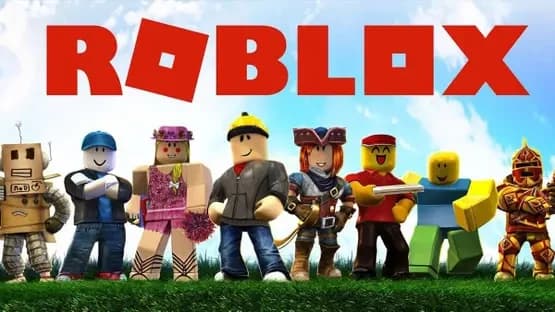
Roblox gaming platform
A platform that allows users to play millions of games created by other users. You can also create your own games using Roblox tools. Available on: PC – Phone – Tablet – Xbox Roblox Features Huge and constantly updated content: Thousands of games in genres such as adventure, simulation, racing, and roleplay. Social interaction: Chat, make friends, and join groups. Avatar customization: Change clothes and accessories. Learn programming: Use the Lua programming language with Roblox Studio. In-game currency A virtual currency called Robux is used: To purchase clothes and accessories To unlock in-game features It can be purchased with real money or earned by developing games. A free game creation tool. Helps in learning: Programming basics 3D design Logical thinking Safety and parental controls Settings to control: Chat Who can communicate with the child Age ratings for content Parental supervision is recommended for young children
By clicking the SUBSCRIBE button, you are agreeing to our Privacy & Cookie Policy If you want to unsubsribe the marketing email, please proceed to our privacy center.
© 2005-2026 ICN. All Rights Reserved.