Building a Reliable Gaming Setup on a Budget
- What “budget” really means in 2026
- Choosing the right CPU and platform
- GPU priorities for 1080p and 1440p
- RAM and storage that prevent stutter
- Monitor, peripherals, and audio that matter
- Smart upgrade path and price timing
What “budget” really means in 2026
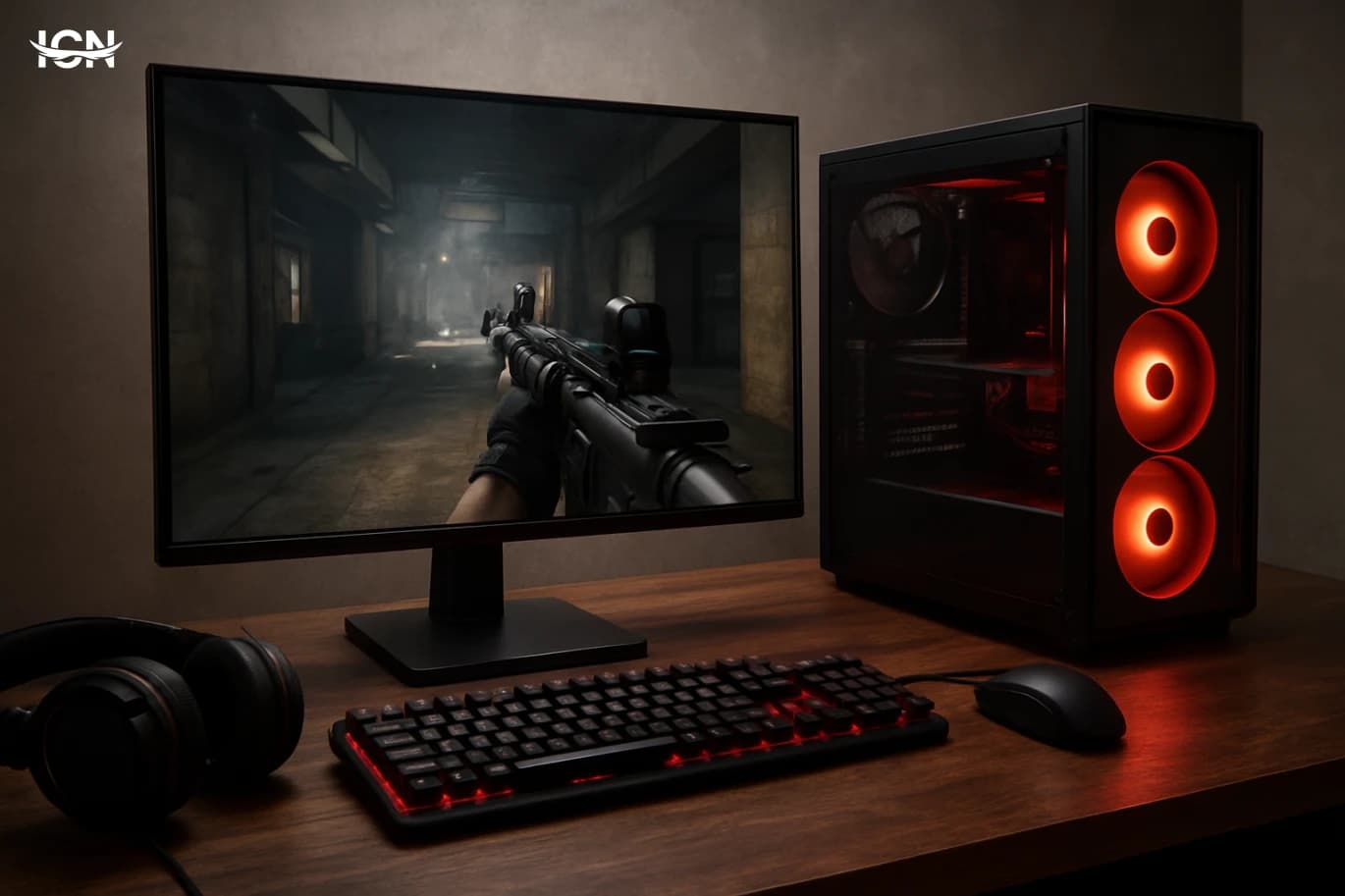
A budget gaming setup is not a single price point; it is a set of trade-offs that still delivers stable performance in the games you actually play. In 2026, the baseline expectation for many players is smooth 1080p at 60–120 fps in competitive titles, and consistent frame pacing in story-driven games even if you are not chasing ultra settings. The practical definition of “budget” is therefore tied to outcomes: can you keep input latency low, avoid stutters, and maintain acceptable image quality without overspending on parts that do not move the needle. Start by writing down three things: your top five games, your target resolution (1080p or 1440p), and whether you care more about high refresh rate or visual detail. This prevents the most common budget mistake: buying a component because it is popular rather than because it matches your workload. If you mainly play esports titles, you can prioritize CPU stability and a responsive monitor. If you play large open-world games, you will feel the difference from a stronger GPU and enough RAM to avoid paging. Budget planning also includes “hidden” costs like a quality power supply, a comfortable chair height, and a headset or microphone if you play with friends. Finally, define a spending ceiling and a replacement timeline. A budget build is often upgraded in stages: first the GPU, then storage, then a monitor. Planning for staged upgrades helps you avoid dead-end platforms and lets you buy parts when prices are favorable.
Choosing the right CPU and platform
For budget gaming, the CPU decision is less about peak benchmark numbers and more about avoiding bottlenecks and stutter. Look for a modern midrange processor with strong single-core performance and enough cores for background tasks, voice chat, and game launchers. If you stream occasionally or run heavy mods, extra cores help, but for most players a balanced midrange chip is the sweet spot. Platform choice matters because it determines upgrade options and total cost. Compare the price of the motherboard, the availability of affordable RAM, and whether you get features you will actually use: enough USB ports, a decent audio codec, and at least one fast NVMe slot. Paying extra for premium overclocking features rarely makes sense in a strict budget build; stability and good power delivery are more important than chasing small gains. Cooling is part of the CPU platform decision. Many midrange CPUs can run well with a competent air cooler, which is often cheaper and easier to maintain than liquid cooling. Prioritize low noise and consistent temperatures over flashy aesthetics. Also check case compatibility: a budget case with poor airflow can erase the benefit of a better CPU by forcing it to throttle. The practical checklist is simple: pick a CPU that meets your target frame rate in your top games, pair it with a motherboard that supports your next upgrade, and allocate enough budget for cooling and airflow so performance stays consistent over long sessions.
GPU priorities for 1080p and 1440p
The GPU is usually the biggest lever for gaming performance, but budget builds need disciplined choices. Start with your resolution and the types of games you play. For 1080p, many midrange GPUs can deliver high frame rates in competitive games and solid performance in modern AAA titles with sensible settings. For 1440p, you need more headroom, and VRAM capacity becomes more important to avoid texture pop-in and sudden dips. Instead of chasing “ultra,” focus on settings that give the best visual return per frame. In many games, lowering shadows, volumetric effects, and heavy ray-traced options can recover a large amount of performance with limited impact on clarity. Texture quality is different: if you have enough VRAM, textures can often stay high without a big frame hit. This is why a GPU with adequate VRAM can feel smoother over time as games grow more demanding. Buying strategy matters. If you are shopping used, prioritize cards with a clean history, intact warranty where possible, and realistic power requirements for your PSU. Avoid pairing a power-hungry GPU with a low-quality power supply; instability and crashes are not “budget savings.” Also consider the total platform balance: a strong GPU paired with an underpowered CPU can lead to inconsistent frame times, especially in multiplayer games. A good budget GPU choice is one that meets your target fps at your chosen resolution with a small buffer for future titles, while staying within your power, cooling, and noise limits.
RAM and storage that prevent stutter
RAM and storage are where many budget builds quietly fail. Too little memory forces the system to swap data to disk, which can cause hitching during fights, loading new areas, or alt-tabbing. For modern gaming, a practical baseline is enough RAM to keep the game, the operating system, and background apps comfortable. Capacity is usually more important than chasing extreme speeds, but do not ignore basic compatibility and stable profiles. Storage affects how quickly games load and how smoothly they stream assets. An NVMe SSD is one of the best quality-of-life upgrades you can make, especially for large open-world games that constantly pull data. If your budget is tight, prioritize a smaller fast SSD for the operating system and your main games, and add a larger secondary drive later for your library. Keep some free space available; SSDs can slow down when nearly full. Also consider maintenance: keep drivers updated, avoid installing unnecessary background utilities, and check that your system is not overheating. Stutter is not always a “weak GPU” problem; it can be memory pressure, a nearly full drive, or thermal throttling. A budget setup feels premium when it is consistent. Adequate RAM, a fast primary SSD, and a clean software environment do more for day-to-day smoothness than many small hardware upgrades.
Monitor, peripherals, and audio that matter
A budget gaming setup is not complete without a sensible monitor choice. Your screen defines what you can actually see from your hardware. For competitive play, a 1080p high-refresh monitor can feel more impactful than pushing higher graphics settings. For mixed use, a good 1440p panel can improve clarity for both games and everyday work, but it demands more from the GPU. Look for practical features: adaptive sync support to reduce tearing, a stand that can adjust height or at least tilt, and acceptable motion handling. Do not overspend on marketing labels; read measurements and reviews that discuss response times and overshoot. If you play in a bright room, brightness and anti-glare matter more than wide color gamut claims. Peripherals should be chosen for reliability and comfort. A keyboard with consistent switches, a mouse that fits your grip, and a mousepad with predictable glide can improve performance more than a minor fps increase. For audio, a closed-back headset can be a cost-effective way to get clear positional cues and isolate background noise. If you already have headphones, a simple external microphone can improve voice clarity for team play without buying an expensive “gaming” headset. The goal is coherence: match the monitor refresh rate to the frame rates you can sustain, and choose peripherals that reduce fatigue during long sessions.
Smart upgrade path and price timing
A reliable budget setup is built with the next step in mind. The most cost-effective upgrades usually follow a predictable order: first address the biggest bottleneck you feel during real play, then improve quality-of-life. If your frame rate is fine but loading is slow, storage is the upgrade. If games run smoothly but look blurry, a better monitor or proper in-game settings may be the answer. If your fps dips in crowded scenes, the GPU or CPU may be the limiting factor depending on the title. Price timing can save meaningful money. Track typical prices for a few weeks, watch for bundle deals that include games you would actually play, and avoid panic buying during short-lived spikes. When buying used, insist on testing where possible and budget for small essentials like new thermal paste or additional case fans. Those inexpensive items can stabilize temperatures and reduce noise, improving the experience more than you might expect. Finally, document your build: keep a list of parts, warranty dates, BIOS version, and driver notes. This makes troubleshooting faster and helps you sell or upgrade components later. A budget build becomes a long-term value build when it is maintained, upgraded intentionally, and matched to your real gaming habits rather than trends.