The Weekly Reset That Actually Sticks

- Why most weekly plans fail at home
- Pick a realistic reset window
- The five-list method for family clarity
- Prep that saves time without a full meal prep
- A simple system for chores and accountability
- Bookmark
Why most weekly plans fail at home
Many households try to “get organized” by copying a rigid planner template, then abandon it after a busy week. The main issue is that family life is not a single-person schedule: it is a network of school deadlines, work shifts, meals, errands, and unexpected changes. A plan that ignores this reality becomes extra work instead of support. Another common failure is planning in too much detail. When every hour is assigned, one late pickup or a surprise meeting collapses the whole system, and people stop trusting the plan. A weekly reset works better because it focuses on a few high-impact decisions that reduce daily friction: what meals will be available, which tasks must happen on specific days, and what needs to be prepared in advance. It also sets a clear “home operating system” that everyone can understand, not just the person who manages the calendar. The goal is not perfection; it is fewer last-minute scrambles, fewer duplicate errands, and a calmer start to each day.
Pick a realistic reset window
Choose a consistent 45–75 minute window once a week. For many families, Sunday evening works; for others it is Friday afternoon or Saturday morning. The best time is when the home is relatively quiet and you can access your calendar, pantry, and laundry area without interruptions. If you have young children, split the reset into two shorter blocks: a 20-minute “planning block” and a 30–40 minute “prep block.” Consistency matters more than the day. Treat the reset like a household appointment. Put it on the shared calendar and give it a name everyone recognizes, such as “Weekly Reset.” If one adult carries most of the mental load, invite another family member for a 10-minute check-in at the start. That short participation helps align expectations on school events, transportation needs, and any unusual commitments. The reset should end with a quick summary that can be repeated in one minute: the top three priorities, the busiest day, and what is already prepared.
The five-list method for family clarity
A weekly reset becomes manageable when you use five simple lists that fit on one page or one note app screen. List one is the calendar: school events, work deadlines, appointments, and any transportation constraints. Highlight the two busiest days so you can plan lighter meals and fewer errands on those days. List two is meals: choose 4–6 dinners that match your week’s reality, not your ideal week. Include at least two “low-effort” options that can be made in 20 minutes. List three is errands and calls: group them by location or by who can do them. This prevents multiple trips for small items. List four is home tasks: pick 3–5 tasks that matter most, such as laundry cycles, a bathroom clean, or paperwork. Avoid a long cleaning wish list; it will not happen in a normal week. List five is personal and school needs: permission slips, sports gear, library books, gifts, or anything that tends to be forgotten. When these five lists are visible, daily decisions become faster because the family is working from the same reference point.
Prep that saves time without a full meal prep
You do not need a full “meal prep day” to feel organized. Focus on three types of prep that reduce weeknight stress. First, ingredient prep: wash and chop two vegetables, cook one grain, and portion one protein that can be used in multiple meals. Second, breakfast and lunch readiness: set up a simple station with grab-and-go items, and pre-pack two lunches if mornings are chaotic. Third, kitchen reset: clear the sink, run the dishwasher, and set the counter for the next morning. Outside the kitchen, choose one “launchpad” area near the door. Place a basket for each family member for items that must leave the house: school papers, chargers, sports items, or work badges. During the weekly reset, spend five minutes refilling this area and checking what is missing. This small habit prevents the most common daily-life problem: being ready everywhere except at the moment you need to walk out the door.
A simple system for chores and accountability
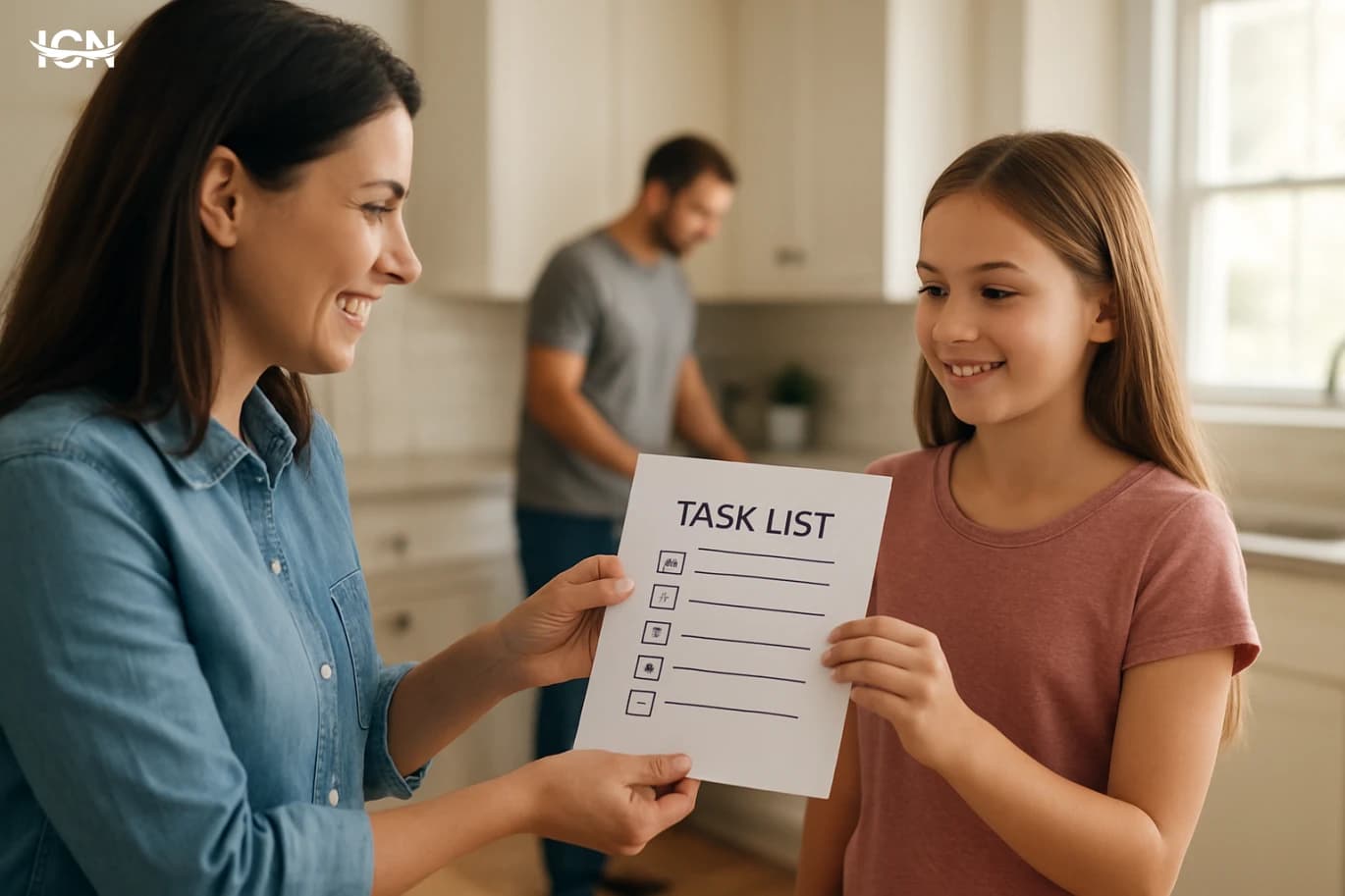
A weekly reset is the right time to assign chores in a way that feels fair and visible. Use a small “minimum standard” approach: define what must happen weekly for the home to function, then distribute those tasks. Examples include two laundry cycles, trash and recycling, one bathroom clean, and a 15-minute floor pickup. Keep tasks specific and time-bounded, such as “fold and put away one basket” instead of “do laundry.” For accountability, avoid complicated charts that require daily updates. Instead, use a shared checklist with 8–12 items for the week. Each person marks completion once, not every day. If children are involved, tie tasks to routines they already have, like after-school snack time or before screen time. The goal is not to run the home like a project plan; it is to prevent one person from silently carrying everything while others assume it will “somehow” get done.
Bookmark
Use this quick checklist during your weekly reset: (1) Review the calendar and identify the two busiest days. (2) Choose 4–6 dinners and list two low-effort backups. (3) Group errands by location and assign who will do them. (4) Pick 3–5 home tasks that actually fit the week. (5) Check school and personal needs, then restock the door launchpad. (6) Do one small prep step: chop vegetables, cook a grain, or portion protein. (7) End by texting or saying the one-minute summary to the household. If you miss a week, do not “catch up” with a bigger reset. Restart with the same checklist and keep it short. The system works when it is repeatable under normal conditions, including weeks with travel, deadlines, or sick days. Over time, the weekly reset becomes a predictable anchor that reduces decision fatigue and makes daily life easier to manage.