App Logo

Download Our App

Shop your way

logologo
Image

Samsung Odyssey G3

09/05/2024By: ICN
Samsung Odyssey G3

Samsung Odyssey G3 Review Technical Specifications Looking at the technical specifications of the Samsung Odyssey G3 monitor, we find that it comes in a 27-inch size and a high-quality display resolution of up to 1440 pixels. It features a refresh rate of up to 144 Hz and a fast display response time. It also provides a wide color coverage of 125% sRGB, making it ideal for gaming and media content. Performance Experience The Samsung Odyssey G3 monitor has proven to provide a great performance experience. The display features rich and vivid colors with a fast response time that makes games look smooth and realistic. The high screen resolution also helps in accurate and clear details. In addition, the elegant and comfortable design for the eyes makes it easy to enjoy long hours of gaming without strain.

Samsung Odyssey G3 Design

Curved Display The Samsung Odyssey G3 features a curved design that provides an immersive and realistic experience. The curved design helps attract gamers and creates an atmosphere conducive to immersion in the gaming world. Body Design The Samsung Odyssey G3 features a sleek and modern design that blends seamlessly into any gaming environment. The body is meticulously designed to provide absolute comfort during prolonged use, making the gaming experience more enjoyable and comfortable.

Games on Samsung Odyssey G3

Thrilling Gaming Experience With the Samsung Odyssey G3, users can enjoy an exciting and realistic gaming experience like no other. The curved screen design and sleek body allow for complete immersion into the gaming worlds like never before. Advanced Graphics Technology The Samsung Odyssey G3 features advanced graphics technologies that ensure an excellent visual experience. The display comes with high resolution and vivid colors to provide realistic and vivid graphics. This makes every detail of the game appear clearly and beautifully, enhancing the gaming experience exceptionally.

Screen Technology in Samsung Odyssey G3

High Display Resolution With the Samsung Odyssey G3, users can enjoy high display resolution that makes every detail of the game appear with unparalleled clarity. The display provides an exceptional visual experience that embodies realism and vividness in graphics. Advanced Screen Technology The Samsung Odyssey G3 features advanced screen technologies, making the gaming experience unparalleled. The sleek body with a curved screen provides complete immersion in gaming worlds with high quality and vivid colors.

Ease of use and compatibility with Samsung Odyssey G3

Intuitive User Interface The Samsung Odyssey G3 is designed with an intuitive user interface that makes it easy for gamers to navigate and adjust settings quickly and easily. Logical buttons and easily understandable menus allow for easy access to various options. Compatibility with Various Gaming Platforms Thanks to the Samsung Odyssey G3’s compatibility with various gaming platforms, gamers can enjoy a smooth and enjoyable gaming experience on popular gaming systems. With improved compatibility, users can enjoy enhanced performance and consistent gaming experience across different games.
* All articles published on this blog are sourced from various websites and are provided for informational purposes only. They should not be considered as confirmed studies or accurate information. Please verify the information independently before relying on it.

Similar ARTICLES

Building a Personal Knowledge Hub with Modern Note Apps
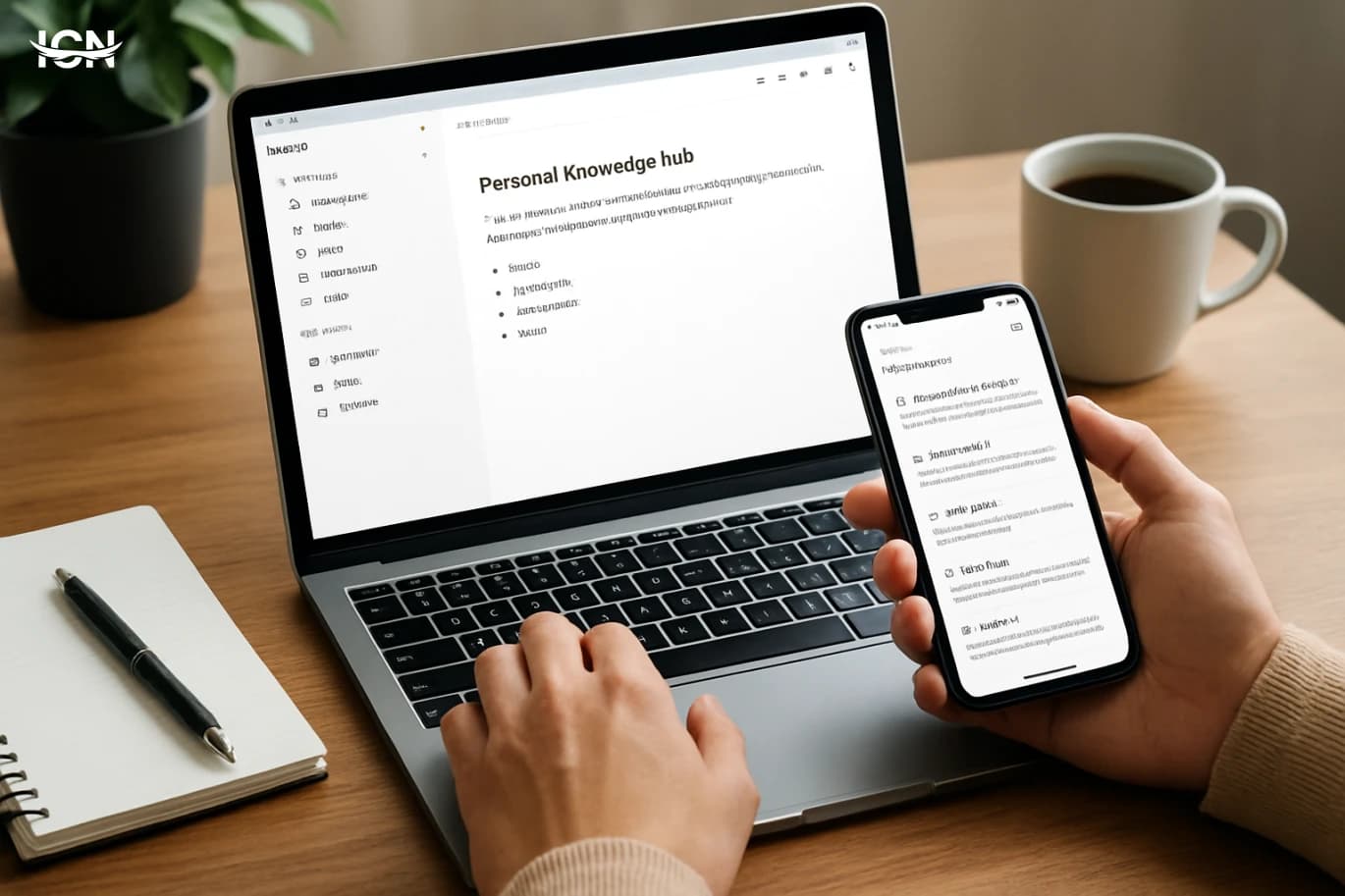
Most people capture information in too many places: a phone notes app, browser bookmarks, chat messages, PDFs, and random documents. The result is predictable: you remember saving something, but you cannot find it when you need it. A personal knowledge hub is a deliberate system that brings your reading highlights, meeting notes, project decisions, and reference material into one searchable space. It is not just storage; it is a workflow that turns incoming information into usable knowledge. A good hub reduces time spent re-searching the web, re-reading emails, or asking the same questions in a team. It also improves consistency: the same template for meeting notes, the same place for project status, and the same tagging rules for research. Over time, the hub becomes a personal “operating manual” for how you work, what you decided, and what you learned. This section frames the goal: fewer tools, clearer structure, and faster retrieval.
Practical Password Managers for Everyday Security
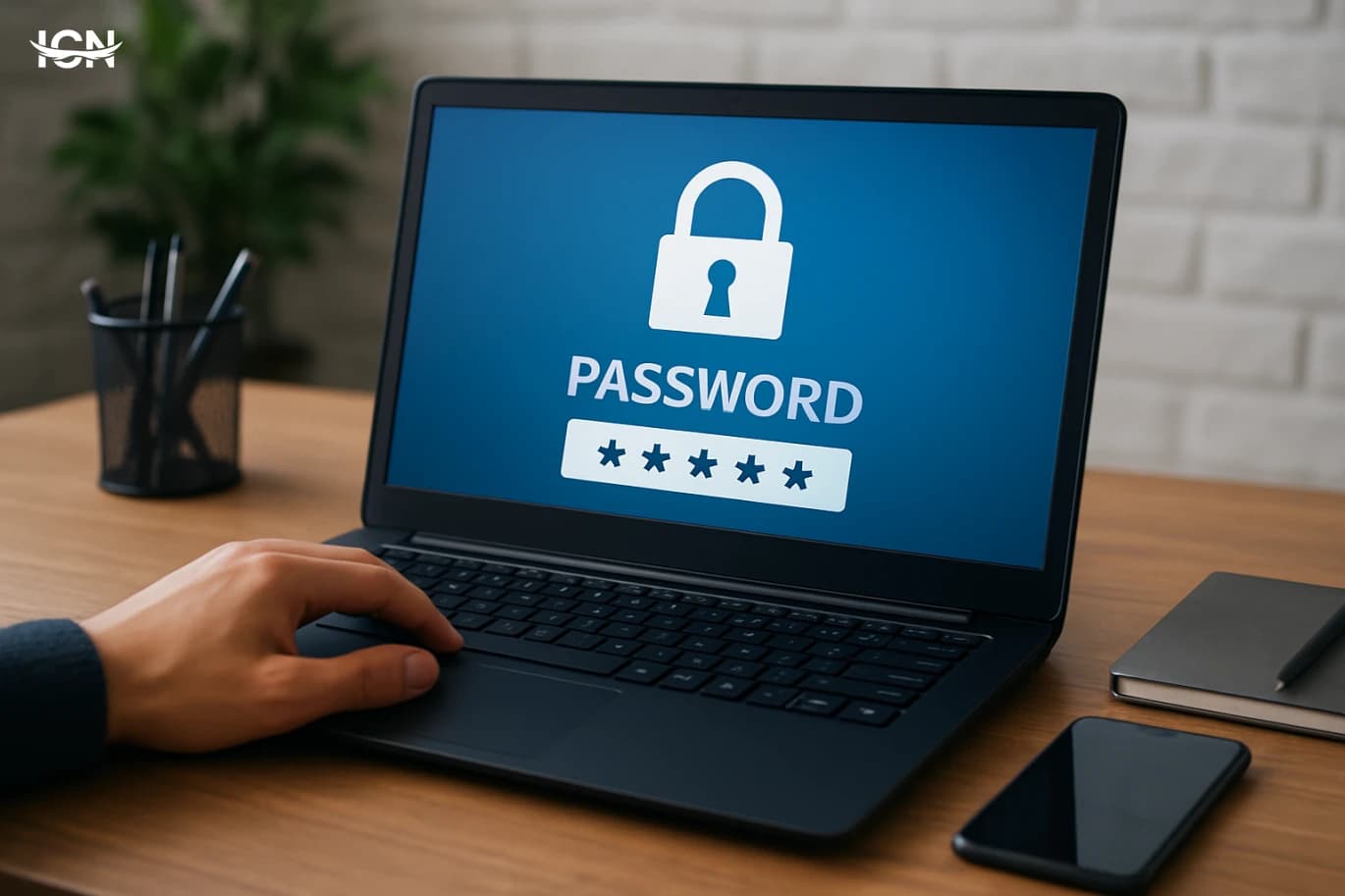
Most people still reuse a handful of passwords across email, shopping, banking, and work tools. That habit turns one leaked password into a chain reaction, because attackers test the same credentials on multiple services. A password manager reduces that risk by generating unique, long passwords and storing them in an encrypted vault that you unlock with one strong master password. It also cuts down on “password fatigue,” the daily friction that leads to shortcuts like writing passwords in notes apps or using predictable patterns. The practical value is not only security; it is reliability. When you can fill credentials quickly on a phone, laptop, or shared family tablet, you are less likely to disable security features or avoid updates. Many managers also store passkeys, recovery codes, and secure notes, which matters when you enable multi-factor authentication and need backup options. For small teams, shared vaults can replace insecure spreadsheets and reduce the number of people who know the same password.
Building a Personal AI Workflow Without Coding
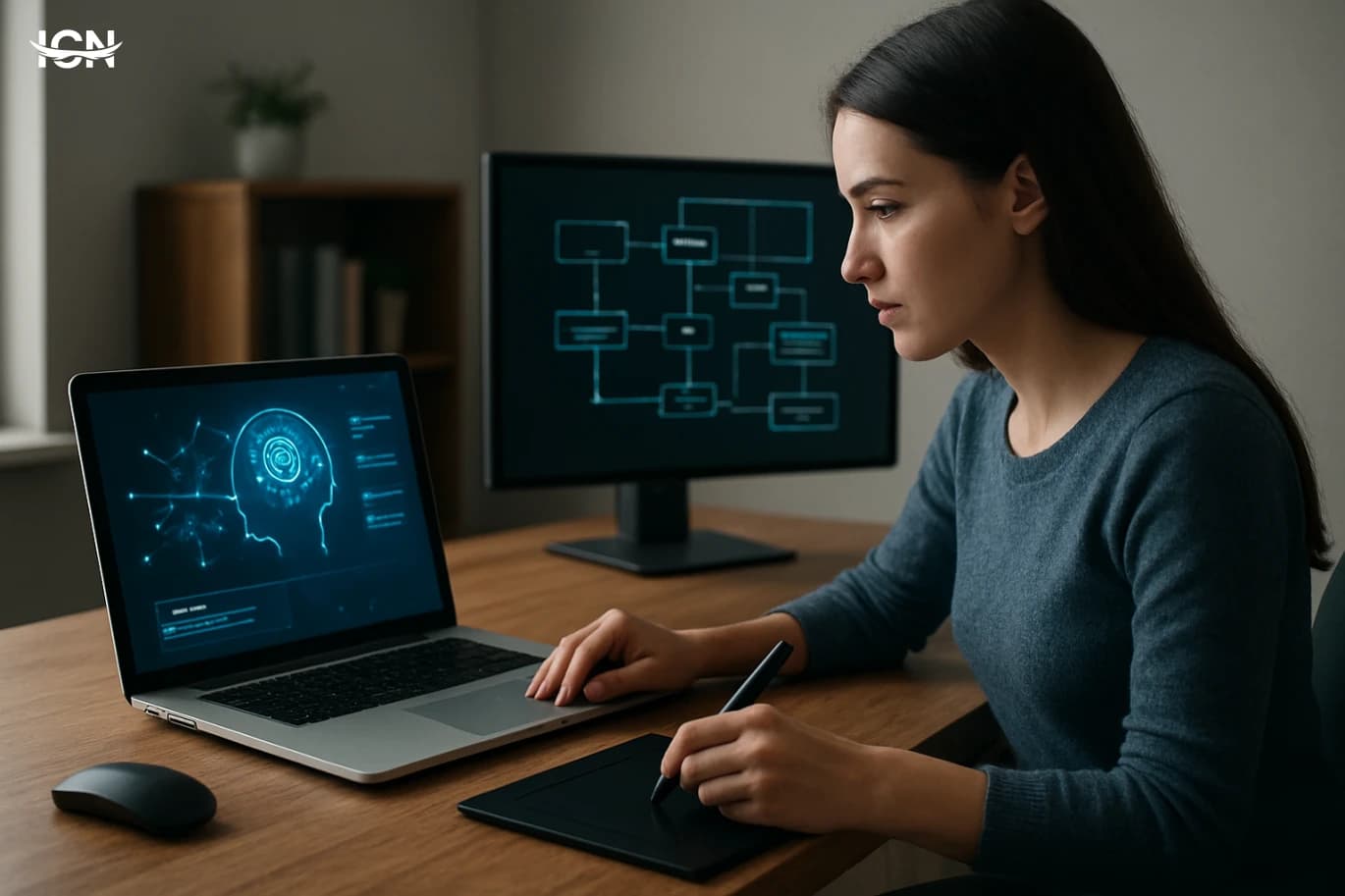
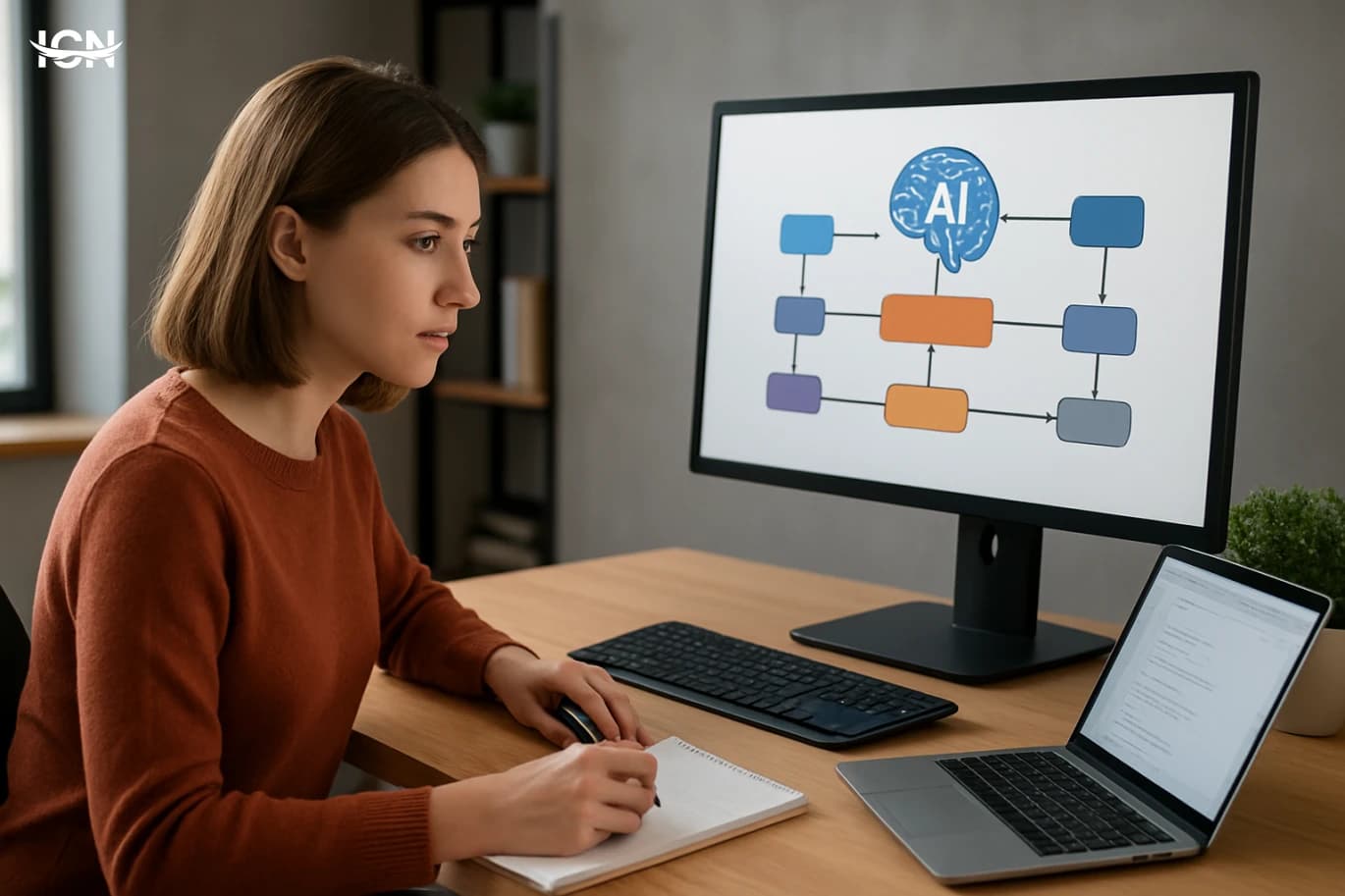
Personal AI tools have moved from novelty to daily utility because they reduce time spent on repetitive, low-value tasks. A personal AI workflow is not a single app; it is a small system you design to capture information, transform it, and deliver results in a consistent format. The value comes from reliability: the same steps produce the same outputs, whether you are summarizing meeting notes, drafting emails, organizing research, or preparing weekly reports. This topic matters now because most people already use multiple tools—email, calendars, cloud drives, chat, and spreadsheets—but the handoffs between them are manual. Copying text, renaming files, and reformatting updates are hidden time costs. A well-designed workflow uses no-code automation and AI assistants to connect these tools, enforce a template, and keep a record of what was done. The goal is not to replace judgment; it is to standardize the busywork so you can focus on decisions and quality control.
Building a Personal AI Workflow Without Coding
Personal AI workflows are no longer limited to engineers. In 2026, most professionals juggle email, documents, meetings, and repetitive admin tasks across multiple apps. A practical AI workflow connects those tools so routine work happens with fewer clicks and fewer missed steps. The goal is not to “use AI everywhere,” but to remove bottlenecks: summarizing long threads, extracting action items, standardizing notes, and turning scattered inputs into a consistent system. This topic matters because the volume of information keeps rising while attention stays fixed. A well-designed workflow reduces context switching and makes outcomes more predictable. It also improves quality by applying the same checklist each time: the same meeting template, the same naming rules, the same approval steps. For individuals and small teams, this can deliver the kind of operational discipline that used to require dedicated operations staff. The key is to treat AI as a component inside a process, not a standalone chatbot. When AI is paired with triggers, forms, and storage rules, it becomes reliable. When it is used ad hoc, results vary and the work often returns later as rework. This article focuses on building a no-code workflow that is specific, measurable, and easy to maintain.
Building a Reliable Passwordless Login Stack
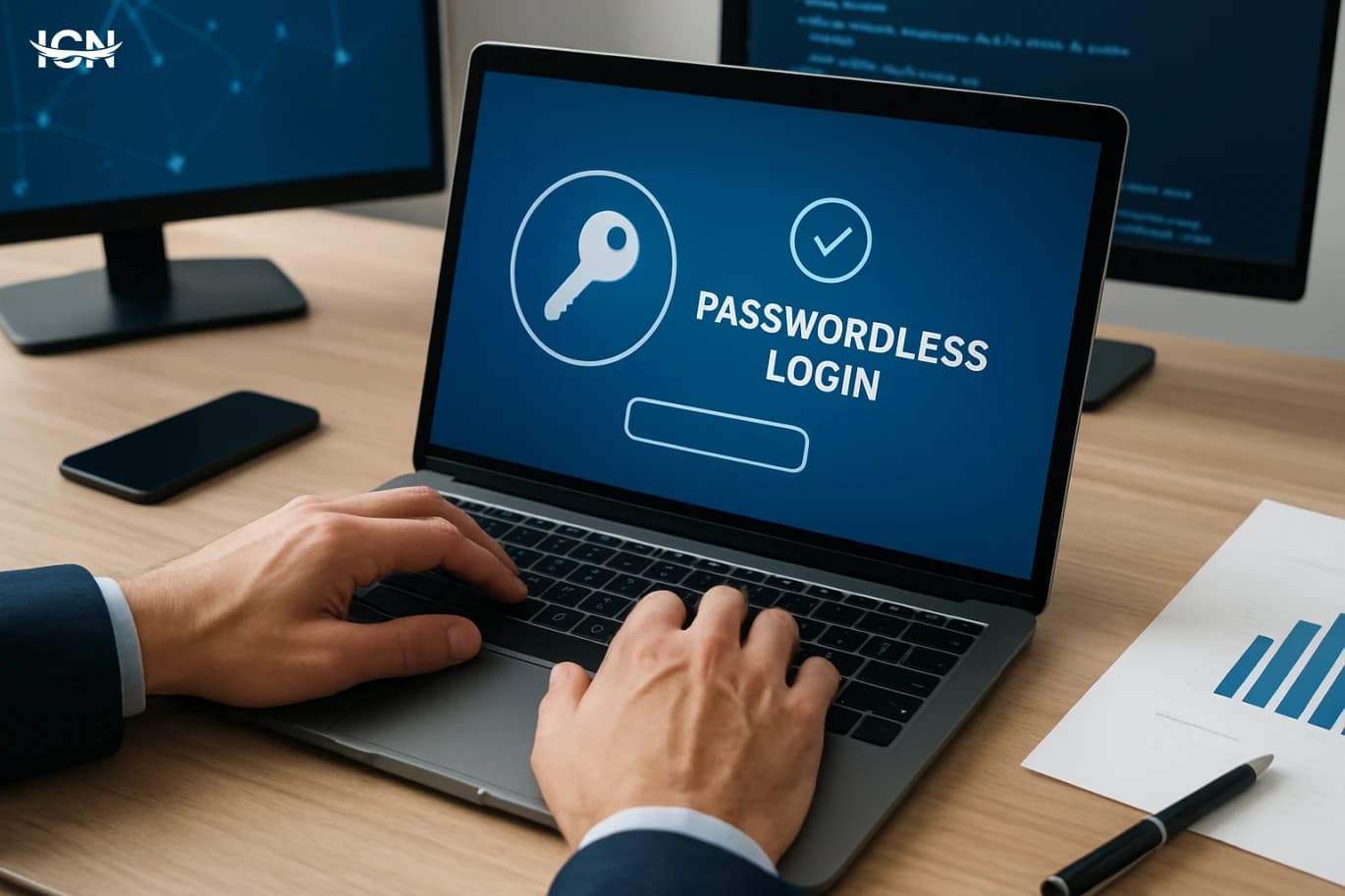
Passwordless login has moved from a “nice-to-have” to a practical baseline for many products because it reduces account takeovers, lowers support costs, and improves sign-in completion rates. Traditional passwords fail in predictable ways: users reuse them, choose weak phrases, forget them, and fall into phishing traps. Each of those failure modes creates operational work, from reset tickets to fraud reviews. Passwordless approaches shift the burden away from memorization and toward device-based proof, cryptographic keys, or one-time links that expire quickly. The business case is not only security. Teams often see fewer abandoned logins when they remove the friction of password rules and reset flows. Customer support benefits because “I can’t log in” becomes less frequent and easier to resolve. For internal tools, passwordless can reduce the risk of credential stuffing and simplify onboarding for contractors. The key is to treat passwordless as a stack: user experience, identity proofing, recovery, and monitoring must be designed together, not bolted on as a single feature.
A Practical Guide to Passwordless Sign-In
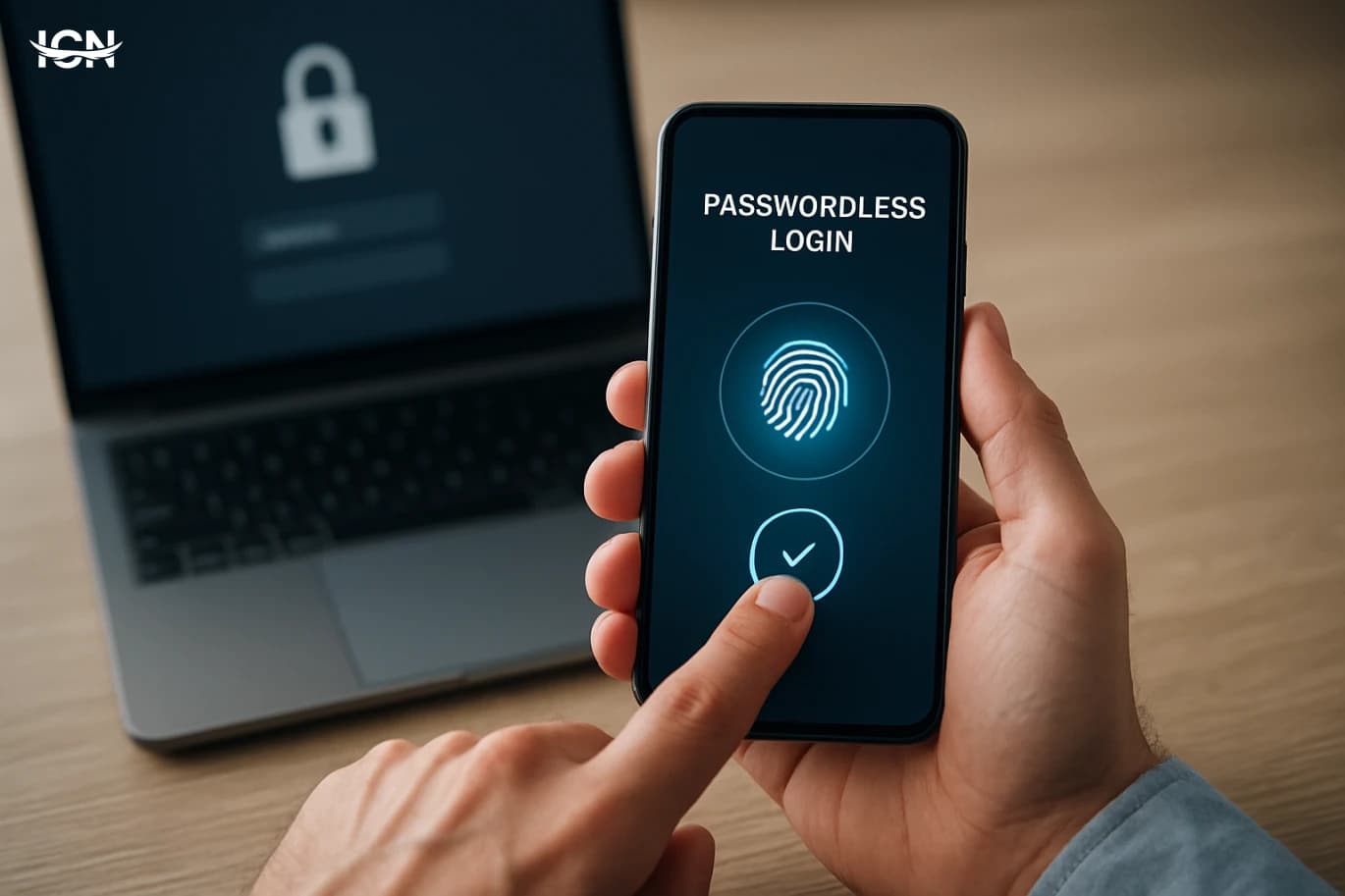
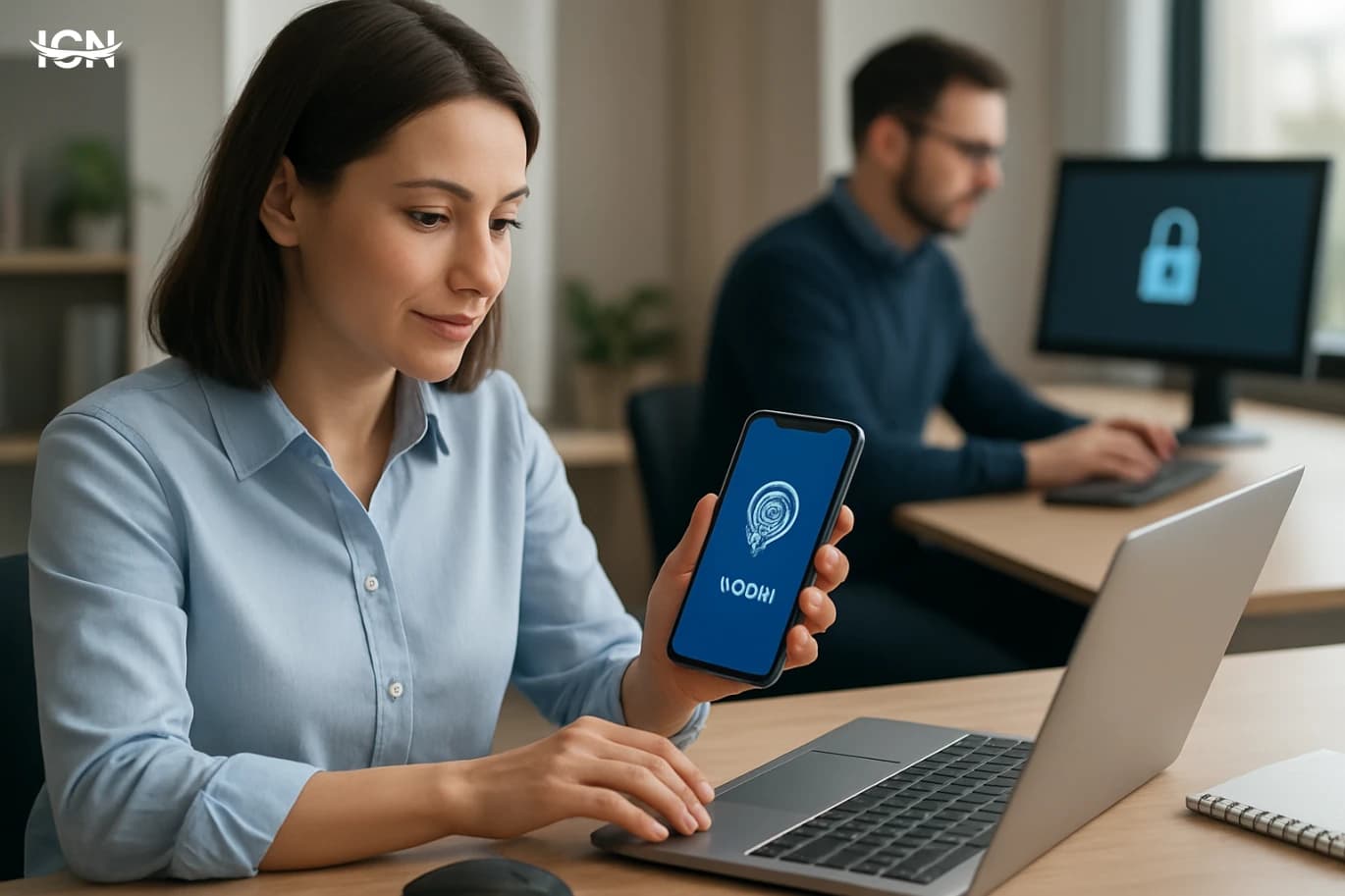
Passwordless sign-in is moving from a niche security feature to a mainstream expectation across consumer apps and workplace tools. The driver is simple: passwords are easy to reuse, hard to remember, and costly to support. Help desks spend significant time on resets, while users often fall back on predictable patterns that are vulnerable to automated guessing and credential stuffing. Passwordless methods reduce those weak points by shifting authentication to something you have (a device) and something you are or can do (a biometric check or a local PIN), without sending a reusable secret over the internet. The biggest change is standardization. Industry efforts such as passkeys, built on FIDO2 and WebAuthn, allow a phone or computer to create a cryptographic credential tied to a specific website or app. Instead of typing a password, you approve a sign-in prompt with Face ID, fingerprint, or a device PIN. The server receives a signed proof, not a secret it can store and later leak. For organizations, this can mean fewer account takeovers, fewer reset tickets, and a smoother onboarding experience, especially when combined with single sign-on and device management.
Practical Guide to Password Managers in 2026
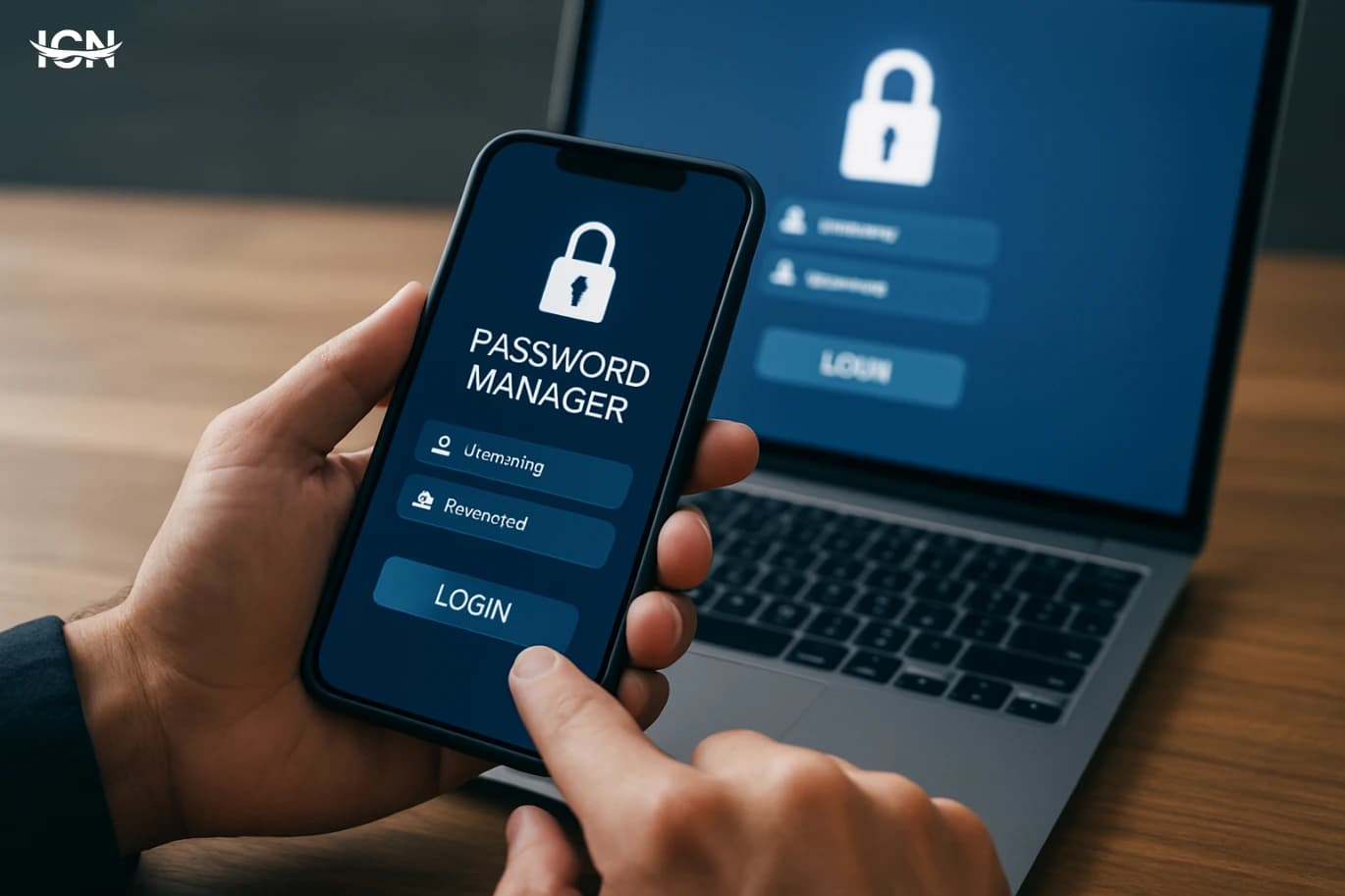
Account takeovers increasingly start with reused or weak passwords, and most people still juggle dozens of logins across work and personal services. A password manager reduces that risk by generating unique, high-entropy passwords and storing them in an encrypted vault protected by one strong master password or device-based unlock. It also speeds up daily use: autofill on websites and apps, secure storage for recovery codes, and quick password changes when a service reports a breach. In 2026, the practical value is bigger because the average digital footprint is larger: banking, government portals, streaming, shopping, healthcare, and multiple workplace tools. A manager also helps you spot risky habits through built-in audits that flag reused passwords, weak entries, and accounts missing multi-factor authentication. For families and small teams, shared vaults can replace insecure practices like sending passwords in messages or keeping them in spreadsheets.
Practical Passwordless Login for Small Teams
Small teams are increasingly targeted by automated credential-stuffing and phishing because they often reuse passwords across tools like email, project trackers, and cloud storage. Passwordless login reduces the value of stolen passwords by removing the shared secret entirely, replacing it with device-based cryptographic proof or time-limited links. This shift is no longer limited to large enterprises: major identity providers and SaaS platforms now offer passkeys, magic links, and authenticator-based sign-in as standard options. For a team of 10–100 people, the practical benefit is fewer account takeovers, fewer password reset tickets, and faster onboarding for new hires and contractors. Passwordless also improves day-to-day reliability. People forget passwords, store them in insecure notes, or create predictable patterns. Even with a password manager, the login flow can break when devices change or when browser extensions are blocked. Passkeys and authenticator prompts typically work across devices and can be backed up securely, while still requiring user presence. The key is to choose an approach that matches your team’s mix of devices, remote work habits, and compliance needs, then roll it out in a controlled way rather than flipping a switch overnight.
Lithium-Ion Batteries
History and Development Lithium-ion batteries are one of the most significant technological innovations in the energy sector. They were first introduced in the 1990s and were mainly used in mobile phones and laptops. Since then, they have seen significant improvements in energy efficiency and capacity. With the increasing reliance on portable devices, lithium-ion batteries have become the first choice for many applications. Lithium-ion battery structure Lithium-ion batteries are made up of specific electrical materials that allow for efficient energy storage and conversion. They consist of an anode, a cathode, and an electrolyte, which facilitates the movement of lithium ions between the anode and cathode during charging and discharging. This technology has revolutionized how electronic devices and renewable energy are used.
instax mini
instax mini
The date of the development of the Instax Mini camera is the Instax Mini camera among the most prominent innovations in the world of photography. It was first launched in 1998, and was achieved widely thanks to its classic design and ease of use. With the passage of years, the camera witnessed several updates that improved the quality of images and provided various options for users. What distinguishes the Instax Mini camera, the Instax Mini camera is its ability to print images immediately, making it a popular choice for occasions and social events. In addition, it contains a variety of settings that allow users to customize their experience and add personal touches to their photos. Its attractive and lightweight design also makes it comfortable in pregnancy, making it easier to capture happy moments wherever they are.
By clicking the SUBSCRIBE button, you are agreeing to our Privacy & Cookie Policy If you want to unsubsribe the marketing email, please proceed to our privacy center.
© 2005-2026 ICN. All Rights Reserved.