Practical Passwordless Login for Small Teams

- Why passwordless now
- Options you can deploy
- Readiness checklist
- Rollout plan that avoids lockouts
- Costs, training, and policy
- Metrics to prove it worked
Why passwordless now
Small teams are increasingly targeted by automated credential-stuffing and phishing because they often reuse passwords across tools like email, project trackers, and cloud storage. Passwordless login reduces the value of stolen passwords by removing the shared secret entirely, replacing it with device-based cryptographic proof or time-limited links. This shift is no longer limited to large enterprises: major identity providers and SaaS platforms now offer passkeys, magic links, and authenticator-based sign-in as standard options. For a team of 10–100 people, the practical benefit is fewer account takeovers, fewer password reset tickets, and faster onboarding for new hires and contractors. Passwordless also improves day-to-day reliability. People forget passwords, store them in insecure notes, or create predictable patterns. Even with a password manager, the login flow can break when devices change or when browser extensions are blocked. Passkeys and authenticator prompts typically work across devices and can be backed up securely, while still requiring user presence. The key is to choose an approach that matches your team’s mix of devices, remote work habits, and compliance needs, then roll it out in a controlled way rather than flipping a switch overnight.
Options you can deploy
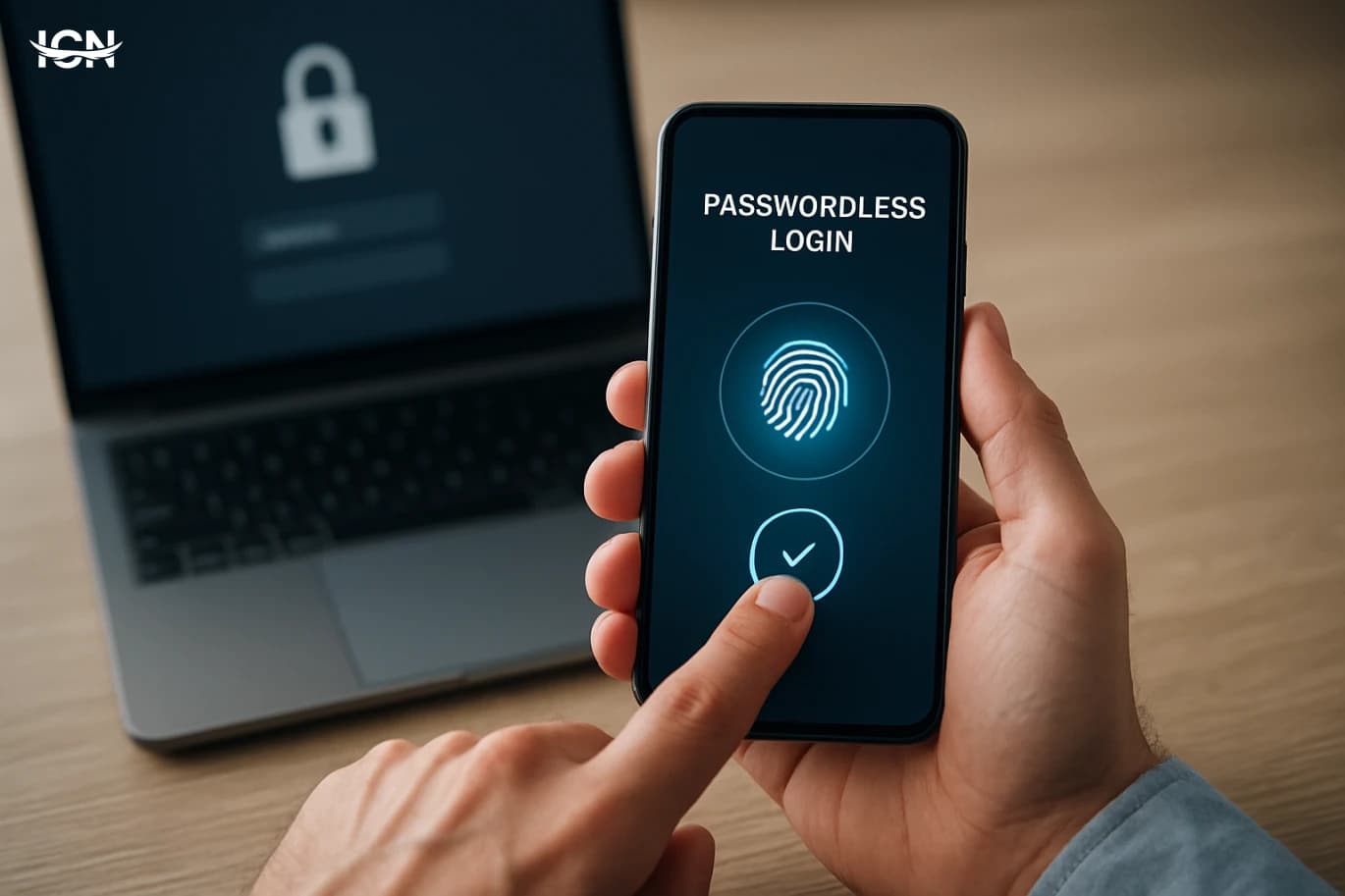
Passwordless is not one feature; it is a set of sign-in methods with different trade-offs. Passkeys (based on FIDO2/WebAuthn) are the most robust for most teams: the private key stays on the user’s device, and the service receives only a public key. Users authenticate with a device unlock method such as biometrics or a PIN, and the login is resistant to phishing because it is bound to the legitimate site. Many platforms support passkeys directly, and most modern browsers and mobile operating systems can store and sync them. Magic links and one-time codes sent by email are easy to roll out but depend on email security. If an attacker gains access to a mailbox, they can intercept the link or code. SMS one-time codes are widely available but are generally weaker due to SIM swap risks and message interception; they can still be useful as a temporary fallback when better options are not possible. Authenticator apps that generate time-based codes or approve push prompts are a middle ground, especially when passkeys are not supported by a specific tool. For higher assurance, hardware security keys provide strong protection and are simple to use once issued, but they require purchasing, inventory tracking, and a plan for lost keys. A practical small-team setup often combines passkeys as the primary method, authenticator app as a fallback, and a recovery process managed by IT or an admin group. The best choice depends on how many logins happen on shared devices, whether contractors use personal phones, and how critical each system is to the business.
Readiness checklist
Before enabling passwordless, map your identity landscape. List the systems that matter most: email, single sign-on (if you have it), source code hosting, finance tools, customer support, and cloud consoles. For each one, document whether it supports passkeys, authenticator apps, hardware keys, or only email/SMS codes. This inventory prevents a common failure: rolling out a strong method for one tool while leaving a weaker method on the account that can reset it. Next, review device coverage. Passkeys work best when users have modern browsers and up-to-date operating systems. If your team includes older laptops, shared kiosks, or locked-down virtual desktops, you may need alternative methods. Decide whether personal phones are allowed for authentication, and if so, set expectations for screen locks and OS updates. Also define who can approve account recovery and what evidence is required, because recovery is where many security programs fail. Finally, align the rollout with your access model. If you use SSO, prioritize passwordless on the identity provider first, then enforce it across connected apps. If you do not use SSO, start with the most critical accounts, especially email and admin consoles. Set a target date, communicate the steps, and prepare a short internal guide with screenshots. A small team can complete readiness in a week if responsibilities are clear and decisions are documented.
Rollout plan that avoids lockouts
A safe rollout is staged and measurable. Start with a pilot group of 3–10 users representing different roles and devices. Enable passkeys or authenticator sign-in for them, but keep the existing method temporarily as a fallback. Track issues such as browser compatibility, confusion around prompts, and how often people switch devices. Use this feedback to refine your internal instructions and decide whether you need hardware keys for specific roles like finance admins or cloud administrators. When expanding to the full team, schedule a short enrollment window and provide live support. The most common lockout scenario is a user enrolling on one device and then trying to sign in from another without a recovery method. Require at least two factors of access for every account: for example, a passkey plus an authenticator app, or two passkeys on different devices. For remote teams, encourage enrolling both a laptop and a phone. For shared-device environments, prefer hardware keys or authenticator apps rather than device-bound passkeys. Define a recovery workflow that is fast but controlled. Use an admin group with at least two approvers, log every recovery action, and require a verification step such as a video call with an existing manager or a pre-registered recovery code stored in a secure vault. Avoid recovery by email alone if email is the primary account you are protecting. After two to four weeks, disable password login where possible, and review sign-in logs to confirm that legacy methods are no longer used.
Costs, training, and policy
Passwordless is often cheaper than it looks, but the costs shift from resets to setup and governance. Direct expenses may include hardware security keys for a subset of users, upgraded identity plans, or device management if you decide to enforce OS versions and screen locks. Indirect costs include training time and the effort to update documentation. For small teams, the biggest savings typically come from fewer password resets and fewer security incidents that interrupt work. Training should focus on practical behavior, not jargon. Teach users how to recognize legitimate passkey prompts, how to enroll a second device, and what to do when a phone is replaced. Provide a one-page policy that states which methods are approved, whether personal devices are allowed, and how quickly lost devices must be reported. Include a clear rule for admins: admin accounts must use the strongest available method and must not rely on SMS. Policy also needs to cover offboarding. When someone leaves, ensure their passkeys and authenticator enrollments are removed from each critical system, not just their email. If you use SSO, offboarding is simpler, but you still need to revoke sessions and API tokens. A quarterly access review, even if it is just a spreadsheet check, helps small teams keep passwordless secure over time.
Metrics to prove it worked
To evaluate passwordless, track a small set of metrics that connect security to operations. Measure password reset volume before and after rollout, and estimate time saved per reset based on your support process. Monitor sign-in success rates and the number of failed logins, especially during the first month, to detect friction that could push users toward unsafe workarounds. Review account takeover indicators such as unusual sign-in locations, repeated MFA prompts, or unexpected recovery requests. Also measure coverage. For your top 10 critical systems, record what percentage of users have enrolled a primary passwordless method and a secondary recovery method. Coverage is more important than perfection: a single admin account left on password-only access can undermine the whole program. Finally, run a short user survey focused on clarity and reliability: whether sign-in is faster, whether prompts are understandable, and whether recovery feels manageable. Use these results to decide the next step. Many small teams start with email and core SaaS tools, then expand to VPN, internal dashboards, and developer platforms. Once the metrics stabilize and coverage is high, you can disable passwords in more places and standardize on one or two methods. The goal is a login experience that is both harder to attack and easier for people to use every day.