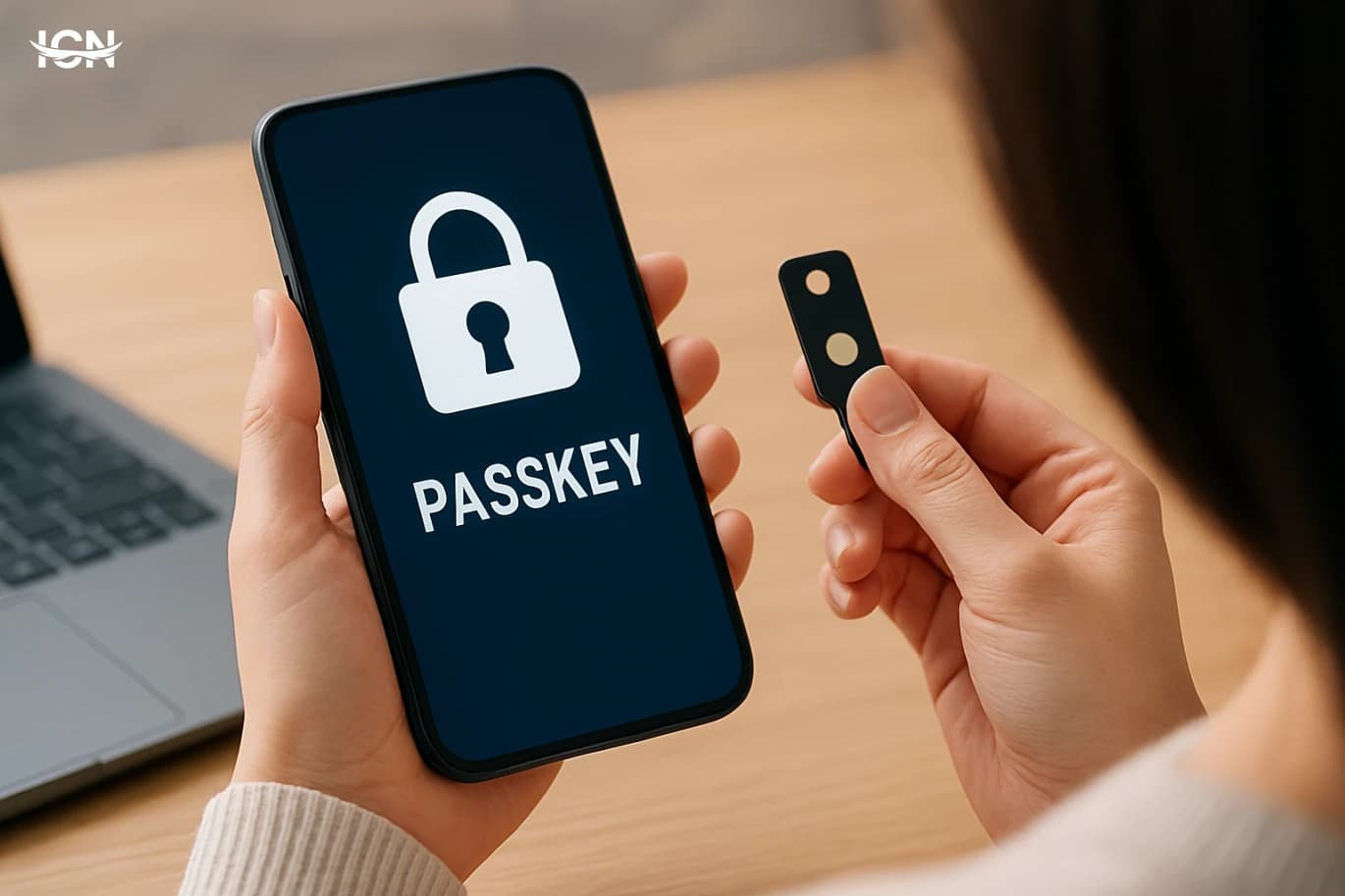
Passkeys Are Replacing Passwords Fast

- Why passkeys are gaining momentum
- How passkeys work in plain terms
- Security benefits and real limitations
- What changes for businesses and developers
- Practical steps to adopt passkeys safely
Why passkeys are gaining momentum
Passkeys are emerging as a practical replacement for passwords because they remove the most common failure points in everyday logins: reused credentials, weak choices, and phishing. Instead of asking users to remember and type a secret, passkeys rely on cryptographic keys stored on a device and unlocked with a biometric check or a device PIN. That shift matters because most account takeovers still begin with stolen or tricked credentials, whether through fake login pages, data breaches, or password reuse across services. Momentum is also coming from platform support. Apple, Google, and Microsoft have integrated passkeys into their operating systems and browsers, making them available without extra hardware for most people. Major consumer services and financial apps are adding passkey sign-in alongside existing methods, often starting with mobile-first flows where biometrics are already common. The result is a technology that is no longer experimental: it is increasingly a default option that can reduce support costs tied to password resets and improve conversion by shortening sign-in steps.
How passkeys work in plain terms
A passkey is built on public-key cryptography. When you create one for a website or app, your device generates a pair of keys: a private key that stays on your device and a public key that is shared with the service. The service stores only the public key. When you sign in, the service sends a challenge, and your device uses the private key to sign it. The service verifies the signature with the public key and grants access. No password is transmitted or stored, which changes the risk profile during breaches. The user experience is designed to feel familiar. On a phone, you typically tap “Sign in with passkey,” confirm with Face ID, Touch ID, or a fingerprint sensor, and you are in. On a laptop, you might use a built-in fingerprint reader, Windows Hello, or a phone prompt. Many implementations support cross-device sign-in using QR codes and Bluetooth proximity so you can approve a login on a nearby phone without typing anything. The important detail is that the private key never leaves the secure hardware or protected storage on the device, which makes large-scale credential theft far harder than stealing a database of passwords.
Security benefits and real limitations
The biggest security win is phishing resistance. A passkey is bound to the legitimate domain or app, so a fake site cannot use it even if it looks identical. That directly targets one of the most effective attack methods against consumers and employees. Passkeys also reduce the impact of server breaches because the service does not store a reusable secret; attackers who steal a database of public keys cannot log in with them. However, passkeys do not eliminate risk. Account recovery remains a critical weak spot: if someone can hijack your recovery email, SIM, or support process, they may still regain access. Device security also matters. If a phone is stolen and the attacker can unlock it, passkeys become accessible, so strong device PINs and biometric protections are essential. There is also a transition period where many services keep passwords enabled as a fallback, which means attackers may still target the weaker path. For organizations, endpoint management, secure enrollment, and clear recovery policies are as important as the cryptography itself.
What changes for businesses and developers
For businesses, passkeys can reduce fraud and support overhead, but they require careful rollout. Customer-facing services need to decide how to introduce passkeys without breaking existing sign-in habits. Many successful deployments start by offering passkeys as an opt-in upgrade after a normal login, then gradually nudging users with prompts that explain the benefit in one sentence. Metrics to watch include login success rates, time to sign in, password reset volume, and the share of users who enable passkeys. For developers, the work typically involves implementing standards such as WebAuthn and aligning with platform APIs. The technical lift is manageable, but product decisions are harder: how to handle users with multiple devices, how to support shared family devices, and how to design recovery when a user loses access to all passkey devices. Security teams also need to review threat models, especially around account recovery and customer support. In regulated sectors, audit trails and step-up verification may still be required for high-risk actions like changing payout details or adding a new device.
Practical steps to adopt passkeys safely
If you are an individual user, start with your primary accounts: email, cloud storage, and financial apps, because they are often used to reset other accounts. Enable a passkey where available, then keep a strong device lock and ensure your operating system is updated. Review account recovery settings and remove outdated phone numbers or emails. If a service still requires a password fallback, make that password unique and store it in a reputable password manager rather than reusing an old one. If you manage an organization, begin with a pilot group and define recovery procedures before broad rollout. Train support staff to recognize social engineering attempts and to use consistent verification steps. Consider requiring phishing-resistant authentication for administrators first, then expanding to employees and customers. Document how new devices are enrolled, how lost devices are handled, and what logs are retained. Finally, communicate clearly: users adopt new sign-in methods faster when they understand what will change on their screen and what to do if they switch phones.