Passkeys Are Replacing Passwords
- Why passwords are failing
- What a passkey actually is
- How passkeys change everyday login
- Compatibility and ecosystem progress
- Risks, recovery, and what to watch
- bookmark
Why passwords are failing
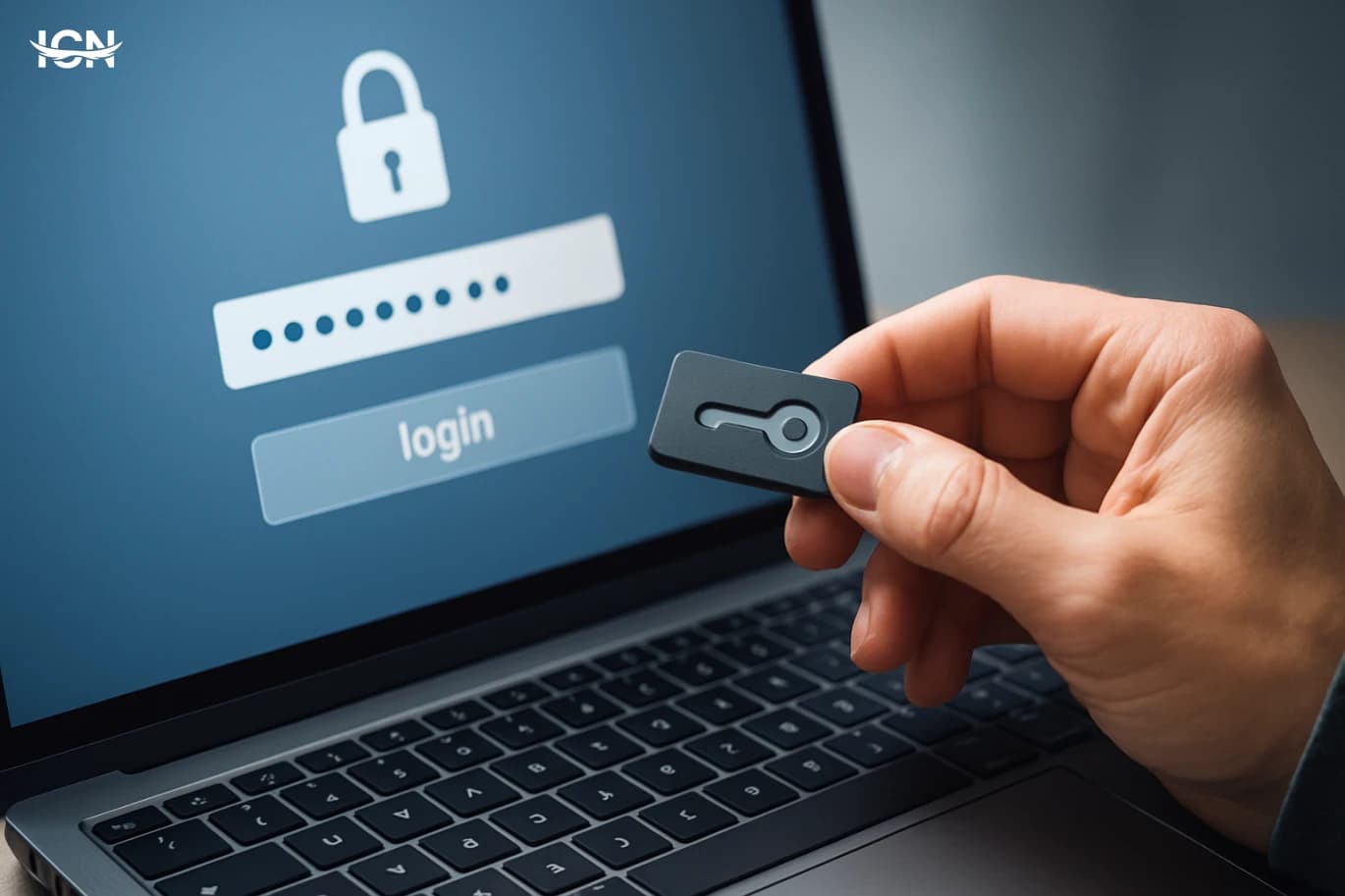
Passwords are still the default gatekeeper for most apps and websites, but they are showing their age. People reuse the same password across services because remembering dozens of strong, unique strings is unrealistic. That habit turns a single data breach into a chain reaction: once one account is exposed, attackers try the same credentials elsewhere. Even when users pick unique passwords, phishing pages can capture them in seconds, and many victims cannot tell a convincing fake login screen from a real one. Organizations try to compensate with complexity rules and frequent resets, yet those measures often backfire. Forced rotations encourage predictable patterns, and complexity requirements push users toward writing passwords down or storing them insecurely. Multi-factor authentication helps, but SMS codes can be intercepted and app-based codes still rely on the user recognizing a legitimate login prompt. The result is a system that is expensive to support, frustrating to use, and still vulnerable to common attacks.
What a passkey actually is
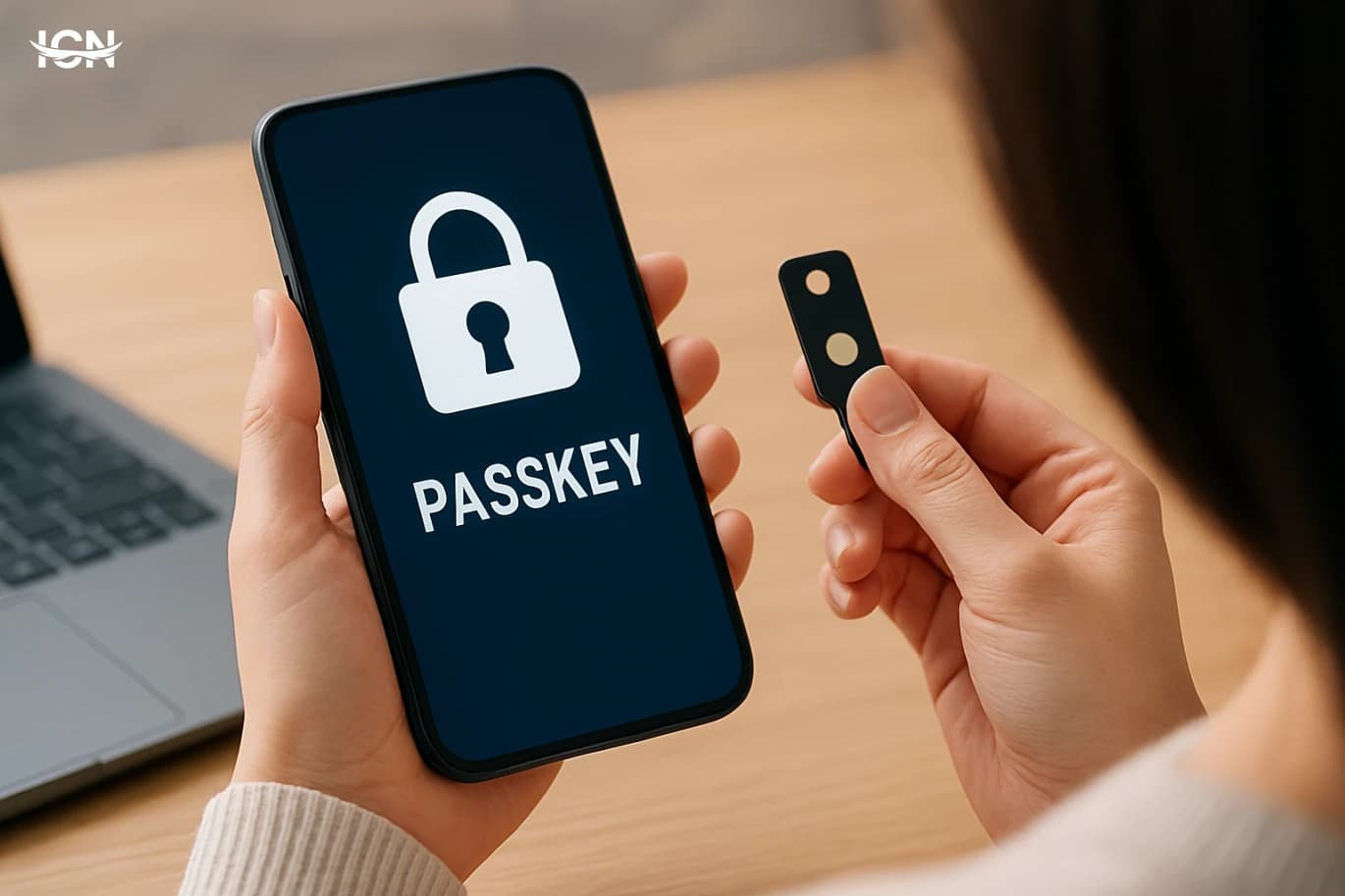
A passkey is a modern sign-in method built on public-key cryptography. Instead of creating a secret you type into a website, your device generates a pair of keys: a public key that the service stores and a private key that stays on your device. When you log in, the service sends a challenge, and your device proves it holds the private key by signing that challenge. The private key never leaves the device, and there is nothing reusable for a phishing site to steal. In practice, passkeys are typically unlocked with a familiar step such as a fingerprint, face scan, or device PIN. That local check is not sent to the website; it simply authorizes the device to use the private key. This design means a passkey is tied to the legitimate domain and cannot be replayed on a lookalike site. It also reduces the need for password resets because there is no shared secret sitting in a database that can be cracked or leaked.
How passkeys change everyday login
For users, the biggest change is that signing in becomes closer to unlocking a device than typing credentials. On a phone, you might tap “Sign in with passkey,” confirm with Face ID or fingerprint, and you are done. On a laptop, the browser can use a built-in authenticator, or it can ask you to confirm on your phone via a secure prompt. This reduces friction on small screens and cuts down on failed logins caused by typos, forgotten passwords, or outdated password manager entries. For services, passkeys can lower account takeover rates and reduce support costs. Password reset flows are a major driver of help-desk tickets and user churn, especially for consumer apps. Passkeys also change the economics of attacks: credential stuffing becomes far less effective because there is no password to reuse. That said, the user experience depends on good implementation. Clear prompts, fallback options, and sensible recovery paths are essential, because a login method that is secure but confusing will not be adopted at scale.
Compatibility and ecosystem progress
Passkeys are being adopted across major platforms, which is critical because authentication only works when it is widely supported. Modern operating systems and browsers increasingly include built-in support for standards such as WebAuthn and the broader FIDO ecosystem. This allows a website to offer passkeys without forcing users to install special software. Many services now let users add a passkey alongside a password, then gradually shift to passkey-first sign-in. A key practical question is portability: what happens when you switch phones or use multiple devices? Platform providers have introduced ways to sync passkeys across a user’s devices in an encrypted form, so the experience can feel similar to a password manager but with stronger security properties. Cross-device sign-in is also improving, where a phone can approve a login on a nearby computer. Even with this progress, fragmentation remains a risk. Enterprises with older systems, niche browsers, or strict device policies may need phased rollouts and careful testing to avoid locking users out.
Risks, recovery, and what to watch
Passkeys reduce several common threats, but they do not eliminate risk. If an attacker gains control of a device that is already unlocked, they may be able to approve sign-ins. That makes device security, screen locks, and timely updates more important than ever. Social engineering also remains a concern: users can still be tricked into approving a login prompt if they are not paying attention, especially when notifications are frequent. Account recovery is another area to scrutinize. With passwords, recovery often relies on email links or SMS codes, which have their own weaknesses. With passkeys, services must design recovery that is both user-friendly and resistant to takeover, for example by using multiple verified devices, strong identity checks, or time-delayed recovery for high-risk changes. Users should also look for transparency: clear device lists, the ability to revoke lost devices, and security notifications that explain what happened in plain language. The best implementations treat recovery as a first-class feature, not an afterthought.
bookmark
If you want to start using passkeys today, focus on a few practical steps. First, enable a strong screen lock on your primary devices and keep the operating system and browser updated, because the device is now central to authentication. Second, add passkeys to high-value accounts that already support them, such as email, cloud storage, and financial dashboards, while keeping a fallback method until you are confident in recovery options. Third, review your account security pages and remove old devices you no longer use. For teams and organizations, the best approach is incremental. Pilot passkeys with a small group, measure login success rates, and document recovery procedures before expanding. Make sure help-desk staff can explain the new flow in simple terms and can guide users through cross-device approval. Over time, passkeys can become the default sign-in method, with passwords reserved for legacy access or phased out entirely where feasible.