App Logo

Download Our App

Shop your way

logologo
Image

Strong Passwords Without the Headache

04/29/2026By: ICN Writer
Strong Passwords Without the Headache

Why passwords still matter

Even with fingerprint and face unlock, passwords remain the core key behind most accounts. They are used to sign in on new devices, approve sensitive changes, and recover access when something goes wrong. Many services also rely on passwords as the first step before sending a verification code, which means a weak password can turn a “two-step” process into a single point of failure. The risk is not only someone guessing your password manually. The more common problem is reuse: one leaked password from an old site can be tried automatically on email, banking, shopping, and social accounts. Attackers also use lists of common patterns, such as names plus birth years, keyboard sequences, or predictable substitutions like “P@ssw0rd”. A strong password strategy is therefore less about memorizing a clever phrase and more about reducing predictability and limiting the damage if one account is compromised. A practical approach starts with prioritizing. Your email account, cloud storage, and password manager are “master keys” because they can reset other accounts. These deserve the strongest protection and the most careful recovery settings. Less critical accounts still need unique passwords, but you can manage them efficiently with a consistent method and the right tools.

What makes a password weak

A weak password is one that can be predicted, reused, or derived from public information. Length alone is not enough if the structure is obvious. For example, “Summer2026!” looks complex but follows a common template: season + year + symbol. Attack tools are built to try these patterns quickly. Common signs of weakness include: using a single word from a dictionary; adding a simple suffix like “123” or “!”; repeating characters; using personal details such as a pet name, favorite team, phone number, or city; and using the same password across multiple services. Another overlooked weakness is relying on small variations, such as changing only the last digit when a site forces a reset. If one version leaks, the rest become easy to guess. Weakness also comes from how you store passwords. Saving them in plain text notes, screenshots, or unencrypted documents creates a separate risk: anyone with access to your device or backups may find them. Similarly, sharing passwords in chat messages or email threads leaves a trail that can be searched later. If you want a quick self-check, ask two questions: could someone who knows me guess this, and have I used anything similar elsewhere? If the answer is yes to either, treat it as weak and replace it.

How to build strong passwords

A strong password is primarily long, unique, and hard to predict. For most consumer accounts, aim for 14–20 characters when possible. Length increases the number of combinations dramatically, and it remains effective even when attackers use fast automated guessing. The easiest way to achieve strength without frustration is to use a password manager that generates random passwords for each site. Random strings like “mQ7!v2Zp9#Lx4rT” are not meant to be memorized; they are meant to be stored securely and filled automatically. If you prefer memorized passwords for a few key accounts, use a passphrase: a sequence of 4–6 unrelated words with spaces removed or kept if the service allows it. Add a small, non-obvious twist, such as a separator pattern you always use, but avoid predictable endings. Uniqueness is non-negotiable. One password per account prevents a single leak from spreading. If you must create your own passwords without a manager, use a structured method that still produces unique results, such as combining a long base phrase with a site-specific element that is not simply the site name. However, be careful: if your method is easy to infer, it becomes a weakness. Finally, strengthen the login beyond the password. Turn on two-factor authentication (2FA) using an authenticator app or security key where available. SMS codes are better than nothing, but they can be less reliable than app-based codes. Also review recovery options: keep your email and phone number current, and set recovery codes in a safe place.

Smart habits that reduce risk

Password security is as much about routine as it is about complexity. Start by protecting your email account: use a unique long password, enable 2FA, and review connected devices and recent sign-in activity. Email is the gateway for password resets across most services. Use a password manager with a strong master password and, if available, biometric unlock on your device. Keep the manager updated and lock it when not in use. Avoid copying passwords into clipboards for long periods, because some apps can read clipboard contents. Be cautious with public or shared devices. Do not sign in to sensitive accounts on a device you do not control. If you must, use private browsing, do not save credentials, and sign out fully. On your own devices, keep the operating system and browser updated, because many account takeovers begin with outdated software. Change passwords when there is a reason, not on a rigid calendar. Forced frequent changes often lead to predictable patterns. A better trigger is a known breach, a suspicious login alert, or reuse discovered in your own audit. Many password managers can check for reused or weak passwords and highlight which accounts need attention. Finally, treat security questions as secondary passwords. If a site asks for “mother’s maiden name” or similar, consider using a random answer stored in your manager. Real answers can often be guessed or found in public records or social profiles.

What to do if you forget your password

If you forget a password, the safest path is the official recovery process of the service. Start by checking whether you are already signed in on another device. If you are, go to account settings and change the password from within the logged-in session; this is often faster and avoids recovery delays. If you are not signed in anywhere, use “Forgot password” and follow the prompts. Prefer recovery through a verified email address or authenticator app. If the service offers recovery codes, use them only if you stored them securely. Avoid third-party “recovery” tools or websites that claim they can retrieve passwords; legitimate services do not provide your existing password, they reset it. After you regain access, take three immediate steps. First, set a new unique password and store it in your password manager. Second, review security settings: enable 2FA, check recovery email and phone number, and update them if needed. Third, review recent activity and connected apps or sessions, and sign out of devices you do not recognize. If the forgotten password is for your email account, treat it as urgent because it can unlock other accounts. Recover email first, then reset passwords for critical services like banking, cloud storage, and shopping accounts. If you suspect your email was accessed by someone else, change the email password again after enabling 2FA, and consider creating a new email alias for sign-ins where supported. To prevent future lockouts, keep a small set of recovery practices: store recovery codes offline in a secure place, keep your phone number current, and ensure your password manager is backed up according to its recommended method.

* All articles published on this blog are sourced from various websites and are provided for informational purposes only. They should not be considered as confirmed studies or accurate information. Please verify the information independently before relying on it.

Similar ARTICLES

Free Account Verification Without the Confusion
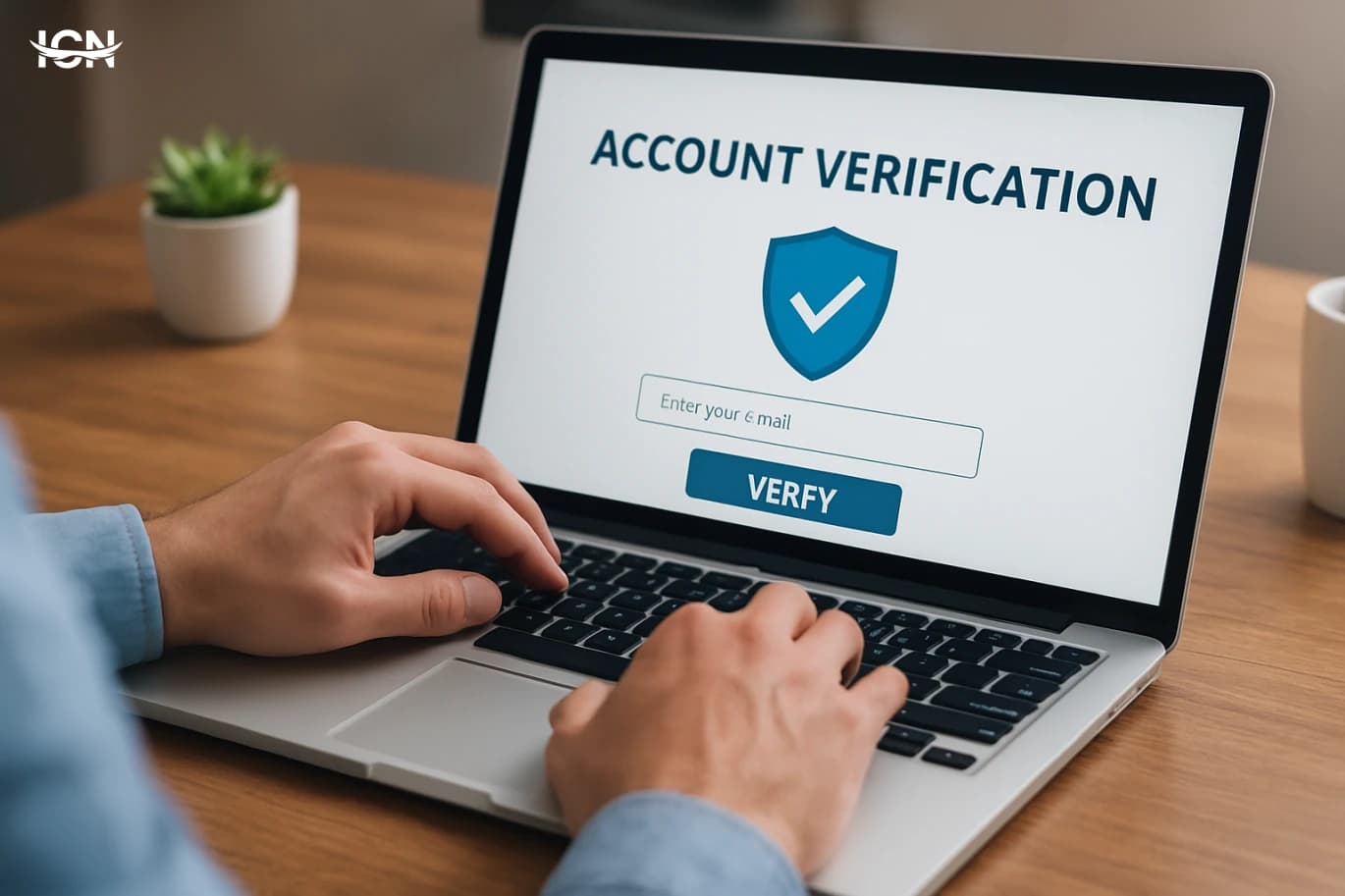
“Free account verification” usually means the platform does not charge a direct fee to grant a verified badge or to complete an identity or business check. That does not mean the process is effortless, instant, or identical across services. Some platforms offer verification as a standard feature for eligible accounts, while others reserve it for accounts that meet specific criteria such as authenticity, completeness, and public interest. In many cases, the “cost” is time: preparing documents, improving account signals, and waiting for review. It is also important to separate three different ideas that people often mix together. First is identity verification, where a platform confirms a real person or a registered organization. Second is account verification for credibility, where the platform signals that an account is authentic and notable. Third is security verification, such as enabling multi-factor authentication or confirming a phone number and email. A platform may offer one for free and restrict another. Understanding which type you need helps you avoid chasing the wrong badge or submitting the wrong information.
When Gaming Becomes a Money Drain
The modern video game market is no longer centered on a one-time purchase. Many of today’s biggest titles operate as ongoing services: they launch, then keep selling content, upgrades, and time-saving options for months or years. This shift has expanded the industry’s revenue, but it has also changed the player’s relationship with entertainment. Instead of paying once and finishing a game, players are repeatedly asked to spend to keep up with seasonal updates, limited-time items, and competitive progression. This model is visible across mobile, console, and PC. Mobile games often rely on frequent microtransactions and ad-based incentives. On consoles and PC, the “live service” approach uses season passes, cosmetic stores, and periodic expansions. The result is a market where the baseline cost is only the entry point, and the total cost depends on how much a player wants to participate in the game’s evolving ecosystem. For households, this can turn a hobby into a recurring expense that is harder to track than a single purchase. The spending pressure is not always obvious. Many games present purchases as optional, but they are integrated into the user experience: store tabs are placed next to gameplay menus, pop-ups appear after matches, and limited-time offers are framed as opportunities that will disappear. The market’s growth is tied to these design choices, which blur the line between playing and shopping.
Too Many Subscriptions, Too Much Exposure
Digital subscriptions are not just monthly fees; they are ongoing data relationships. Each service you keep active typically stores a profile that includes your name, email, device identifiers, payment tokens, usage history, and sometimes location signals. Over time, this creates a broad footprint spread across dozens of vendors, support tools, analytics platforms, and payment processors. Even when a service is reputable, the number of places your data exists multiplies as the service integrates with marketing automation, customer support chat, and third-party identity providers. The risk grows with volume. A single account may be well protected, but ten or twenty accounts increase the chance that one uses weaker security settings, outdated software, or overly permissive data sharing. Subscriptions also encourage “set and forget” behavior: you sign up during a free trial, connect an account for convenience, and never revisit the privacy settings. That is how small decisions accumulate into a large exposure surface, especially when you reuse the same email, password patterns, or payment method across services.
Practical Observability for Microservices Without Noise
Many teams adopt logs, metrics, and traces yet still struggle to answer basic questions during incidents: What changed, where is the bottleneck, and which users are affected? The common failure mode is volume without structure. Logs are verbose but inconsistent, metrics are plentiful but not tied to business outcomes, and tracing is enabled but not sampled or correlated correctly. In microservices, the problem multiplies because each service team optimizes locally and ships different conventions. A practical observability approach starts by defining a small set of questions the system must answer quickly. Examples include: “Which endpoint is degrading right now?”, “Is the issue isolated to one region or one dependency?”, and “Did the last deploy increase error rates for a specific customer segment?” If your tooling cannot answer these within minutes, adding more dashboards will not help. The goal is not maximum data; it is reliable, comparable signals that map to user experience and service health.
Practical Observability for Microservices
Microservices increase delivery speed, but they also multiply failure points. A single user request may traverse an API gateway, several services, a message broker, and multiple databases. When latency spikes or errors appear, traditional monitoring that only checks CPU and uptime rarely explains what actually happened. Observability focuses on understanding system behavior from the outside by collecting signals that let engineers answer new questions without redeploying code. In practice, observability is not a product you buy; it is a set of engineering choices. It requires consistent instrumentation, shared conventions across teams, and a clear plan for how data will be used during incidents and performance work. The goal is to reduce time-to-diagnosis and to make changes safer by giving teams fast, reliable feedback about real production behavior.
Designing Reliable Webhooks at Scale
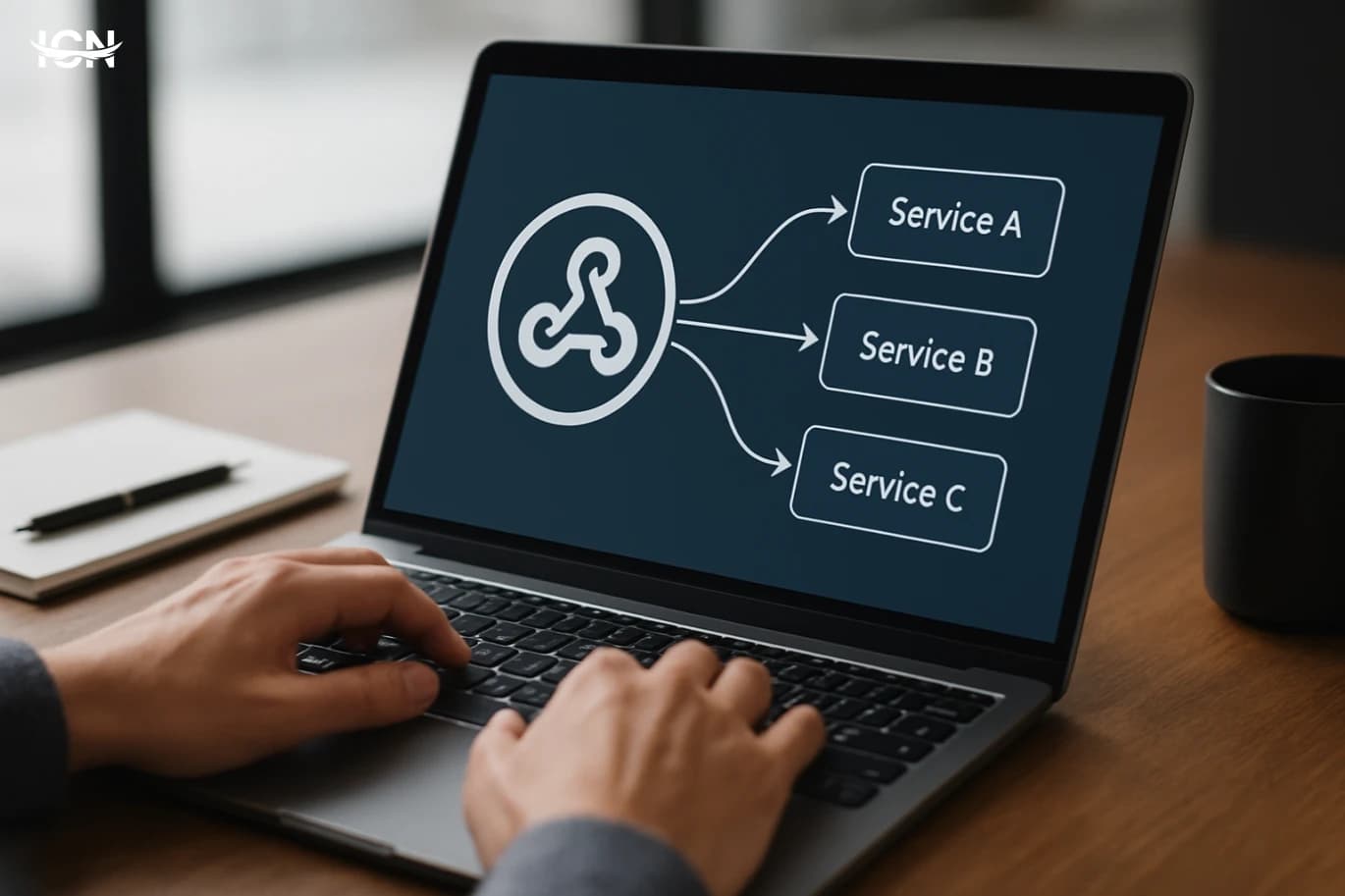
Webhooks look simple: an event happens, an HTTP request is sent, and a downstream system reacts. In production, that simplicity breaks down because delivery depends on networks, DNS, TLS, load balancers, and application code on both sides. Common failure modes include transient 5xx responses during deploys, timeouts caused by slow receivers, and retries that amplify load during incidents. Another frequent issue is ambiguity: a receiver returns 200 but fails internally, or a sender marks a delivery as failed even though the receiver processed it after a timeout. At scale, these edge cases become routine and can silently create data drift between systems. Reliability starts with treating webhook delivery as a distributed systems problem. You need clear delivery semantics, durable storage of events, and observability that can answer basic questions quickly: which events were generated, which were attempted, which were acknowledged, and which are stuck. Without that, teams end up debugging by searching logs across services and guessing whether a customer’s system is at fault or the sender’s infrastructure is. A reliable design makes failures expected, measurable, and recoverable rather than surprising.
Practical Guide to API Rate Limiting
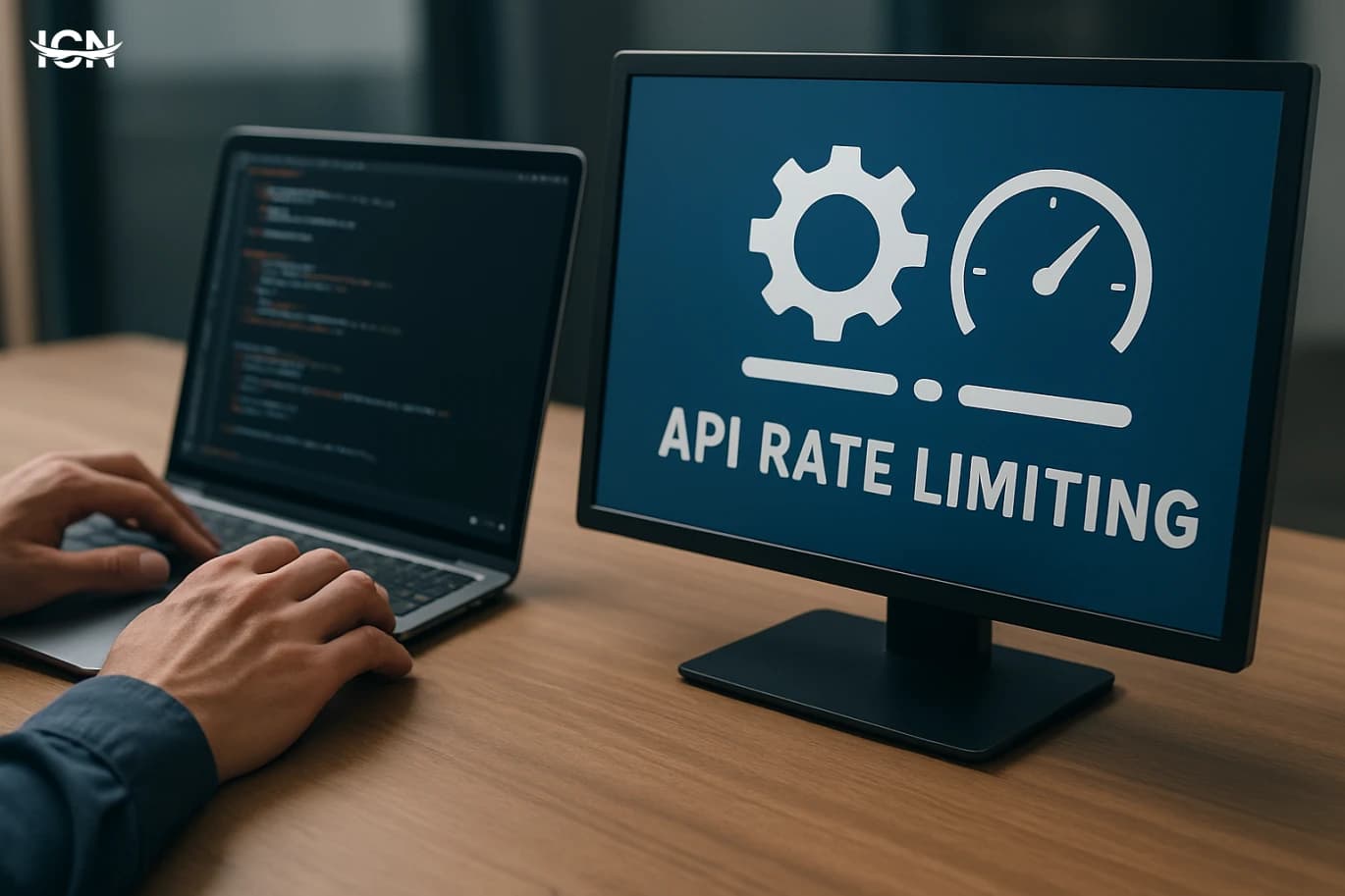
Rate limiting is a core reliability control for any public or internal API. Without it, a single misconfigured client, a sudden traffic spike, or an expensive endpoint can exhaust CPU, database connections, or third‑party quotas. The result is not only slower responses but cascading failures across dependent services. Rate limiting also supports fair usage: it prevents one tenant or integration from dominating shared capacity and helps you offer predictable performance to everyone. Beyond stability, rate limiting is an operational tool. It gives teams a lever to shape traffic during deployments, incidents, or migrations. It also reduces cost by limiting calls to endpoints that trigger heavy compute, large payloads, or paid upstream requests. When designed well, it becomes part of your product contract: clients know what to expect, and your platform can enforce those expectations consistently.
Practical Observability for Microservices Without Noise
Many microservice programs invest early in dashboards and alerting, yet still struggle to answer basic questions during incidents: What changed, where is the latency coming from, and which customers are affected? The failure is rarely a lack of tools. It is usually a lack of focus on a small set of signals, inconsistent instrumentation across services, and an alerting strategy that rewards volume over accuracy. Teams often collect hundreds of metrics per service, but cannot connect them to user experience or business impact. Another common issue is treating logs, metrics, and traces as separate projects owned by different people. When each signal is designed in isolation, correlation becomes difficult and expensive. Engineers then fall back to manual guessing and ad hoc queries, which slows response and increases risk. A practical observability approach starts by defining what “good” looks like for users, then building a minimal, consistent telemetry model that makes root cause analysis repeatable across services and environments.
Practical Guide to API Rate Limiting
API rate limiting is a control layer that caps how many requests a client can make in a time window. It protects services from traffic spikes, abusive automation, and accidental loops that can exhaust CPU, database connections, or third‑party quotas. It also improves fairness by preventing a small number of clients from dominating shared capacity. In production, rate limiting is often tied to business rules: free tiers might allow 60 requests per minute, while paid tiers get higher limits and better burst tolerance. Rate limiting is not the same as throttling, although they are related. Rate limiting decides whether a request is allowed; throttling shapes traffic by delaying or smoothing requests. Many systems combine both: reject when a hard limit is exceeded, but also apply soft limits that slow clients down before they hit the wall. Clear limits reduce operational incidents and make capacity planning more predictable because you can translate limits into worst‑case load on downstream services.
API Application Programming Interage: Defining - its uses - its uses
What is the API programming interface (API) is a set of rules and directions that allow applications to interact with each other. API is one of the basic elements in the development of modern software, as it enables developers to create applications that communicate with other services or systems in an effective and smooth way. The importance of the uses of the application programming interface. Application interfaces are a vital tool to enhance innovation and improve the user experience. By allowing multiple applications to interact, developers can integrate new features and provide rich services. API also contributes to speeding up the development process and reducing costs, which enhances the competitiveness of business in the market.
Merging artificial intelligence technologies to customize the shopping experience in applications
Definition of artificial intelligence techniques The techniques of artificial intelligence include a group of systems designed to simulate human intelligence, including machine learning and natural language processing. These technologies excel in analyzing data and concluding patterns from them, which makes them strong tools in various fields. The importance of customizing the shopping experience in applications to customize the shopping experience in applications enhances the user's relationship with the brand. Instead of providing uniform content, these technologies allow user preferences, which contributes to providing offers and products that are appropriate to their needs. Thus, users feel that they get a unique experience, which increases the chances of conversion and retaining customers.
By clicking the SUBSCRIBE button, you are agreeing to our Privacy & Cookie Policy If you want to unsubsribe the marketing email, please proceed to our privacy center.
© 2005-2026 ICN. All Rights Reserved.