
Download Our App
Shop your way




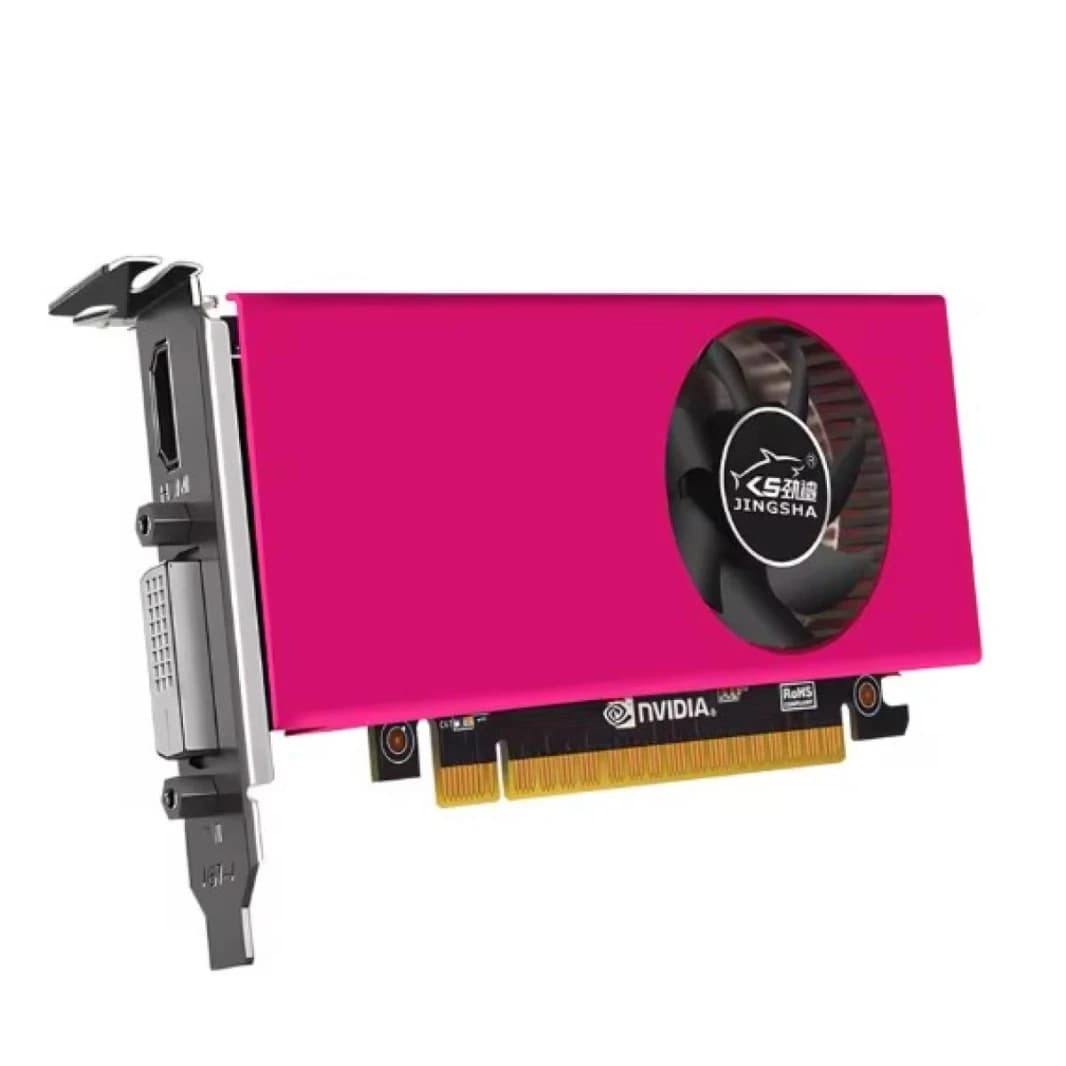
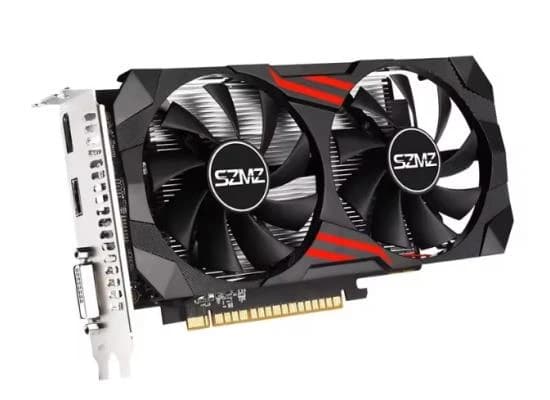
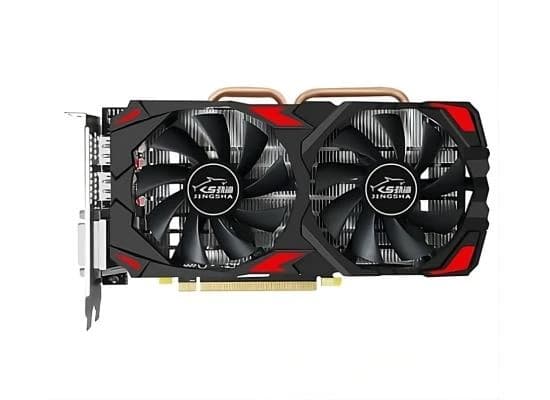
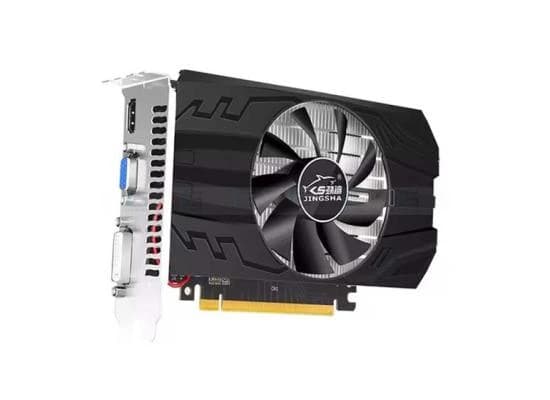
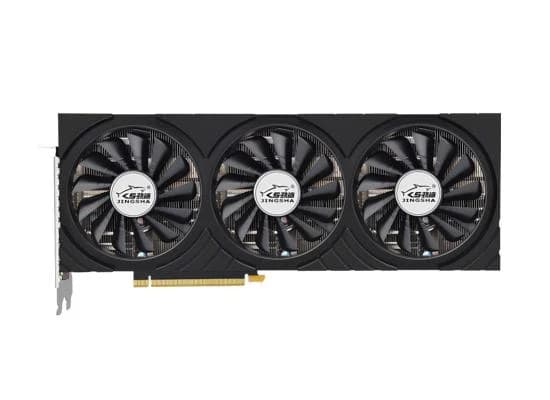
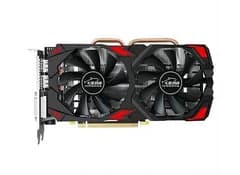


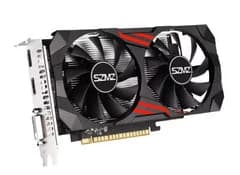
JINGSHA GTX750TI DDR5 4GB Graphics Card
00.65
JOD

Get it by 5 Aug | Order in 3 Hours 22 Minutes
- Return Policy
- Warranty Policy
- Shipping Policy
- Non contact delivery
- Personal Receipt
- Return Policy
- Warranty Policy
- Shipping Policy
- Non contact delivery
- Personal Receipt
Sold by
compume
- Prior to working on your computer, make sure the power of the computer and related equipment is turned off.
- Step 1: Find the PCI-E slot on mainboard.
- Step 2: Make sure the golden finger of the graphic card is fully mounted to the PCI-E slot.
- Step 3: Plug your monitor cable into the monitor connector on the graphic card. Make sure the other end of the monitor cable is properly connected to your monitor.
- Power on your computer and start Windows. Then, follow the Windows instruction for proper driver installation if the graphic card.
Recommanded products
By clicking the SUBSCRIBE button, you are agreeing to our Privacy & Cookie Policy If you want to unsubsribe the marketing email, please proceed to our privacy center.
Discover Your Path








© 2005-2026 ICN. All Rights Reserved.