How Scammers Weaponize Online Urgency
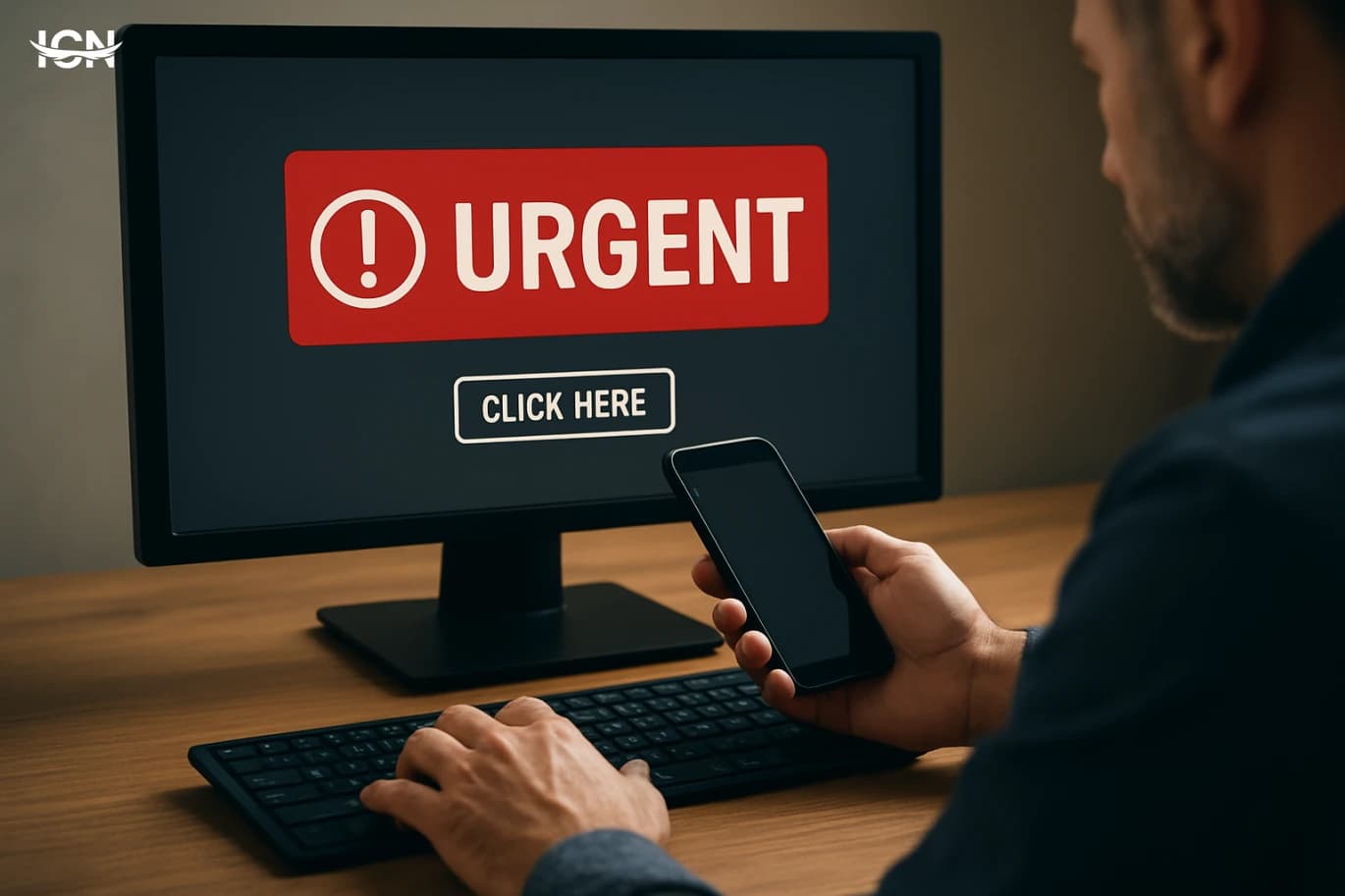
- The urgency trap in everyday clicks
- Common urgency scripts and where they appear
- How AI accelerates personalization and timing
- Signals that urgency is being engineered
- Practical defenses that slow the scam down
- Building a culture that resists rushed decisions
The urgency trap in everyday clicks
Online scams increasingly rely on speed rather than sophistication. The core tactic is to push people into acting before they verify: “limited time,” “account will be locked,” “final notice,” or “only a few items left.” This is not just marketing language; in fraudulent contexts it is designed to shorten the decision window so that normal checks—reading carefully, confirming the sender, or asking a colleague—never happen. Urgency works because digital channels compress time. Notifications arrive with sounds, badges, and banners that demand attention. Many users handle messages while multitasking, on mobile screens, or between meetings. Scammers exploit that environment by making the requested action simple and immediate: tap a link, approve a login, share a code, or update payment details. The faster the action, the less likely the target is to notice small inconsistencies. Artificial intelligence has amplified this approach. Attackers can generate many variants of the same urgent message, tailored to different industries, languages, and personal details. They can also test which wording produces the quickest clicks. The result is an “urgency at scale” model: high volume, fast cycles, and constant refinement based on what triggers rapid responses.
Common urgency scripts and where they appear
Urgency-based scams tend to follow repeatable scripts. One common pattern is the “security alert” message: a text or email claiming a login from a new device, a password reset request, or suspicious activity. The message pressures the recipient to “secure the account now,” often through a link leading to a fake login page. Another pattern is the “payment problem” notice: a delivery company, streaming service, or bank allegedly cannot process a small fee, and the user must update card details immediately. A third script targets workplaces: the “executive request” or “urgent invoice.” The attacker impersonates a manager and asks an employee to pay a vendor, buy gift cards, or share a document “before the deadline.” These messages often arrive near busy periods—end of day, end of month, or during travel—when verification is less likely. There are also “support impersonation” calls or chats. The scammer claims to be from a well-known platform and says the user must act quickly to prevent loss of access. The urgency is reinforced by step-by-step instructions and countdown language. In many cases, the attacker’s goal is not only credentials but also real-time cooperation: approving a push notification, reading out a one-time code, or installing remote access software. AI makes these scripts more convincing. Language models can produce polished, brand-like wording and adapt tone to the channel: short and casual for SMS, formal for email, and conversational for chat. Voice cloning and synthetic speech can add pressure in phone scenarios, especially when the target expects a call from customer service.
How AI accelerates personalization and timing
The most effective urgency scams feel “contextual,” as if they match what the target is doing right now. AI helps attackers create that illusion by combining publicly available information with rapid message generation. A scam email can reference a real employer name, a recent conference, a delivery service commonly used in a region, or a bank brand that matches the target’s country. Even when details are imperfect, the overall fit can be strong enough to trigger quick action. Timing is another advantage. Attackers can automate campaigns to hit during predictable moments: tax season, major shopping periods, salary days, or after widely reported service outages. They can also adapt messages to local time zones and working hours. When the message arrives at 8:30 a.m. with “urgent action required before 9:00,” it leverages the target’s morning rush. AI also supports A/B testing at scale. Scammers can send multiple versions of an urgent prompt and measure which one leads to faster clicks or more replies. Over time, they optimize for speed: shorter subject lines, fewer words, clearer calls to action, and more authoritative phrasing. This is similar to legitimate digital marketing optimization, but applied to deception. Finally, AI can assist in interactive manipulation. In chat-based scams, a model can respond instantly, keep the conversation moving, and handle objections. If a target hesitates, the scammer can deploy prewritten reassurance: “This is a standard verification,” “We will close your case if you delay,” or “Your account is at risk.” The goal is to keep the target in a narrow decision corridor where verifying independently feels like wasted time.
Signals that urgency is being engineered
Urgency itself is not proof of fraud, but engineered urgency has recognizable signals. One is a mismatch between the claimed risk and the requested action. For example, a message claims a serious security incident but asks for a simple link click or for sharing a one-time code. Legitimate providers rarely ask for verification codes through email or chat, and they typically direct users to open the official app or website manually. Another signal is channel inconsistency. A bank alert arriving from a random email domain, a delivery notice from a personal number, or a “support” message that avoids official in-app support channels should raise suspicion. Scammers often rely on the target not noticing small differences in sender addresses, shortened links, or unusual reply-to fields. Language patterns can also reveal manipulation: excessive countdowns, repeated “immediately,” threats of closure, or claims that “this is your last chance.” Many legitimate organizations use clear deadlines, but they also provide stable ways to verify, such as referencing a case number that can be checked through official portals. In workplace contexts, urgency scams frequently bypass normal processes. The message discourages confirmation—“I’m in a meeting,” “I can’t talk,” “Do not escalate”—and pushes for secrecy. That is a practical red flag because real internal requests usually tolerate a quick verification step, especially for payments or sensitive data. AI-generated messages may look polished, so errors are not guaranteed. Instead, look for operational inconsistencies: requests that contradict policy, pressure to act outside standard tools, or instructions that reduce traceability, such as moving the conversation to a different platform.
Practical defenses that slow the scam down
The most reliable defense against urgency scams is to introduce friction on purpose. A simple personal rule helps: never act on urgent requests from a message itself. Instead, switch channels and verify independently. If an email claims your account is locked, open the official app or type the website address manually. If a workplace request asks for payment, confirm through a known phone number or internal directory, not by replying to the message. Use technical safeguards that reduce the impact of a rushed mistake. Enable multi-factor authentication with app-based prompts or hardware keys where possible, and avoid sharing one-time codes with anyone. Turn on login alerts inside official apps, not through links. Keep devices updated, because many scams rely on outdated browsers or insecure settings. For organizations, process design matters. Require dual approval for payments, enforce vendor verification steps, and maintain clear escalation paths for suspicious requests. Train staff with realistic examples that focus on timing and pressure tactics, not just obvious spelling errors. Simulated phishing exercises can be useful when paired with clear guidance on what to do next. AI can also be used defensively. Email security tools increasingly apply machine learning to detect impersonation patterns, unusual sending behavior, and lookalike domains. On the user side, password managers help by refusing to autofill on fake sites, which is a practical stop sign when someone is rushing. Finally, create a “pause script” for yourself: stop, read the sender carefully, ask what the message wants, and decide how to verify through an official route. The goal is not to become suspicious of everything, but to make urgent digital demands earn your attention through verification.
Building a culture that resists rushed decisions
Because urgency scams target human workflow, long-term resilience comes from culture and clarity. In teams, define what “urgent” really means and which channels are acceptable for urgent requests. For example, financial approvals should never be requested solely by email, and any change to bank details should require a verified callback. When rules are explicit, employees can refuse suspicious requests without fear of slowing the business. Leaders play a role by modeling verification. If executives regularly ask staff to “handle this quickly” through informal messages, they unintentionally normalize the exact pattern scammers imitate. A better approach is to use official tools, include ticket numbers or purchase order references, and encourage confirmation for anything involving money, access, or sensitive documents. Measure and improve. Track near-misses, report patterns, and update controls when new scam formats appear. Many organizations learn only after losses; a healthier approach is to treat suspicious messages as operational data. Over time, this builds a feedback loop: staff report, security teams analyze, and processes adjust. At the individual level, resisting urgency is a skill. People who consistently avoid rushed clicks tend to rely on routines: checking URLs, using bookmarks for important services, and separating “notification time” from “action time.” In a digital environment designed for speed, the ability to slow down is a practical security advantage.