App Logo

Download Our App

Shop your way

logologo
Image

3D design

10/13/2025By: ICN
3D design

Introduction to 3D design

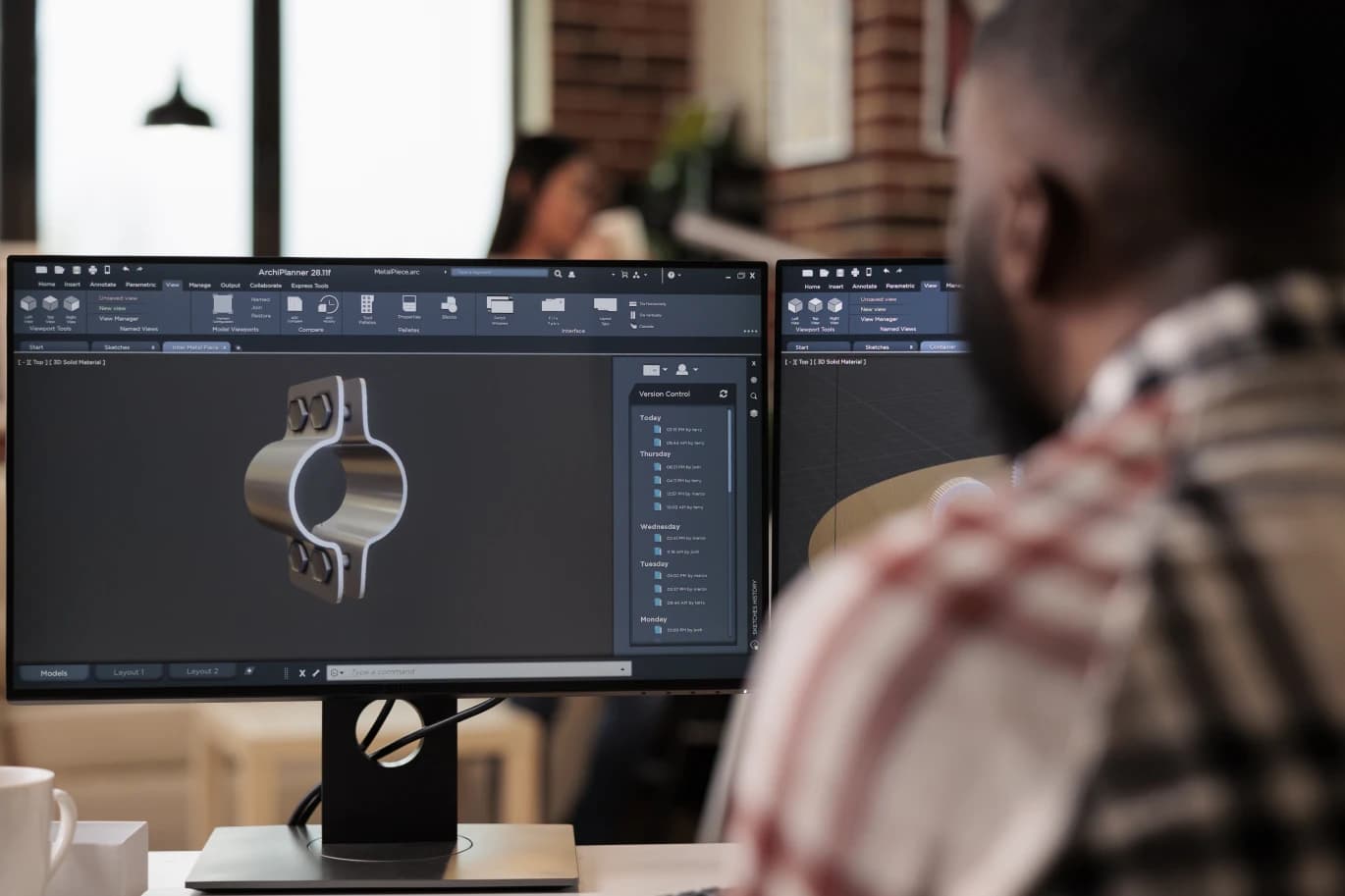
A. Definition of 3D design 3D design: It is the process of creating three-dimensional models or shapes using digital technology. This type of design involves developing models that can be viewed from all angles, giving the impression of depth and volume. for. The importance and applications of 3D design The importance of 3D design is evident in multiple fields such as games, cinema, architecture, and marketing. It can be used to create realistic models that help visualize ideas and facilitate production processes. Thanks to this technology, creativity can flourish and show new ideas in an attractive visual way, making it easier for customers to understand the products before actual implementation.

History and development of 3D design technology

A. Historical Overviews In the past decades, 3D design has witnessed remarkable development. This technology began in the sixties as a military tool, then moved to various fields such as engineering and animation. As software advances, designers can deal with new technologies and more sophisticated methods. for. Modern Technological Developments Today, 3D modeling techniques are widely used in fields such as gaming, interior design, and surgery. I used programs like Blender and 3ds Max to improve performance and facilitate the creative process. These developments have made 3D design accessible to everyone, leading to greater innovation and creativity in all sectors.

3D design tools and software

A. Popular and Used Programs Programs such as Autodesk Maya and Cinema 4D are popular choices among designers, as they provide a variety of tools that make it possible to create complex designs easily. Additionally, ZBrush is known for its superior sculpting capabilities, making it ideal for artists looking to add fine detail to their models. for. Comparison between different tools Programs differ in their features and user interfaces, as some programs offer advanced tools for animation, while others focus on modeling and design. So, designers choose the right tool based on their project needs and their experience in the field.

Basics and techniques of 3D design

A. Modeling and shaping Modeling and shaping are among the basics in 3D design, as designers use different techniques to form shapes and models. They can use tools such as digital sculpting or fine-tuning modeling to precisely achieve the desired shape. for. Lighting and materials Lighting and materials play a vital role in enhancing the final image of designs, as various techniques are used to achieve the desired effects, such as dynamic lighting or realistic materials. Choosing the right lighting helps highlight details and adds depth to the models, which reflects the designer’s professionalism.

Design and production processes of 3D models

A. From idea to final model The 3D design process begins with an idea, as the designer transforms ideas into tangible models through the use of software designated for this purpose. Research and planning are an important step in ensuring that the vision is accurately achieved. for. 3D printing After the design is completed, the models enter the 3D printing stage, where the digital models are converted into physical copies. This stage requires high precision in preparation and selection of appropriate materials, ensuring results identical to the original design. Printing is not only a means of production, but a tool for translating ideas into reality.
* All articles published on this blog are sourced from various websites and are provided for informational purposes only. They should not be considered as confirmed studies or accurate information. Please verify the information independently before relying on it.

Similar ARTICLES

Designing Storefronts That Convert Foot Traffic
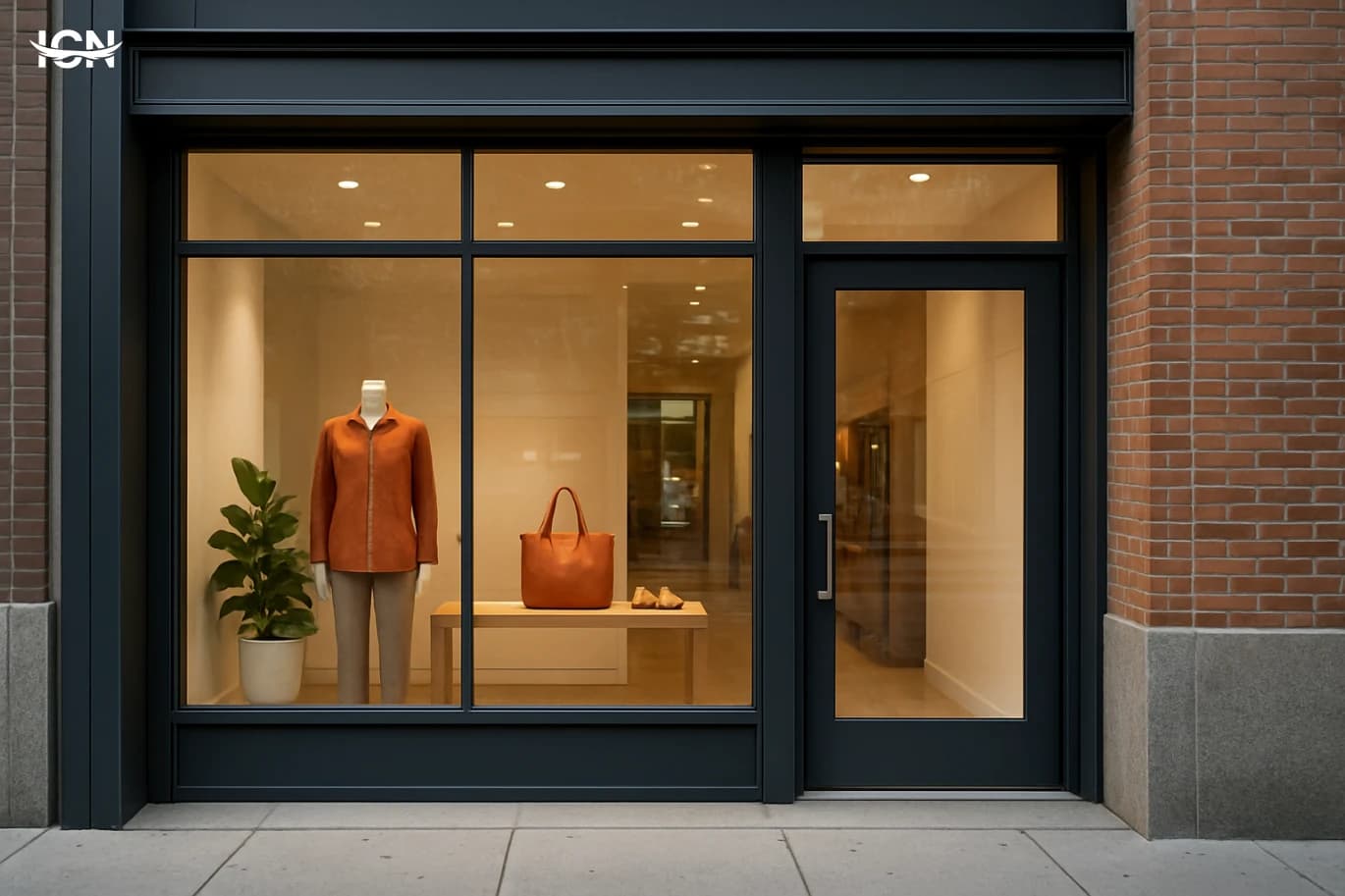
A storefront is not a single display window; it is a compact design system that combines architecture, signage, lighting, merchandising, and wayfinding into one decision point. In many retail streets, a passerby gives a store only a few seconds before deciding to enter or keep walking. That means the storefront must communicate category, price positioning, and trust cues instantly. Good design reduces uncertainty: people should understand what you sell, who it is for, and how to start shopping without hesitation. Treat the storefront like a funnel. The outer layer captures attention with contrast and legibility; the middle layer clarifies the offer with product cues and pricing signals; the inner layer guides movement through the threshold. When these layers are inconsistent—luxury typography with bargain-bin clutter, or premium materials with confusing messaging—conversion drops. A coherent system aligns the brand’s promise with what the street actually sees, and it does so with measurable choices: type size, luminance, viewing angles, and the number of messages competing for attention.
Designing Clear Wayfinding for Public Spaces
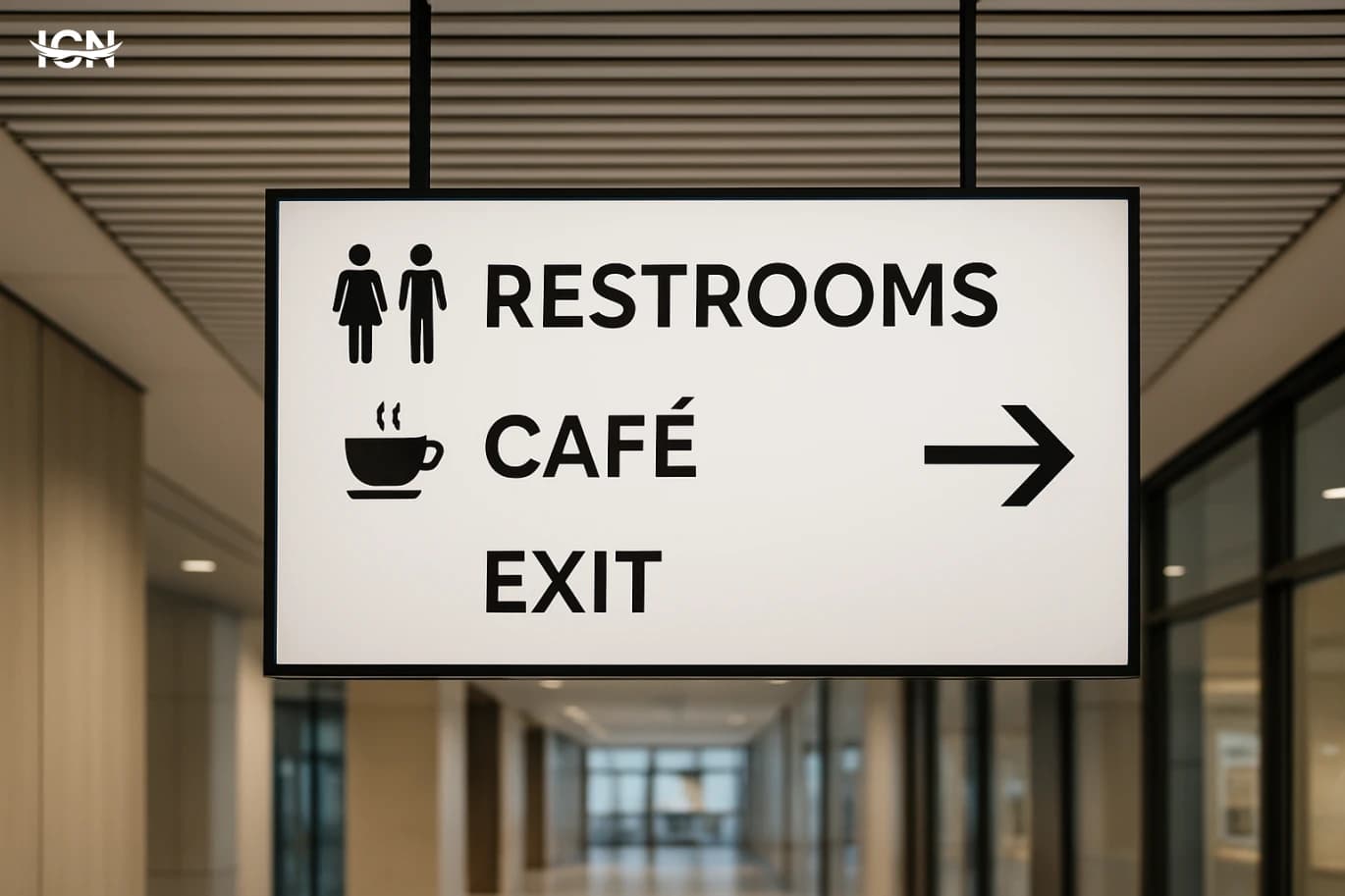
Wayfinding is often treated as a set of signs, but users experience it as a continuous journey: arriving, orienting, deciding, moving, and confirming. Failures usually happen when the environment forces people to make decisions before they have enough information. Common examples include hospital lobbies with multiple corridors and no clear “start here” point, transit stations where platform numbers are visible only after a turn, and large campuses where building names differ from what people see on maps. Another frequent issue is inconsistency: a destination is called “Customer Service” on one sign, “Help Desk” on another, and “Information” on a third. Design teams also underestimate stress and time pressure. In airports, clinics, and government service centers, users are often carrying bags, managing children, or worried about being late. Under these conditions, people scan for simple cues: arrows, color blocks, and familiar words. If the system relies on long sentences, small type, or too many options at once, users slow down and create bottlenecks. A practical way to diagnose failure is to watch where people stop, turn around, or ask staff for directions; those moments reveal missing decision points and unclear confirmation cues.
Designing Wayfinding That People Actually Follow
Wayfinding is often treated as a signage problem, but most failures start earlier: unclear destinations, inconsistent naming, and layouts that force last‑second decisions. In hospitals, campuses, airports, and large offices, people do not read every sign; they scan for confirmation while moving. If the environment does not provide predictable cues, users default to asking staff, following crowds, or backtracking, which increases congestion and stress. Common breakdowns are measurable. Signs placed after a decision point create “missed turns.” Too many messages on one panel slow scanning and reduce comprehension. Inconsistent terms—“Radiology” on one sign and “Imaging” on another—make users doubt they are on the right path. Poor contrast, glare, and small type reduce legibility at typical walking distances. Even perfect graphics cannot compensate for a route that requires repeated choices without clear landmarks. A practical way to frame the problem is to map the user’s journey into moments: arrival, orientation, route selection, confirmation, and destination. Each moment needs a specific design response. Arrival needs a clear entry cue and a simple overview. Orientation needs a “you are here” reference that matches what people see around them. Route selection needs a single, confident instruction. Confirmation needs frequent reassurance without visual clutter. Destination needs a clear endpoint marker that is visible before the user reaches the door.
Designing Retail Spaces That Convert
Retail design is not decoration; it is a system that guides attention, reduces friction, and increases confidence at the moment of purchase. A well-designed store makes it easy for shoppers to understand what you sell, where to go next, and how to compare options without feeling lost. This directly affects conversion rate, average basket size, and the likelihood of repeat visits. The most effective retail spaces are built around measurable behaviors: where people pause, which displays they touch, how long they wait, and what makes them abandon a purchase. Design decisions such as aisle width, product height, lighting temperature, and signage hierarchy can be tested and improved like any other business process. When design is treated as an operational asset, it supports staff efficiency, reduces returns, and strengthens brand recognition across locations.
Designing Retail Spaces That Convert
Retail design is often treated as decoration, but in high-performing stores it functions like a silent sales system. Layout, lighting, signage, and fixture choices shape how quickly shoppers understand the offer, how long they stay, and what they touch. A well-designed space reduces decision fatigue by making categories obvious and by guiding people through a clear sequence of discovery, comparison, and checkout. It also supports staff efficiency: when products are easy to find and replenishment routes are practical, service improves and queues shrink. The most useful way to evaluate a store is to connect design decisions to measurable outcomes. Track conversion rate, average transaction value, dwell time, and the percentage of visitors who reach key zones such as new arrivals or high-margin categories. When a redesign is planned, define what “better” means in numbers before choosing materials or furniture. This keeps the project focused on performance rather than trends, and it helps justify investments like improved lighting or a reworked checkout area.
Designing Clear Wayfinding for Public Spaces
Wayfinding design is the system of signs, maps, landmarks, and spatial cues that helps people move through a place with confidence. In airports, hospitals, university campuses, museums, and transit hubs, a visitor’s first impression is often shaped by whether they can find the right entrance, service desk, elevator, or platform without stress. When wayfinding is unclear, the cost shows up quickly: longer queues at information counters, missed appointments, late arrivals, and staff time spent giving directions. It also affects accessibility, because people with low vision, mobility limitations, or limited language proficiency rely heavily on consistent cues. Good wayfinding is not only about adding more signs. It is about designing a coherent experience from the moment someone approaches the building to the moment they reach a destination and return. That includes naming conventions, visual hierarchy, placement strategy, and the relationship between digital tools and physical space. A strong system reduces cognitive load, supports safety and comfort, and improves the perceived quality of the entire environment, even when the architecture is complex.
Designing Retail Packaging That Sells
Retail packaging is often the only “salesperson” present at the shelf. In a few seconds, it must communicate what the product is, who it is for, and why it is worth choosing over alternatives. Good packaging design does this through clear hierarchy, recognizable cues, and a consistent brand system. It also reduces decision friction: shoppers should not need to rotate the box repeatedly to find basic information like size, flavor, compatibility, or key benefits. A practical way to evaluate packaging as a sales tool is to separate what it must achieve into three outcomes: stop, understand, and trust. “Stop” is shelf impact—contrast, shape, and color that stand out in a crowded planogram. “Understand” is fast comprehension—legible typography, simple claims, and visual signals that match the category. “Trust” is credibility—materials, finishing, and information design that feel honest and premium enough for the price point. When these outcomes align, packaging supports conversion without relying on heavy promotions.
By clicking the SUBSCRIBE button, you are agreeing to our Privacy & Cookie Policy If you want to unsubsribe the marketing email, please proceed to our privacy center.
© 2005-2026 ICN. All Rights Reserved.